
First prompt
원룸 사진과 보증금 월세 관리비를 비교하고 저장하는 앱 만들어줘MeaningMake an app to compare and save studio photos with the deposit, monthly rent, and maintenance fee.
- App name
- 내 방 찾기 (Find My Room)
The app it made
- “Alley Studio” came to a total monthly cost of ₩700,000, with ₩580,000 rent plus a ₩120,000 maintenance fee, and “Sunny Studio” came to ₩720,000, with ₩650,000 plus ₩70,000.
- With “Spacious Studio,” which has a ₩20,000,000 deposit and a ₩900,000 monthly cost, the three rooms were sorted by monthly cost. The room photos and amounts are samples for filming.
- In the first version of the app, saving a photo preview caused an error, so it was fixed first with a change request made outside the video.
Change request
통학 시간도 추가해줘MeaningAdd commute time too.
After the change
- A “Commute time” field appeared for each room, and 25 min for Alley Studio, 8 min for Sunny Studio, and 15 min for Spacious Studio were entered.
- Sunny Studio costs ₩20,000 more a month than Alley Studio but is 17 minutes closer to school, so a note was added and it was saved as the top choice.
Try writing it like this for a similar app
- Make an app to compare studio options. When I enter photos, deposit, rent, and maintenance fee, sort them by total monthly cost.
- Let me write the commute time and a note for each room, and star the rooms I like.
- When I set limits for the deposit and monthly cost, show only the rooms within them.
These are sample prompts, not real cases. What you get depends on what you ask for.
How to make it
- Type the app you want in one sentence in the box on the home screen.
- Answer “Give your app a name.” with the name you want.
- From the features BYVE AI suggests, pick only the ones you want.
- Tap “Build for 1 token” to build the app, then tap “Open app” to use it right away.
- Write what you want to change in the chat, and the same app gets updated. A change also uses 1 token.
Good to know
- Each new app or change uses 1 token. You get 2 tokens when you first install, and you can get up to 3 more every 24 hours by watching ads. There are no in-app purchases.
- The apps you make and what you enter are saved on your phone, and apps you’ve already made open without internet. Features that fetch outside information, like weather and maps, need internet.
- It works on Android 8.0 or later and iOS 17.0 or later, and there’s no sign-up.


Android & iOS · Free · No sign-up
More examples
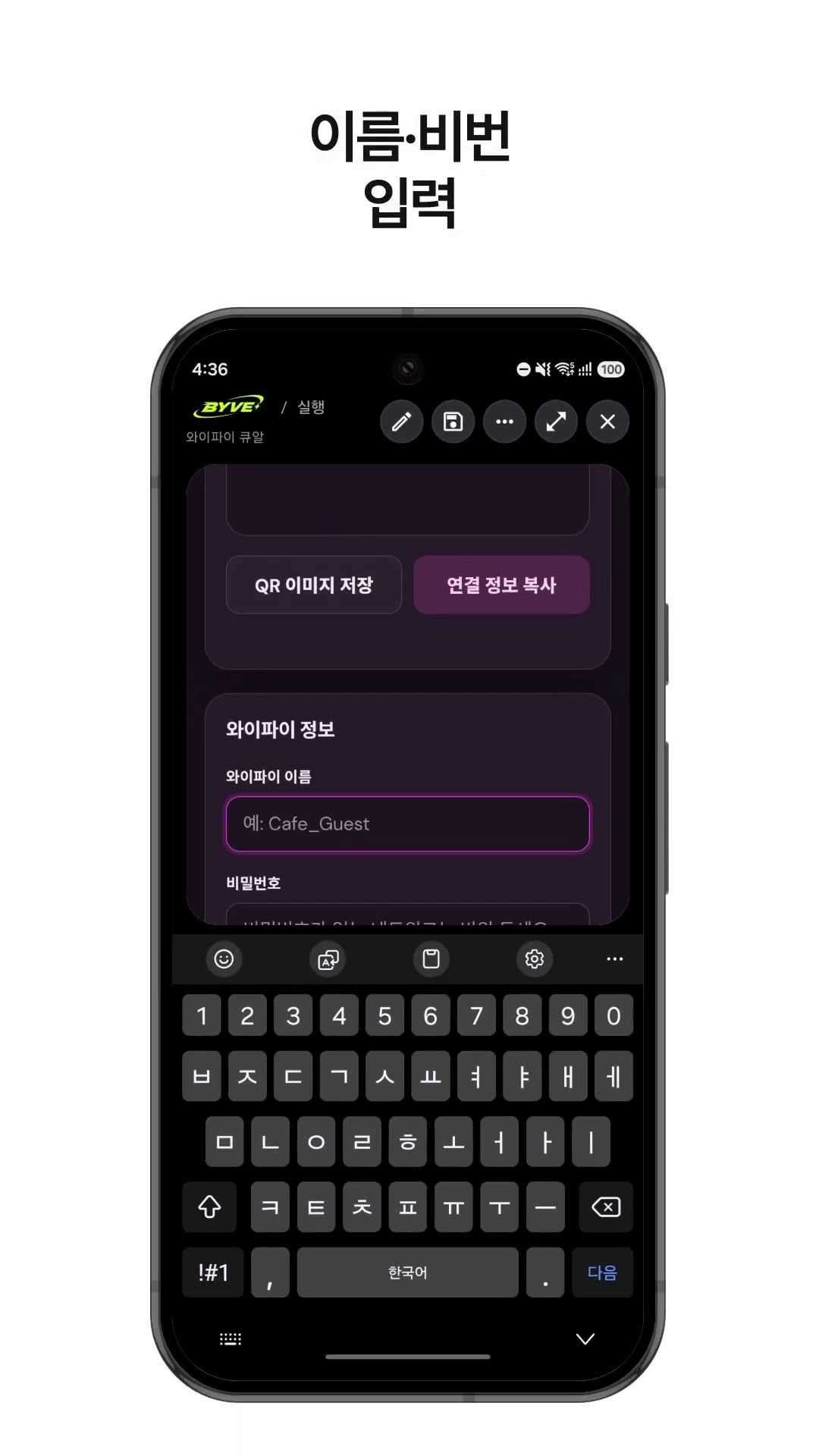
Make a Wi-Fi QR code app with one sentenceSouth Korea · QR code

Make a hiking weather and directions app with one sentenceSouth Korea · Weather & directions

Make your own budget app with one sentenceJapan · Budget

Make a price per ml comparison app with one sentenceHong Kong · Price comparison

Make a monthly milk delivery bill app with one sentenceIndia · Bill & reminder

Make a boiling point by altitude calculator app with one sentenceKyrgyzstan · Calculator
This example in other languages: 한국어