
First prompt
Make an app for my doodhwala's monthly hisaab. How much milk came each day and the total for the month.
- App name
- Doodh Hisaab
- Suggested features picked before building
- Rate Calc, Entry Edit
In the original recording, it took 1 min 3 sec to build.
The app it made
- The first screen showed “October 2026 · Total milk 0 L · Amount due ₹0.00 · Rate per litre 60,” and the rate was changed to 66.
- Entering 1.5 L for today showed “₹99.00.” Picking the 9th as the date and entering 1 L showed “₹66.00,” and then “Total milk 2.5 L · Amount due ₹165.00 · Daily entries 2 days” appeared.
Change request
Add a reminder on 1 November at 8 am to pay the balance.
After the change
- 2.5 L, ₹165, and the rate of 66 were still there, and a “Remind me · Nov 1, 8:00 AM” button appeared.
- After tapping the button and allowing it in the prompt “Schedule a notification? Doodh Hisaab · Pay the balance · 1 Nov 2026 8:00 am,” the message “Reminder set for Nov 1 at 8:00 AM.” appeared.
In the original recording, the change took about 46 sec.
When reopened
Save, close, and open it again, and 2.5 L, ₹165, the rate of 66, and the 2 days of entries are still there.
Try writing it like this for a similar app
- Make a milk delivery bill app. When I check off how many I got each day, show the monthly total and the amount due.
- From the day the rate changes, calculate with the new price.
- Set a billing reminder at 8 AM on the 1st of every month.
These are sample prompts, not real cases. What you get depends on what you ask for.
How to make it
- Type the app you want in one sentence in the box on the home screen.
- Answer “Give your app a name.” with the name you want.
- From the features BYVE AI suggests, pick only the ones you want.
- Tap “Build for 1 token” to build the app, then tap “Open app” to use it right away.
- Write what you want to change in the chat, and the same app gets updated. A change also uses 1 token.
Good to know
- Each new app or change uses 1 token. You get 2 tokens when you first install, and you can get up to 3 more every 24 hours by watching ads. There are no in-app purchases.
- The apps you make and what you enter are saved on your phone, and apps you’ve already made open without internet. Features that fetch outside information, like weather and maps, need internet.
- It works on Android 8.0 or later and iOS 17.0 or later, and there’s no sign-up.


Android & iOS · Free · No sign-up
More examples

Make a boiling point by altitude calculator app with one sentenceKyrgyzstan · Calculator

Make a coffee harvest growth calculator app with one sentenceLaos · Calculator

Make a catty and tael to grams converter app with one sentenceMacau · Unit converter
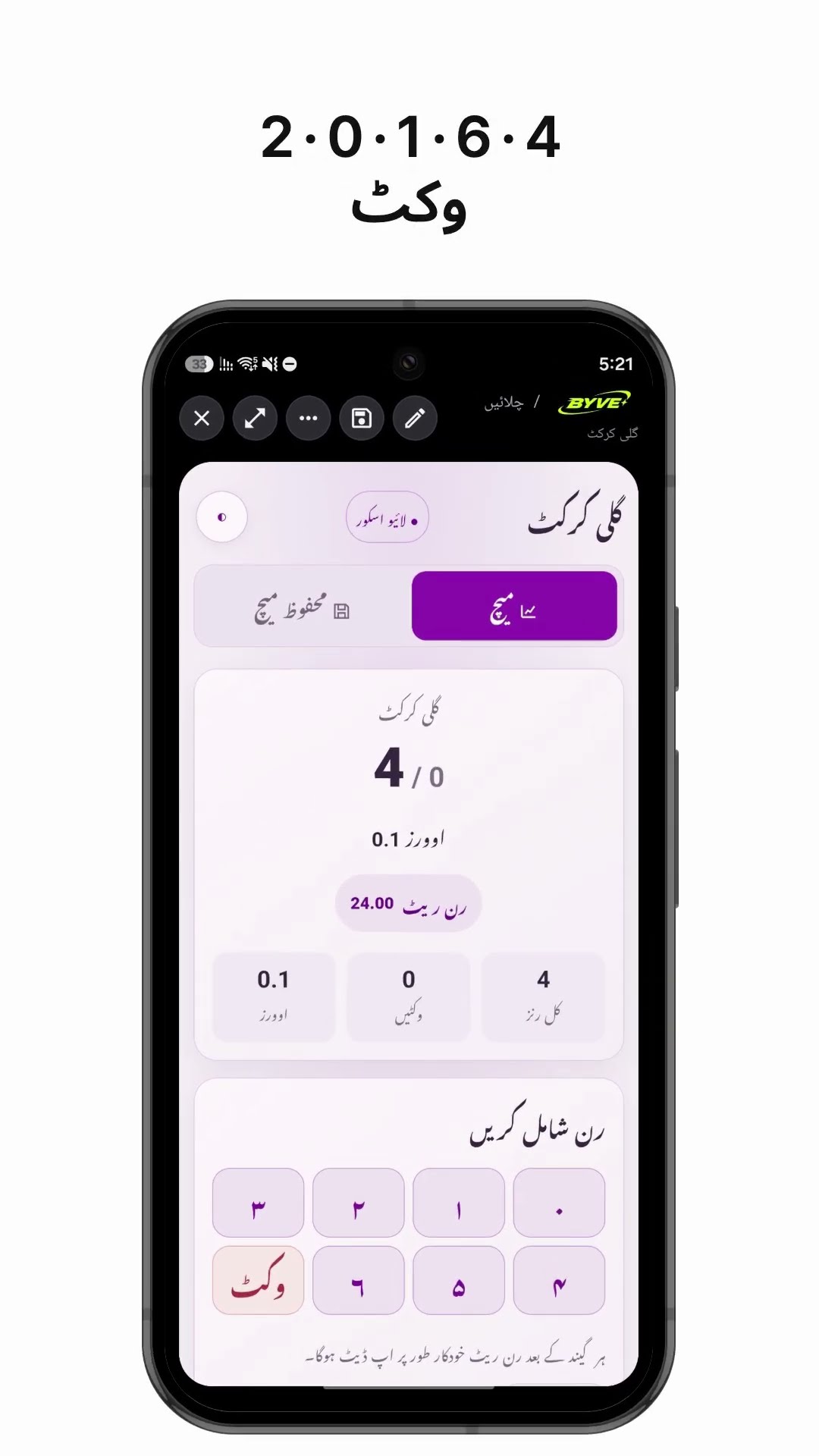
Make a gully cricket scoreboard app with one sentencePakistan · Scoreboard

Make a coffee harvest days calculator app with one sentenceTimor-Leste · Calculator

Make a coworker drink order list app with one sentenceHong Kong · Orders & payments
This example in other languages: 한국어