
First prompt
Бийиктикти метр менен жазсам, суу канча градуста кайнаарын айтып берген колдонмо жасаMeaningMake an app that tells me what temperature water boils at when I write the altitude in meters.
- App name
- Кайноо (Boiling)
- Suggested features picked before building
- Calculation history, Formula
In the original recording, it took about 1 min 17 sec to build.
The app it made
- Entering 3016 and tapping “Calculate temperature” showed “Water boils at about 90.0°C · At 3,016 m above sea level · Pressure about 700 hPa.”
- The calculation was saved as 1 entry in the history.
Change request
Бишкекке караганда канча градус аз экенин кошуп бер, Бишкек 800 метрMeaningAdd how many degrees lower it is than Bishkek. Bishkek is 800 meters.
After the change
- Entering 3016 again added a new line to the result: “7.4°C lower than Bishkek (800 m).” The history went up to 2 entries.
In the original recording, the change took about 29 sec.
When reopened
Save, close, and open it again, and the 2 history entries (90.0°C · 3,016 m) are still there.
Try writing it like this for a similar app
- Make a boiling point by altitude app. When I enter a mountain’s height in meters, show what temperature water boils at.
- Let me save the heights of mountains I often go to and pick one to calculate.
- Show the air pressure at that height along with the boiling point, and save the results to a history.
These are sample prompts, not real cases. What you get depends on what you ask for.
How to make it
- Type the app you want in one sentence in the box on the home screen.
- Answer “Give your app a name.” with the name you want.
- From the features BYVE AI suggests, pick only the ones you want.
- Tap “Build for 1 token” to build the app, then tap “Open app” to use it right away.
- Write what you want to change in the chat, and the same app gets updated. A change also uses 1 token.
Good to know
- Each new app or change uses 1 token. You get 2 tokens when you first install, and you can get up to 3 more every 24 hours by watching ads. There are no in-app purchases.
- The apps you make and what you enter are saved on your phone, and apps you’ve already made open without internet. Features that fetch outside information, like weather and maps, need internet.
- It works on Android 8.0 or later and iOS 17.0 or later, and there’s no sign-up.


Android & iOS · Free · No sign-up
More examples

Make a coffee harvest growth calculator app with one sentenceLaos · Calculator

Make a catty and tael to grams converter app with one sentenceMacau · Unit converter
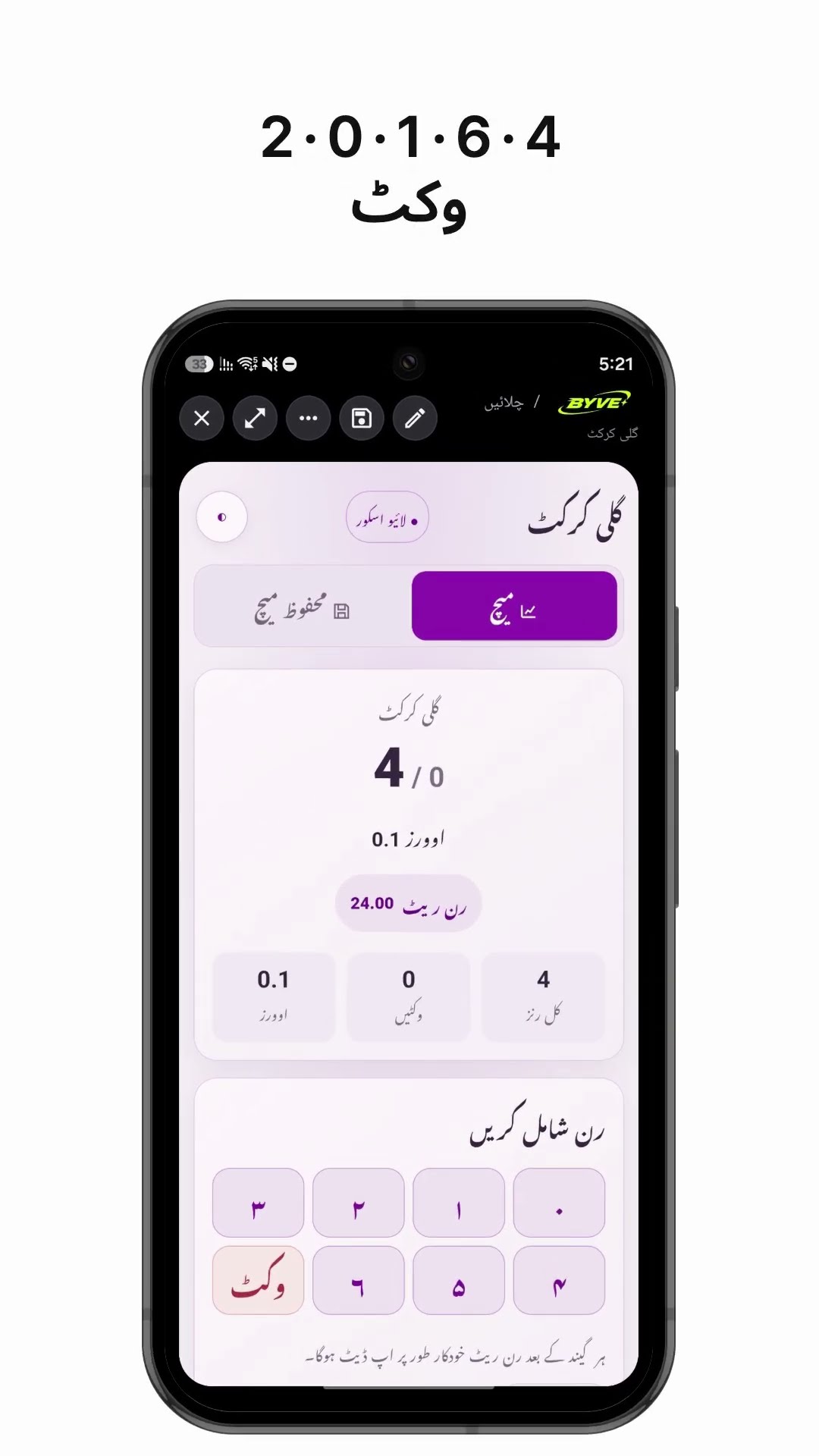
Make a gully cricket scoreboard app with one sentencePakistan · Scoreboard

Make a coffee harvest days calculator app with one sentenceTimor-Leste · Calculator

Make a coworker drink order list app with one sentenceHong Kong · Orders & payments

Make a seedling tray tracker app with one sentenceSingapore · Log & checklist