
First prompt
今月の予算と使ったお金を入れるだけで、あといくら使えるかわかる家計簿をつくって。MeaningMake a budget app where I just enter this month’s budget and what I’ve spent, and it tells me how much more I can spend.
- App name
- 家計簿 (Household Budget)
- Suggested features picked before building
- Expense categories, Totals by category
In the original recording, it took 1 min 5 sec to build.
The app it made
- The budget was set to ¥80,000, then supermarket ¥3,280 (food), commuter pass ¥1,200 (transportation), and detergent ¥860 (household goods) were entered.
- It showed ¥74,660 left, ¥5,340 spent, and 3 entries right away, along with bars for totals by category.
Change request
使ったお金をグラフで見せて。MeaningShow what I’ve spent as a chart.
After the change
- A “Spending by date” bar chart appeared.
- Adding ¥1,800 for eating out changed the money left to ¥72,860, and the bar in the chart went up.
In the original recording, the change took 41 sec.
When reopened
Save, close, and open it again, and ¥72,860, 4 entries, and the chart are still there.
Try writing it like this for a similar app
- Make a budget app. Split the month by payday and show how much I spent in each category.
- When I add an expense, let me pick cash or card and show separate totals.
- Add a button that saves my spending records as a CSV file.
These are sample prompts, not real cases. What you get depends on what you ask for.
How to make it
- Type the app you want in one sentence in the box on the home screen.
- Answer “Give your app a name.” with the name you want.
- From the features BYVE AI suggests, pick only the ones you want.
- Tap “Build for 1 token” to build the app, then tap “Open app” to use it right away.
- Write what you want to change in the chat, and the same app gets updated. A change also uses 1 token.
Good to know
- Each new app or change uses 1 token. You get 2 tokens when you first install, and you can get up to 3 more every 24 hours by watching ads. There are no in-app purchases.
- The apps you make and what you enter are saved on your phone, and apps you’ve already made open without internet. Features that fetch outside information, like weather and maps, need internet.
- It works on Android 8.0 or later and iOS 17.0 or later, and there’s no sign-up.


Android & iOS · Free · No sign-up
More examples

Make a price per ml comparison app with one sentenceHong Kong · Price comparison

Make a monthly milk delivery bill app with one sentenceIndia · Bill & reminder

Make a boiling point by altitude calculator app with one sentenceKyrgyzstan · Calculator

Make a coffee harvest growth calculator app with one sentenceLaos · Calculator

Make a catty and tael to grams converter app with one sentenceMacau · Unit converter
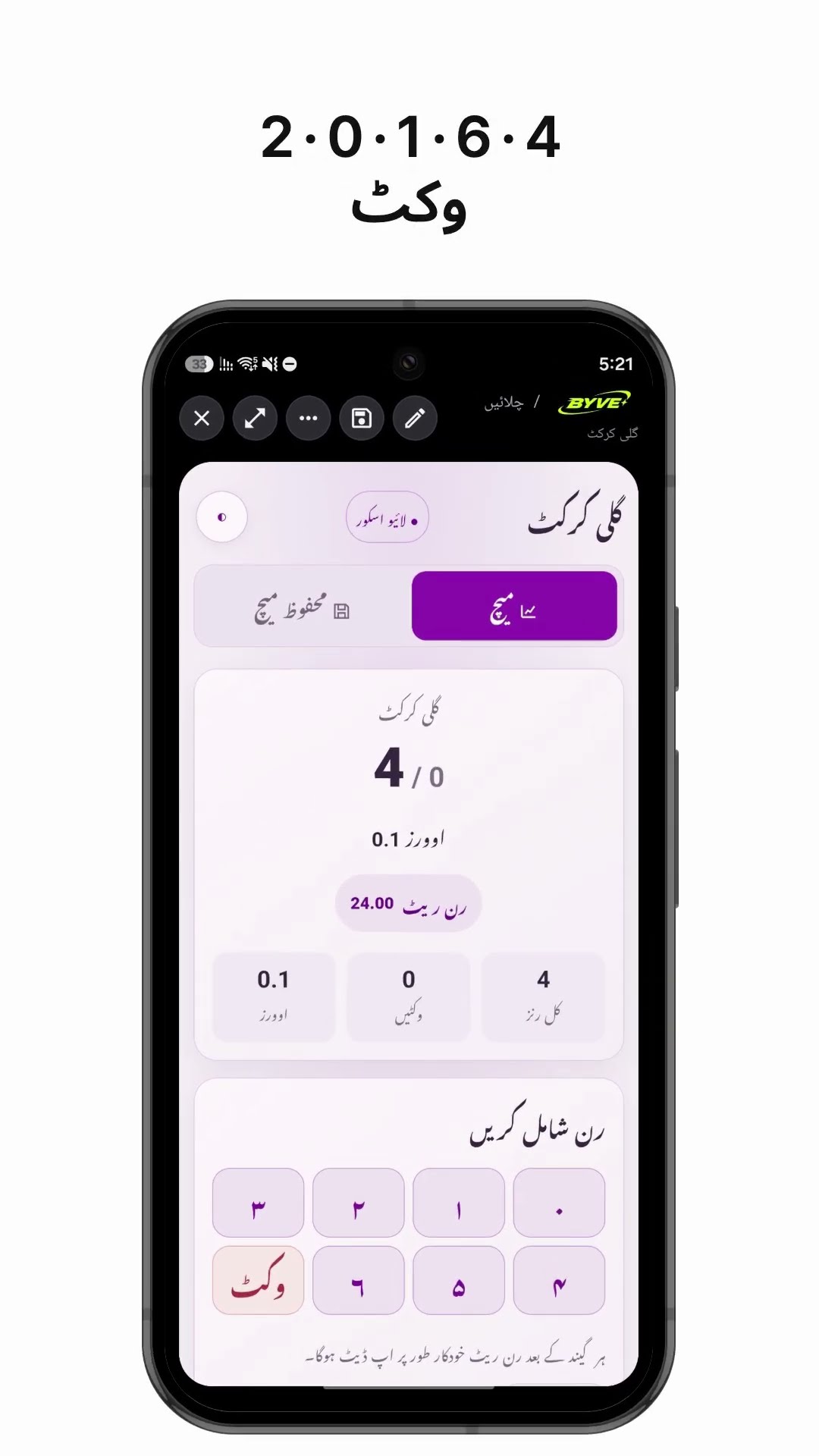
Make a gully cricket scoreboard app with one sentencePakistan · Scoreboard