
First prompt
幫我做一個程式,比較兩樣東西每100毫升多少錢,告訴我哪個比較划算。MeaningMake me an app that compares how much two things cost per 100 ml and tells me which one is the better deal.
- App name
- 邊樣抵 (Which Is the Better Deal)
- Suggested features picked before building
- Size conversion, Comparison history
In the original recording, it took about 1 min 11 sec to build.
The app it made
- The first product was left unnamed as “Product A” with 400 ml and 45.9, and the second was “Big bottle” with 750 ml and 79.9. Tapping “Compare prices” showed “Big bottle is the better deal · $0.82 cheaper per 100 ml · Product A $11.48 / Big bottle $10.65.”
- It was saved by tapping “Save comparison.” The products and prices are sample values for filming.
Change request
再加上一行,顯示划算的那樣便宜了多少。MeaningAdd one more line showing how much cheaper the better deal is.
After the change
- The changed app opened with empty fields and “Comparison history (1).”
- Loading the comparison from the history with “Edit” and comparing again added a new line: “By the size of the cheaper product, picking the big bottle saves about $6.16.”
In the original recording, the change took about 1 min 4 sec.
When reopened
Save, close, and open it again, and the comparison history is still there.
Try writing it like this for a similar app
- Make a grocery price comparison app. When I enter the price and size of two products, show the price per 100 ml and mark the cheaper one in large text.
- Let me pick g, ml, or count as the unit to compare.
- Save the comparison results with the product names as a history.
These are sample prompts, not real cases. What you get depends on what you ask for.
How to make it
- Type the app you want in one sentence in the box on the home screen.
- Answer “Give your app a name.” with the name you want.
- From the features BYVE AI suggests, pick only the ones you want.
- Tap “Build for 1 token” to build the app, then tap “Open app” to use it right away.
- Write what you want to change in the chat, and the same app gets updated. A change also uses 1 token.
Good to know
- Each new app or change uses 1 token. You get 2 tokens when you first install, and you can get up to 3 more every 24 hours by watching ads. There are no in-app purchases.
- The apps you make and what you enter are saved on your phone, and apps you’ve already made open without internet. Features that fetch outside information, like weather and maps, need internet.
- It works on Android 8.0 or later and iOS 17.0 or later, and there’s no sign-up.


Android & iOS · Free · No sign-up
More examples

Make a monthly milk delivery bill app with one sentenceIndia · Bill & reminder

Make a boiling point by altitude calculator app with one sentenceKyrgyzstan · Calculator

Make a coffee harvest growth calculator app with one sentenceLaos · Calculator

Make a catty and tael to grams converter app with one sentenceMacau · Unit converter
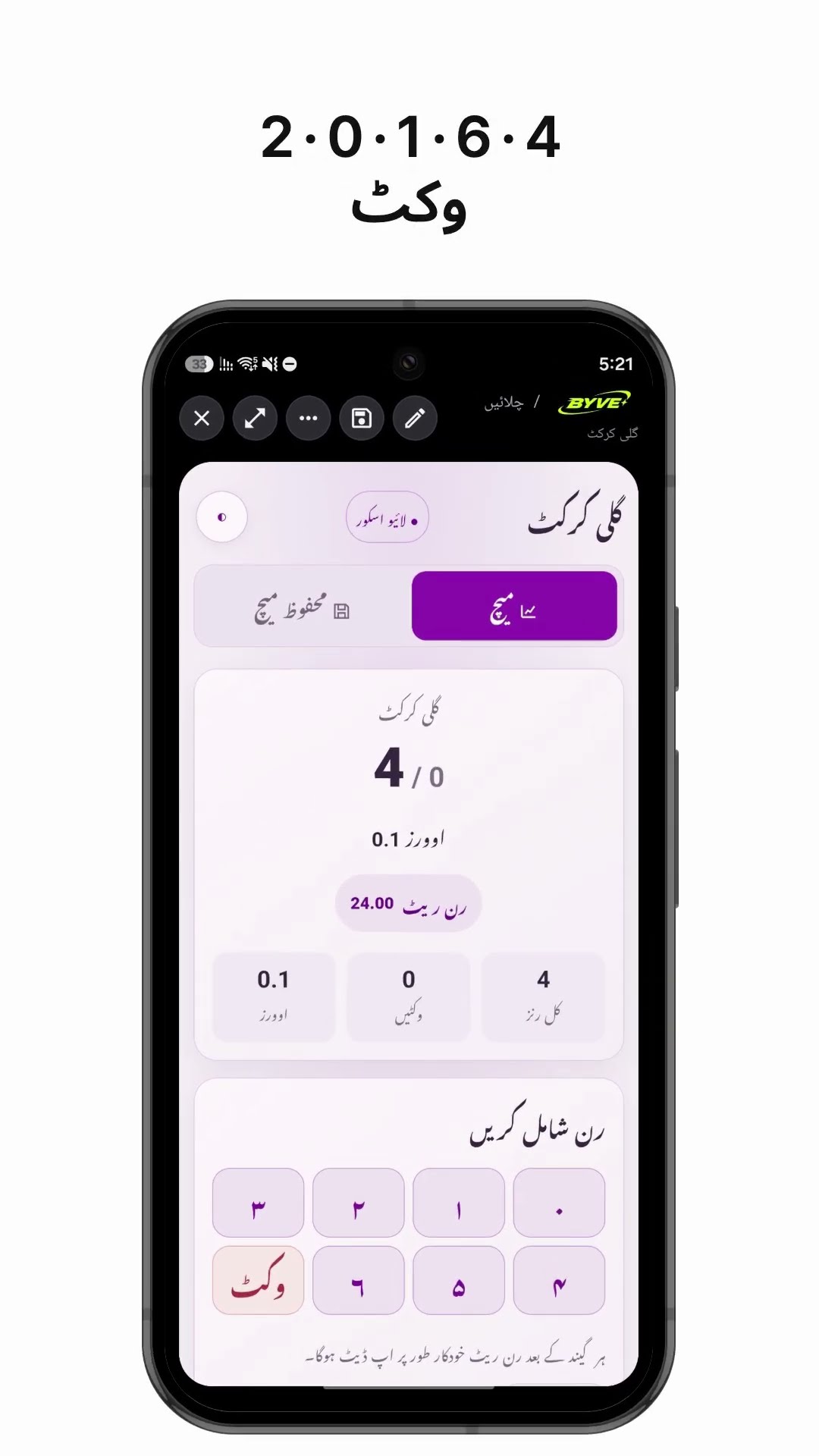
Make a gully cricket scoreboard app with one sentencePakistan · Scoreboard

Make a coffee harvest days calculator app with one sentenceTimor-Leste · Calculator