
First prompt
코디 사진과 이름만 모아보는 앱을 만들어줘MeaningMake an app that just collects outfit photos and their names.
- App name
- 내일 뭐 입지 (What Should I Wear Tomorrow)
The app it made
- Two outfit photos were picked from the gallery and added with the names “Comfy day” and “Meeting day.” The outfits in the photos are samples prepared for filming.
- The two outfits were compared by opening the photos large and flipping through them, and for tomorrow, which has a meeting, “Meeting day” was chosen.
Change request
코디마다 입을 날짜도 정할 수 있게 해줘MeaningLet me also set a date to wear each outfit.
After the change
- “Choose a date to wear” appeared where outfits are added, and cards without a date show “No date to wear.”
- Adding a date to “Meeting day” attached “Tomorrow, Thu, September 24,” and “2 outfits · Next to wear Thu, September 24” appeared above the list.
Try writing it like this for a similar app
- Make an app to collect outfit photos. Let me name each photo and flip through them large.
- Let me set a date to wear each outfit, and show tomorrow’s outfit at the top.
- Let me sort outfits by season, and count which outfits I wear most often.
These are sample prompts, not real cases. What you get depends on what you ask for.
How to make it
- Type the app you want in one sentence in the box on the home screen.
- Answer “Give your app a name.” with the name you want.
- From the features BYVE AI suggests, pick only the ones you want.
- Tap “Build for 1 token” to build the app, then tap “Open app” to use it right away.
- Write what you want to change in the chat, and the same app gets updated. A change also uses 1 token.
Good to know
- Each new app or change uses 1 token. You get 2 tokens when you first install, and you can get up to 3 more every 24 hours by watching ads. There are no in-app purchases.
- The apps you make and what you enter are saved on your phone, and apps you’ve already made open without internet. Features that fetch outside information, like weather and maps, need internet.
- It works on Android 8.0 or later and iOS 17.0 or later, and there’s no sign-up.


Android & iOS · Free · No sign-up
More examples

Make a studio apartment comparison app with one sentenceSouth Korea · Comparison
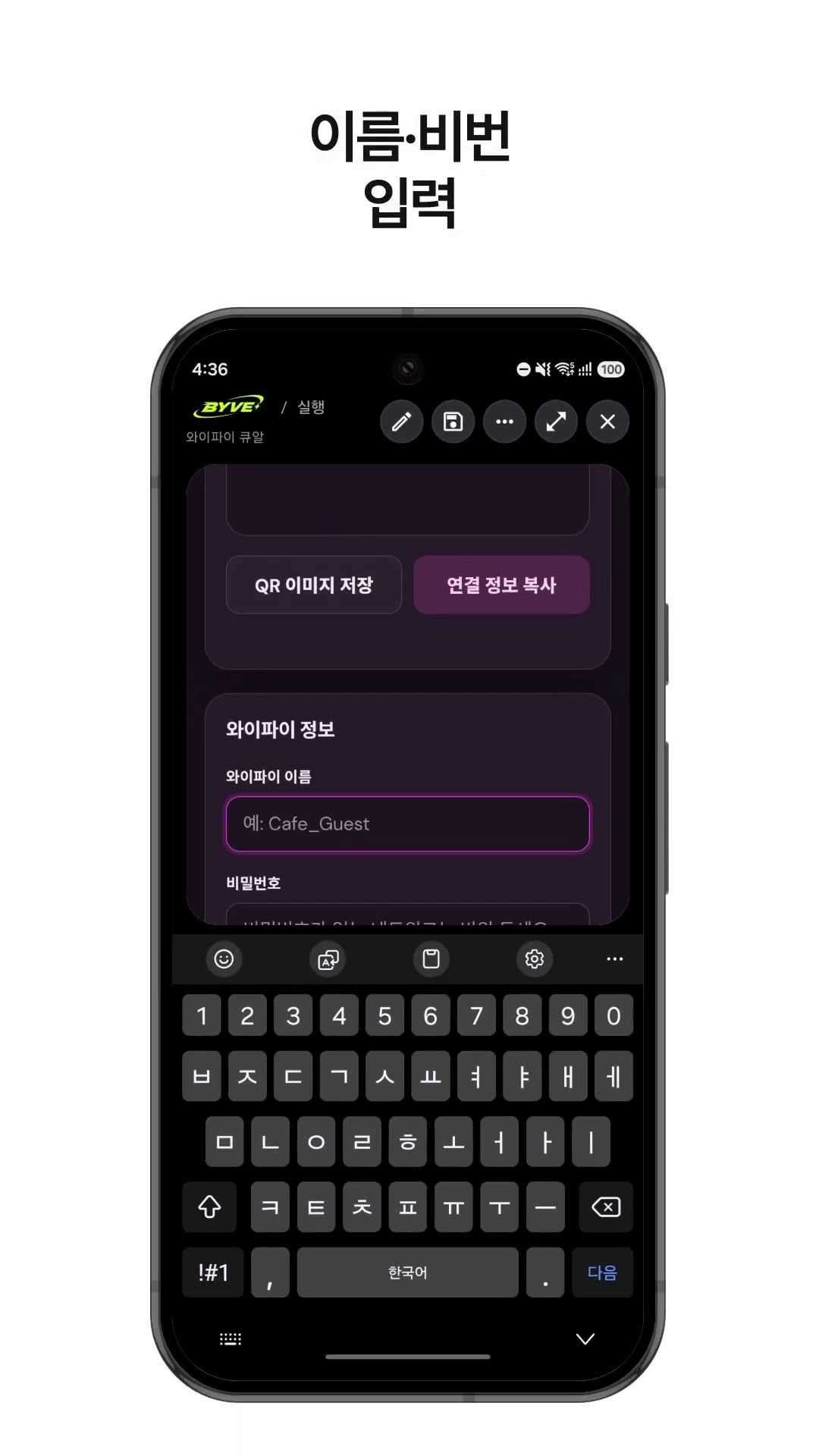
Make a Wi-Fi QR code app with one sentenceSouth Korea · QR code

Make a hiking weather and directions app with one sentenceSouth Korea · Weather & directions

Make your own budget app with one sentenceJapan · Budget

Make a price per ml comparison app with one sentenceHong Kong · Price comparison

Make a monthly milk delivery bill app with one sentenceIndia · Bill & reminder
This example in other languages: 한국어