
First prompt
Crea carte per ripassare a voce. Inserisco argomenti e parole chiave. Mescola le carte senza ripeterle. Mostra un argomento alla volta e gli indizi solo quando li apro.MeaningMake cards for reviewing out loud. I’ll enter topics and keywords. Shuffle the cards without repeating them. Show one topic at a time, and the hints only when I open them.
- App name
- Ripasso a voce (Review out loud)
The app it made
- With “Add topic,” three topics and their keywords were entered: Prospettiva (perspective), Chiaroscuro (light and shade), and Composizione (composition).
- Tapping “Start review” showed “Card 1 of 3 · Prospettiva,” and tapping “Show hints” revealed “punto di fuga” (vanishing point) and “profondità” (depth).
- The next card, “Card 2 of 3 · Composizione,” came up with its hints hidden again.
Change request
Aggiungi un segno per gli argomenti difficili e un pulsante per ripassare solo quelli. Conserva le mie carte e gli indizi.MeaningAdd a mark for the hard topics and a button to review only those. Keep my cards and hints.
After the change
- Each topic got a “Mark as hard” button, and “Review hard ones” and “Hard only” buttons appeared at the top. Prospettiva was marked “Hard.”
- The buttons in the changed app didn’t respond, so two more fixes were requested. After that, tapping “Review hard ones” showed only “Card 1 of 1 · Prospettiva,” and both of its hints still opened.
Try writing it like this for a similar app
- Make exam review cards. When I enter topics and keywords, shuffle the cards and show one at a time, with the keywords hidden until I tap.
- Gather only the cards I marked as hard so I can review them again.
- Make Spanish vocabulary flashcards. Show the word on the front, and its meaning on the back when I tap.
These are sample prompts, not real cases. What you get depends on what you ask for.
How to make it
- Type the app you want in one sentence in the box on the home screen.
- Answer “Give your app a name.” with the name you want.
- From the features BYVE AI suggests, pick only the ones you want.
- Tap “Build for 1 token” to build the app, then tap “Open app” to use it right away.
- Write what you want to change in the chat, and the same app gets updated. A change also uses 1 token.
Good to know
- Each new app or change uses 1 token. You get 2 tokens when you first install, and you can get up to 3 more every 24 hours by watching ads. There are no in-app purchases.
- The apps you make and what you enter are saved on your phone, and apps you’ve already made open without internet. Features that fetch outside information, like weather and maps, need internet.
- It works on Android 8.0 or later and iOS 17.0 or later, and there’s no sign-up.


Android & iOS · Free · No sign-up
More examples

Make an orienteering map practice app by chatNorway · Map & direction

Make a board game turn timer app with one sentenceBelgium · Timer

Make a practice piano keyboard app by chatAustria · Music

Make a 16-step drum machine app with one sentenceFrance · Music & rhythm

Make a yard sale tracker app with one sentenceFrance · Sales log
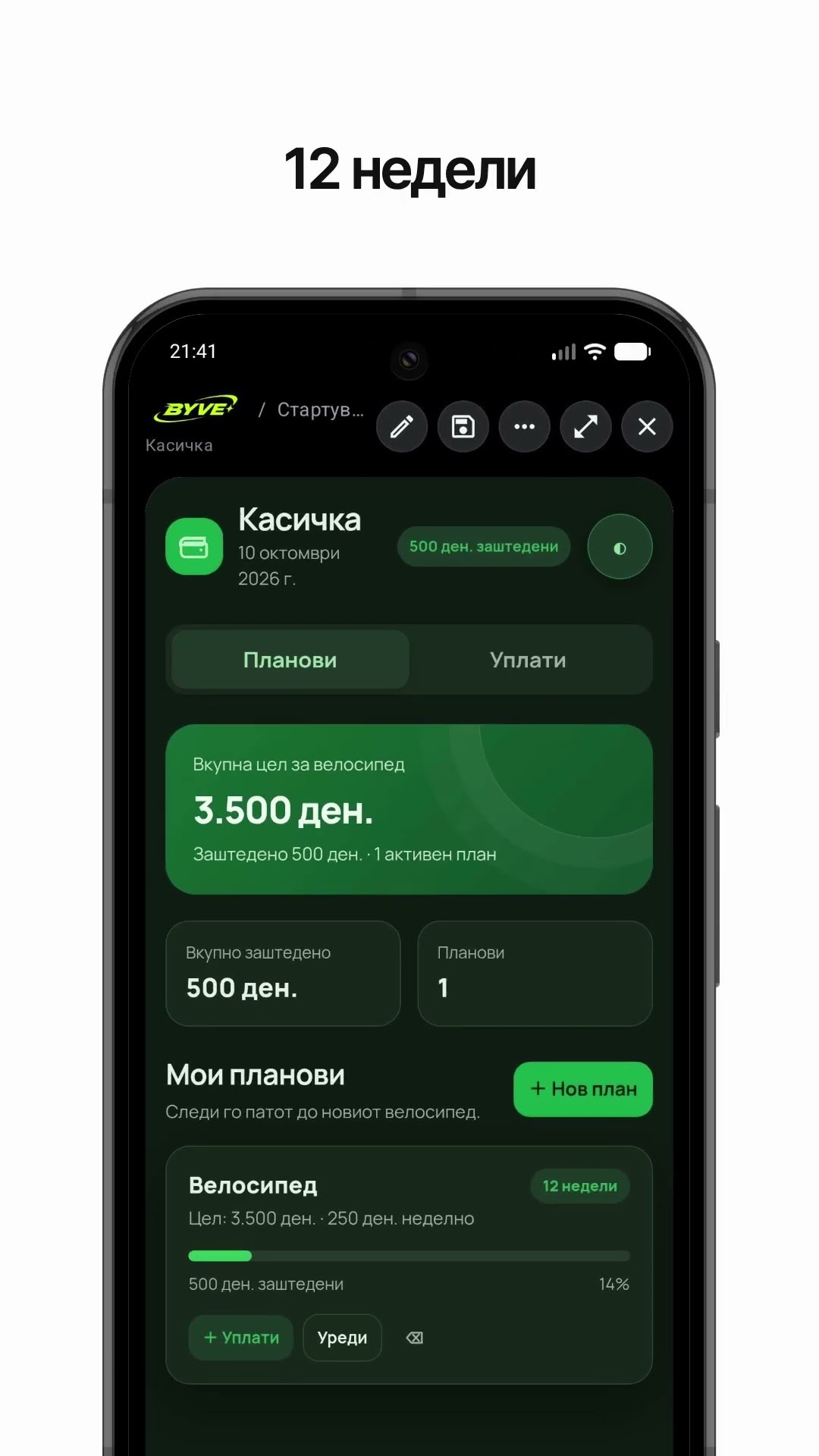
Make a bike savings calculator app with one sentenceNorth Macedonia · Savings & planning