
First prompt
Erstelle eine kleine App mit einer gut bedienbaren Klaviatur von C4 bis C5. Wenn ich eine Taste antippe, soll der passende Ton kurz erklingen. Hebe die gespielte Taste hervor und zeige den Notennamen. Verwende deutsche Notennamen. H bedeutet B natural und B bedeutet B flat.MeaningMake a small app with an easy-to-use keyboard from C4 to C5. When I tap a key, the matching note should sound briefly. Highlight the key I played and show the note name. Use German note names. H means B natural and B means B flat.
- App name
- Mein Einsatz (My cue)
The app it made
- An app appeared with white keys from C to C and the black keys Cis, Dis, Fis, Gis, and B. Below them, it says “One octave · German note names.”
- Tapping the C, E, and G keys in turn played their sounds and showed C4, E4, and G4 under “Played note.”
Change request
Füge eine Transponierfunktion hinzu. Mit Minus und Plus verschiebe ich alle Töne in Halbtonschritten von minus 5 bis plus 5. Zeige die Verschiebung und den tatsächlich erklingenden Ton. Die ursprünglichen Tasten bleiben gleich. Ein Knopf zum Zurücksetzen stellt wieder 0 ein.MeaningAdd a transpose feature. With minus and plus, I shift all notes in semitone steps from minus 5 to plus 5. Show the shift and the note that actually sounds. The original keys stay the same. A reset button sets it back to 0.
After the change
- “-”, “+”, and “0” buttons and a semitone display appeared under “Played note.”
- After tapping “-” twice to set “-2 semitones,” tapping the C key showed “B3.” With German note names, B means B flat. The pitch measured from the recording also went down from 261.66 Hz to 233.09 Hz.
- Tapping “0” brought it back to C4.
Try writing it like this for a similar app
- Make a piano keyboard app. When I tap the keys from middle C up to the next C, play the sound and show the note name.
- Show the note names as do, re, mi.
- Add buttons to go up and down by a semitone, and a button to reset to 0.
These are sample prompts, not real cases. What you get depends on what you ask for.
How to make it
- Type the app you want in one sentence in the box on the home screen.
- Answer “Give your app a name.” with the name you want.
- From the features BYVE AI suggests, pick only the ones you want.
- Tap “Build for 1 token” to build the app, then tap “Open app” to use it right away.
- Write what you want to change in the chat, and the same app gets updated. A change also uses 1 token.
Good to know
- Each new app or change uses 1 token. You get 2 tokens when you first install, and you can get up to 3 more every 24 hours by watching ads. There are no in-app purchases.
- The apps you make and what you enter are saved on your phone, and apps you’ve already made open without internet. Features that fetch outside information, like weather and maps, need internet.
- It works on Android 8.0 or later and iOS 17.0 or later, and there’s no sign-up.


Android & iOS · Free · No sign-up
More examples

Make a 16-step drum machine app with one sentenceFrance · Music & rhythm

Make a yard sale tracker app with one sentenceFrance · Sales log
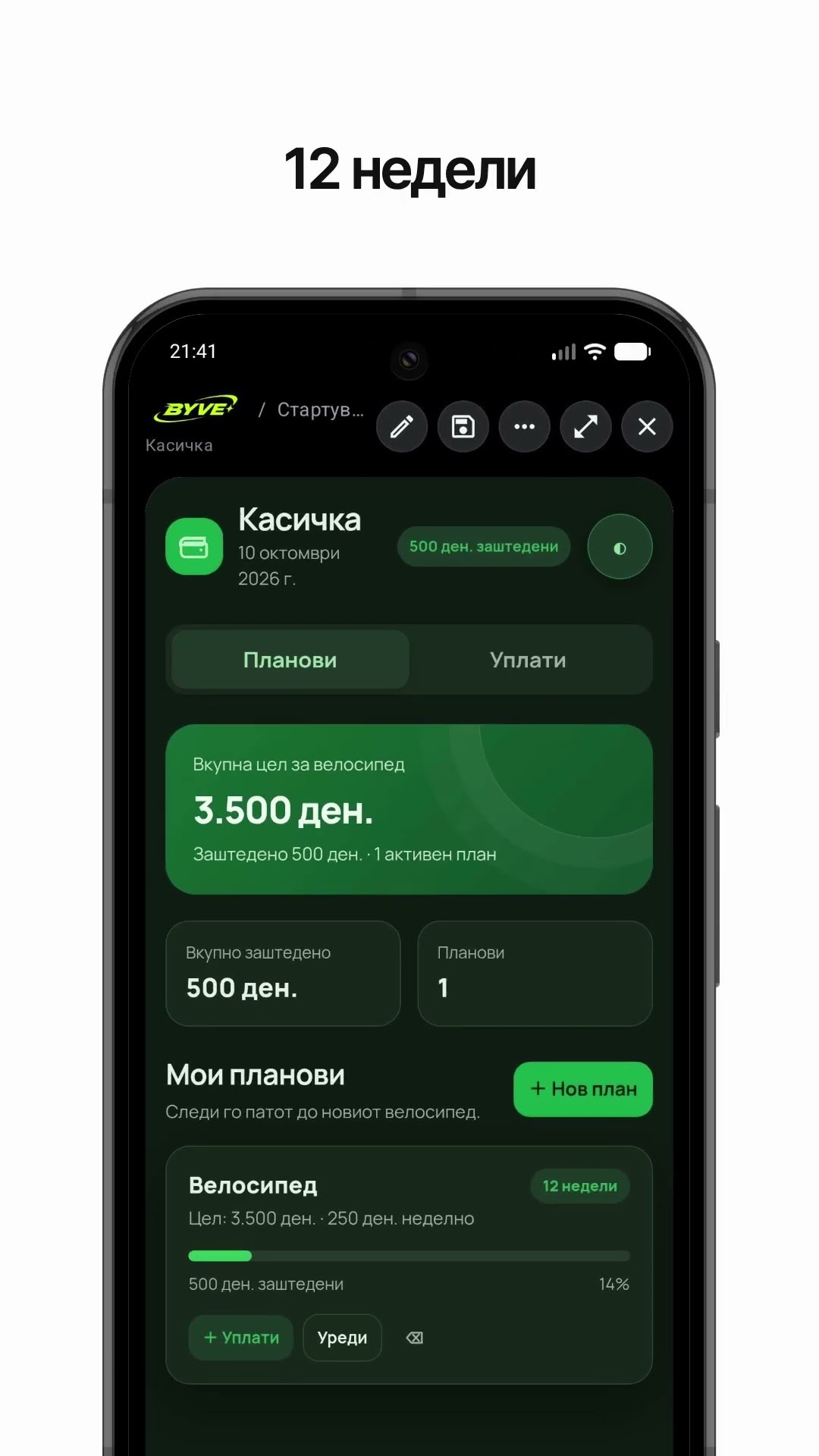
Make a bike savings calculator app with one sentenceNorth Macedonia · Savings & planning

Make a note frequency calculator app with one sentenceMonaco · Music calculator

Make a rye seeding rate calculator app with one sentenceBelarus · Farming calculator

Make a jam sugar calculator app with one sentenceRussia · Cooking calculator