
First prompt
Une boîte à rythmes de 16 pas avec grosse caisse, clap et charley en boucleMeaningA 16-step drum machine with kick drum, clap, and hi-hat on a loop
- App name
- Petite Boucle (Little Loop)
The app it made
- The “Drum machine · 16 steps” screen had the tempo set to 110 BPM.
- Tapping steps 1 and 9 for the kick, 5 and 13 for the clap, and the 8 odd-numbered steps for the hi-hat turned on 12 steps in all, and pressing play looped the rhythm.
Change request
Ajoute un bouton muet sur chaque piste sans effacer son rythmeMeaningAdd a mute button on each track without erasing its rhythm
After the change
- A “Mute” button appeared on each row: “Grosse caisse” (kick), “Clap,” and “Charley” (hi-hat). The 12 steps set earlier were still there.
- During playback, the hi-hat was muted and turned back on. Muting all three rows stopped the sound, and turning them back on brought it back.
Try writing it like this for a similar app
- Make a drum machine app. Let me set kick, snare, and hi-hat on 16 steps and play them in a loop.
- Add a mute button and a volume control for each row.
- Let me change the tempo in BPM, and name and save the rhythms I make.
These are sample prompts, not real cases. What you get depends on what you ask for.
How to make it
- Type the app you want in one sentence in the box on the home screen.
- Answer “Give your app a name.” with the name you want.
- From the features BYVE AI suggests, pick only the ones you want.
- Tap “Build for 1 token” to build the app, then tap “Open app” to use it right away.
- Write what you want to change in the chat, and the same app gets updated. A change also uses 1 token.
Good to know
- Each new app or change uses 1 token. You get 2 tokens when you first install, and you can get up to 3 more every 24 hours by watching ads. There are no in-app purchases.
- The apps you make and what you enter are saved on your phone, and apps you’ve already made open without internet. Features that fetch outside information, like weather and maps, need internet.
- It works on Android 8.0 or later and iOS 17.0 or later, and there’s no sign-up.


Android & iOS · Free · No sign-up
More examples

Make a yard sale tracker app with one sentenceFrance · Sales log
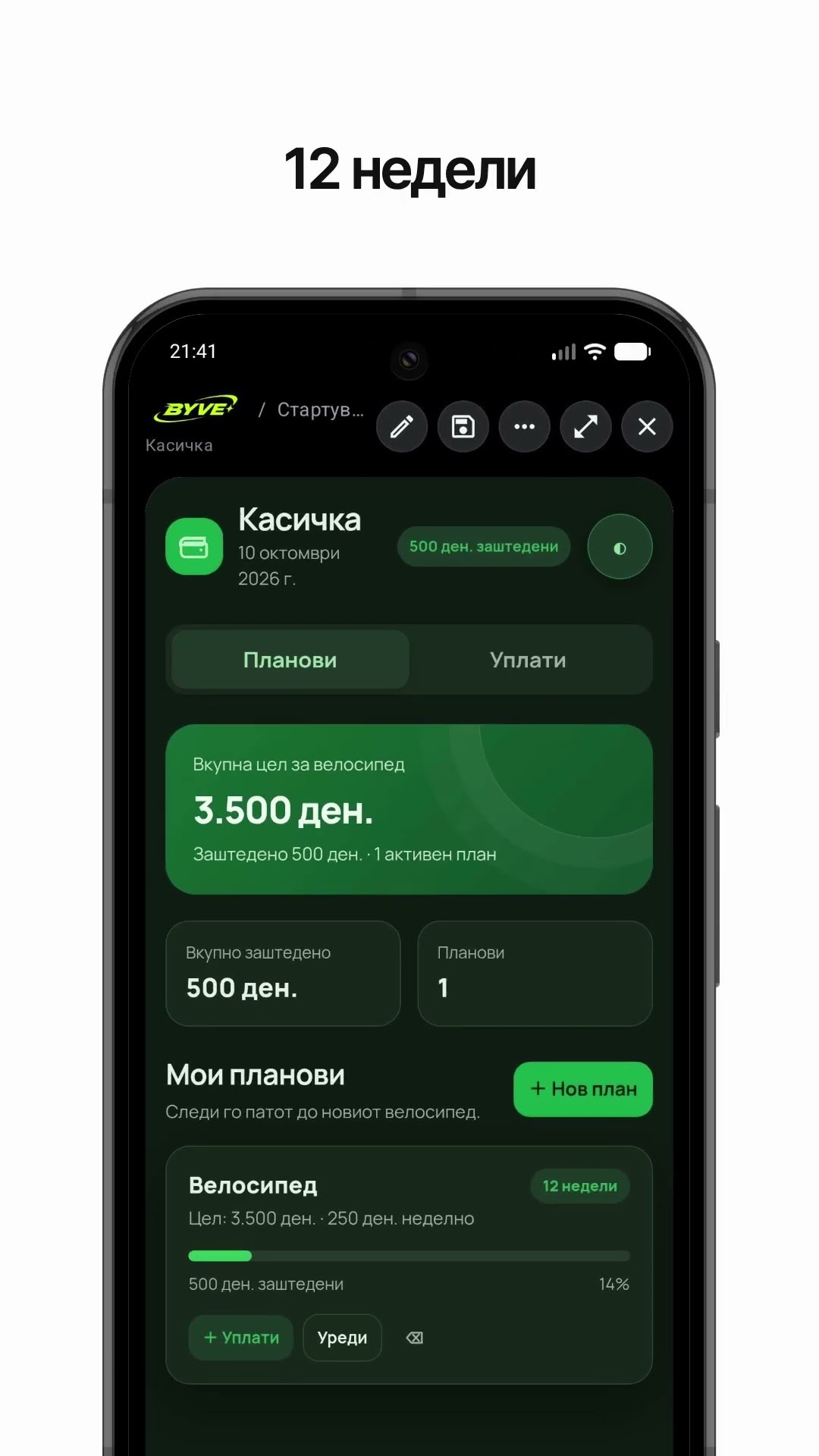
Make a bike savings calculator app with one sentenceNorth Macedonia · Savings & planning

Make a note frequency calculator app with one sentenceMonaco · Music calculator

Make a rye seeding rate calculator app with one sentenceBelarus · Farming calculator

Make a jam sugar calculator app with one sentenceRussia · Cooking calculator

Make a curtain fabric calculator app with one sentenceMalta · Calculator