
First prompt
Maak een beurtenklok voor vier spelers. Geef ieder vijf minuten. Alleen de actieve klok loopt. Volgende bewaart de tijd en start de volgende speler. Voeg pauze toe.MeaningMake a turn clock for four players. Give each one five minutes. Only the active clock runs. “Next” saves the time and starts the next player. Add pause.
- App name
- Aan de beurt (Your turn)
The app it made
- A “4 players · 5 minutes” clock appeared. After tapping Start, only “Player 1” went down to 4:52, and the rest stayed at 5:00.
- Tapping “Next” stopped player 1 at 4:39 and started player 2’s clock. During “Pause,” the time was checked twice and was the same both times.
Change request
Voeg vijf seconden toe aan de speler die zijn beurt afrondt. Alleen bij Volgende. Bewaar alle tijden en de speelvolgorde.MeaningAdd five seconds to the player who finishes their turn. Only on “Next.” Keep all the times and the playing order.
After the change
- After the change, player 1 at 4:39 and player 2 at 4:47 were still there.
- Tapping “Next” on player 3’s turn changed player 3 from 5:00 to 5:05, and player 4’s clock started running.
Try writing it like this for a similar app
- Make a board game clock. Give 3 players 10 minutes each, and start the next player’s clock when I tap “Next.”
- Add 10 seconds every time a player finishes a turn.
- Change the screen color when someone has 1 minute left.
These are sample prompts, not real cases. What you get depends on what you ask for.
How to make it
- Type the app you want in one sentence in the box on the home screen.
- Answer “Give your app a name.” with the name you want.
- From the features BYVE AI suggests, pick only the ones you want.
- Tap “Build for 1 token” to build the app, then tap “Open app” to use it right away.
- Write what you want to change in the chat, and the same app gets updated. A change also uses 1 token.
Good to know
- Each new app or change uses 1 token. You get 2 tokens when you first install, and you can get up to 3 more every 24 hours by watching ads. There are no in-app purchases.
- The apps you make and what you enter are saved on your phone, and apps you’ve already made open without internet. Features that fetch outside information, like weather and maps, need internet.
- It works on Android 8.0 or later and iOS 17.0 or later, and there’s no sign-up.


Android & iOS · Free · No sign-up
More examples

Make a practice piano keyboard app by chatAustria · Music

Make a 16-step drum machine app with one sentenceFrance · Music & rhythm

Make a yard sale tracker app with one sentenceFrance · Sales log
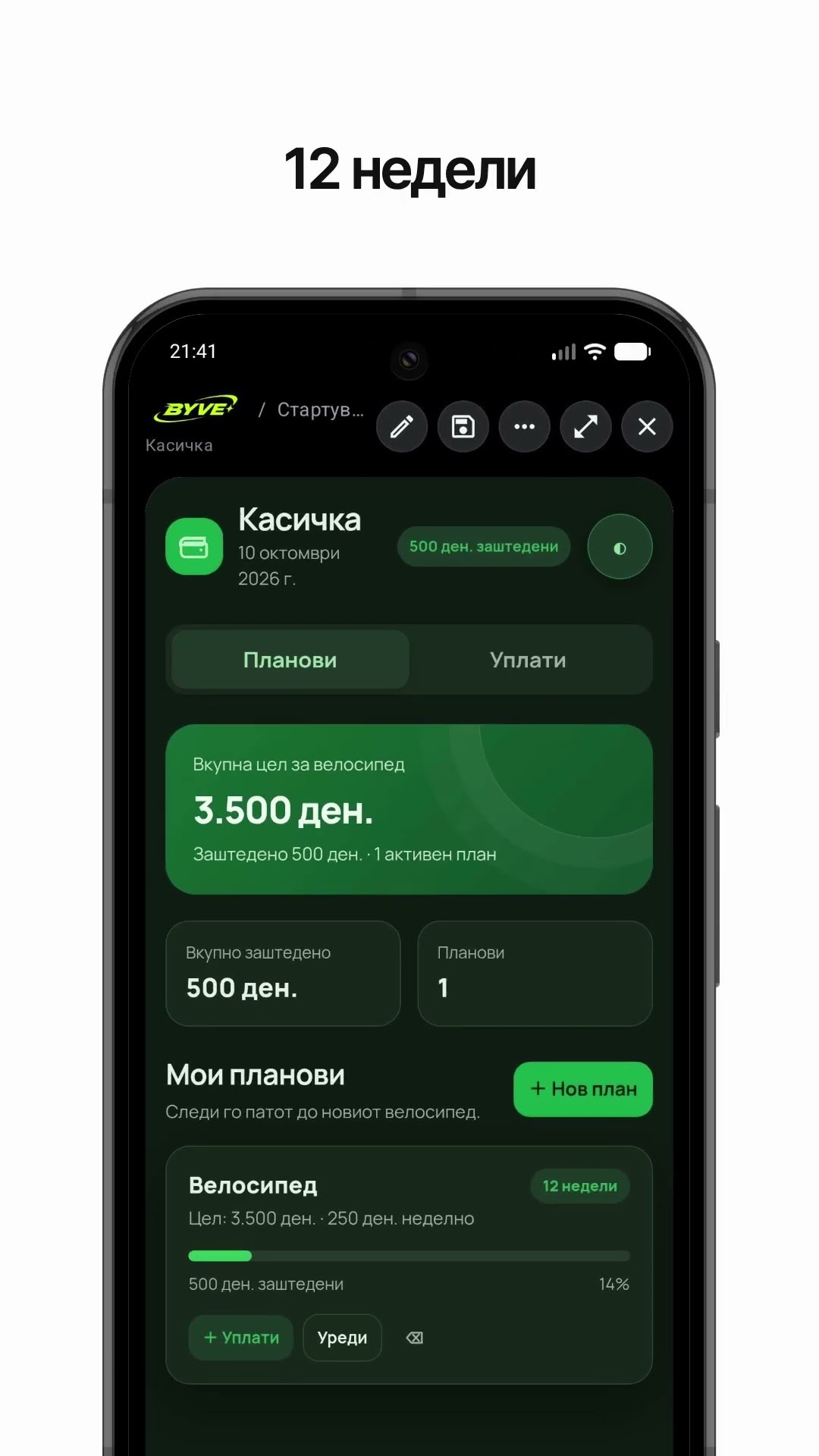
Make a bike savings calculator app with one sentenceNorth Macedonia · Savings & planning

Make a note frequency calculator app with one sentenceMonaco · Music calculator

Make a rye seeding rate calculator app with one sentenceBelarus · Farming calculator
This example in other languages: 한국어Nederlands