
First prompt
Lag et oppdiktet øvingskart som jeg kan dreie med fingeren. Nordpila følger kartet. En fast pil peker opp utenfor kartet. Vis hvor mange grader jeg må dreie for å få nord opp. Legg til Ny øvelse. Merk kartet Øvingskart. Ikke bruk GPS.MeaningMake a made-up practice map I can turn with my finger. The north arrow follows the map. A fixed arrow outside the map points up. Show how many degrees I need to turn to get north up. Add “New exercise.” Label the map “Practice map.” Don’t use GPS.
- App name
- Nord først (North first)
The app it made
- A map labeled “Practice map” and “Made-up map · no GPS” appeared.
- At first, the angle showed with a long string of decimals and pushed the screen out of place, so one fix was requested to show whole numbers before using it. Turning the map showed “90° Turn counterclockwise to get north up.”
- After turning the map back and tapping “Set north up,” it showed “North is up.”
Change request
Legg til Start og Mål som kan dras på kartet, med en pil mellom dem. Vis retningen med klokka fra kartets nord, avrundet i grader. Punktene skal følge kartet ved rotasjon, og retningen mellom dem skal ikke endres. Ved under 0,5 grader fra nord skal det stå Nord er opp. Behold resten.MeaningAdd “Start” and “Finish” that can be dragged on the map, with an arrow between them. Show the direction clockwise from the map’s north, rounded to whole degrees. The points should follow the map when it rotates, and the direction between them shouldn’t change. Within 0.5 degrees of north, it should say “North is up.” Keep the rest.
After the change
- “Start” and “Finish” points appeared on the map with an arrow between them. With Finish to the right of Start, it showed “90°,” and moving it below showed “180° · clockwise from north.”
- Turning the map kept it at “180°,” because the direction is measured from the map’s north.
Try writing it like this for a similar app
- Make a map reading practice app. Let me turn the map with my finger, and show how many degrees are left until north is up.
- When I put two points on the map, show the direction between them as an angle from north.
- Show the direction name, like north or southeast, next to the angle.
These are sample prompts, not real cases. What you get depends on what you ask for.
How to make it
- Type the app you want in one sentence in the box on the home screen.
- Answer “Give your app a name.” with the name you want.
- From the features BYVE AI suggests, pick only the ones you want.
- Tap “Build for 1 token” to build the app, then tap “Open app” to use it right away.
- Write what you want to change in the chat, and the same app gets updated. A change also uses 1 token.
Good to know
- Each new app or change uses 1 token. You get 2 tokens when you first install, and you can get up to 3 more every 24 hours by watching ads. There are no in-app purchases.
- The apps you make and what you enter are saved on your phone, and apps you’ve already made open without internet. Features that fetch outside information, like weather and maps, need internet.
- It works on Android 8.0 or later and iOS 17.0 or later, and there’s no sign-up.


Android & iOS · Free · No sign-up
More examples

Make a board game turn timer app with one sentenceBelgium · Timer

Make a practice piano keyboard app by chatAustria · Music

Make a 16-step drum machine app with one sentenceFrance · Music & rhythm

Make a yard sale tracker app with one sentenceFrance · Sales log
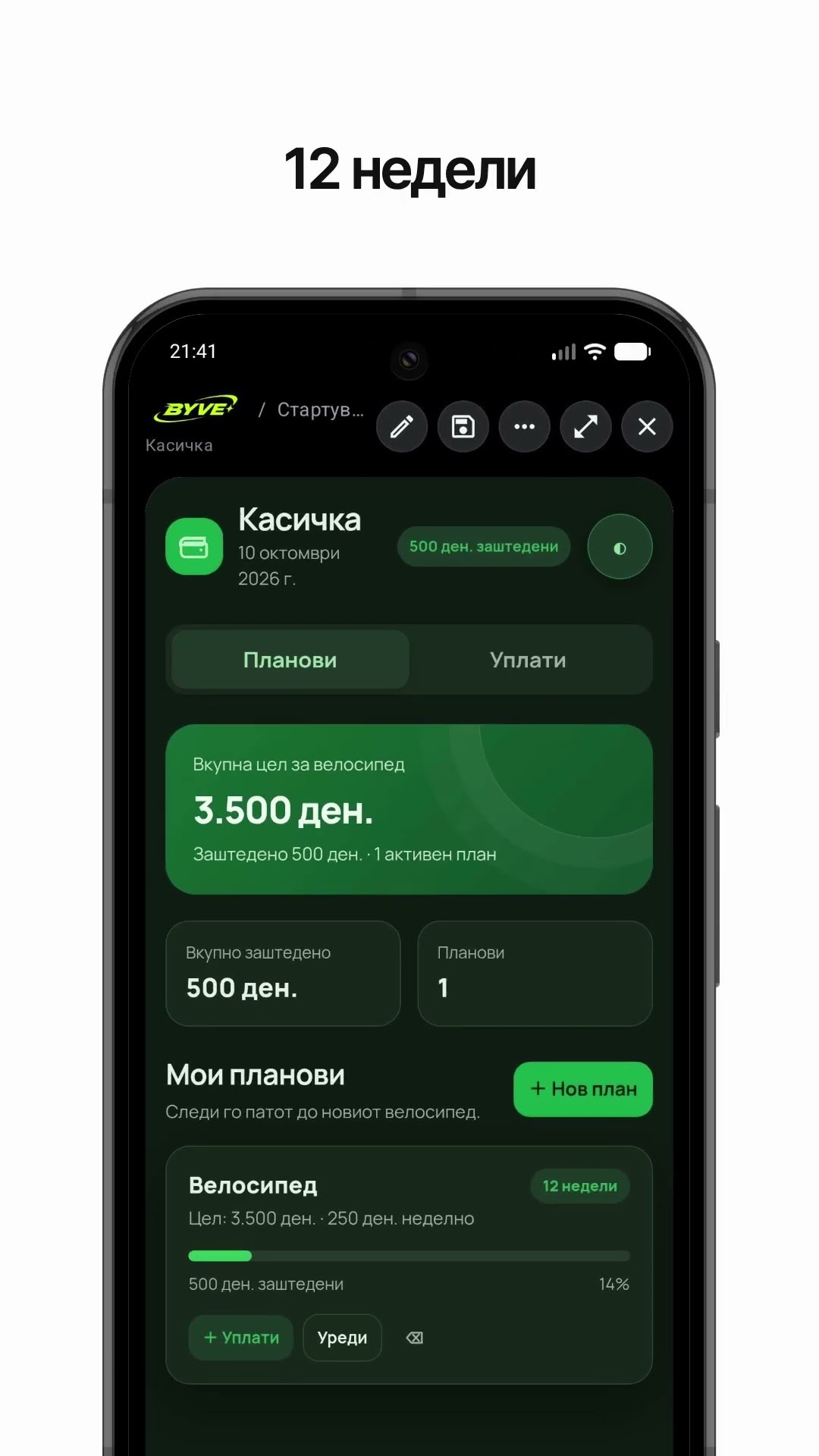
Make a bike savings calculator app with one sentenceNorth Macedonia · Savings & planning

Make a note frequency calculator app with one sentenceMonaco · Music calculator