
First prompt
Ebrudan ilham alan bir dijital desen defteri yap. Renk seçip dokunduğum yere boya damlası koyayım. Sürükle aracıyla mevcut renkleri parmağımla çekip şekillerini değiştireyim. Geri al ve temizle olsun.MeaningMake a digital pattern notebook inspired by ebru. Let me pick a color and put a drop of paint where I tap. With a drag tool, let me pull the existing colors with my finger to change their shapes. Add undo and clear.
- App name
- Renk Akışı (Color Flow)
The app it made
- After dropping a red drop and a yellow drop, pulling the red with “Drag” stretched and curved the color.
- In the first version of the app, dragging smeared the color black, so this screen is from after one change request made outside the video.
- Tapping “Undo” brought it back to its shape before the drag.
Change request
Tarak aracı ekle. Sürüklediğimde mevcut deseni paralel dişlerle şekillendirsin. Diş aralığını ayarlayabileyim. Geri al ile önceki desene dönebileyim.MeaningAdd a comb tool. When I drag, have it shape the existing pattern with parallel teeth. Let me adjust the tooth spacing. Let me go back to the previous pattern with undo.
After the change
- The tools now had “Comb” and a “Tooth spacing” control. The canvas was empty when the changed app opened, so the drops were placed again.
- Combing the same layout once at 54px spacing, then again at 14px after “Undo,” changed the spacing of the waves.
- The first changed app left white square gaps when combing, so one more change was requested. The combing in the video is from after that.
Try writing it like this for a similar app
- Make a marbling-style drawing board. Tap to drop paint in the color I pick, and let it spread when I drag with my finger.
- Add a comb tool, and let me change the tooth spacing with a slider.
- Let me name and save patterns I like, and view them again in a list.
These are sample prompts, not real cases. What you get depends on what you ask for.
How to make it
- Type the app you want in one sentence in the box on the home screen.
- Answer “Give your app a name.” with the name you want.
- From the features BYVE AI suggests, pick only the ones you want.
- Tap “Build for 1 token” to build the app, then tap “Open app” to use it right away.
- Write what you want to change in the chat, and the same app gets updated. A change also uses 1 token.
Good to know
- Each new app or change uses 1 token. You get 2 tokens when you first install, and you can get up to 3 more every 24 hours by watching ads. There are no in-app purchases.
- The apps you make and what you enter are saved on your phone, and apps you’ve already made open without internet. Features that fetch outside information, like weather and maps, need internet.
- It works on Android 8.0 or later and iOS 17.0 or later, and there’s no sign-up.


Android & iOS · Free · No sign-up
More examples

Make a jamu recipe app with one sentenceIndonesia · Recipe

Make an outfit planner app with one sentenceSouth Korea · Outfits & closet

Make a studio apartment comparison app with one sentenceSouth Korea · Comparison
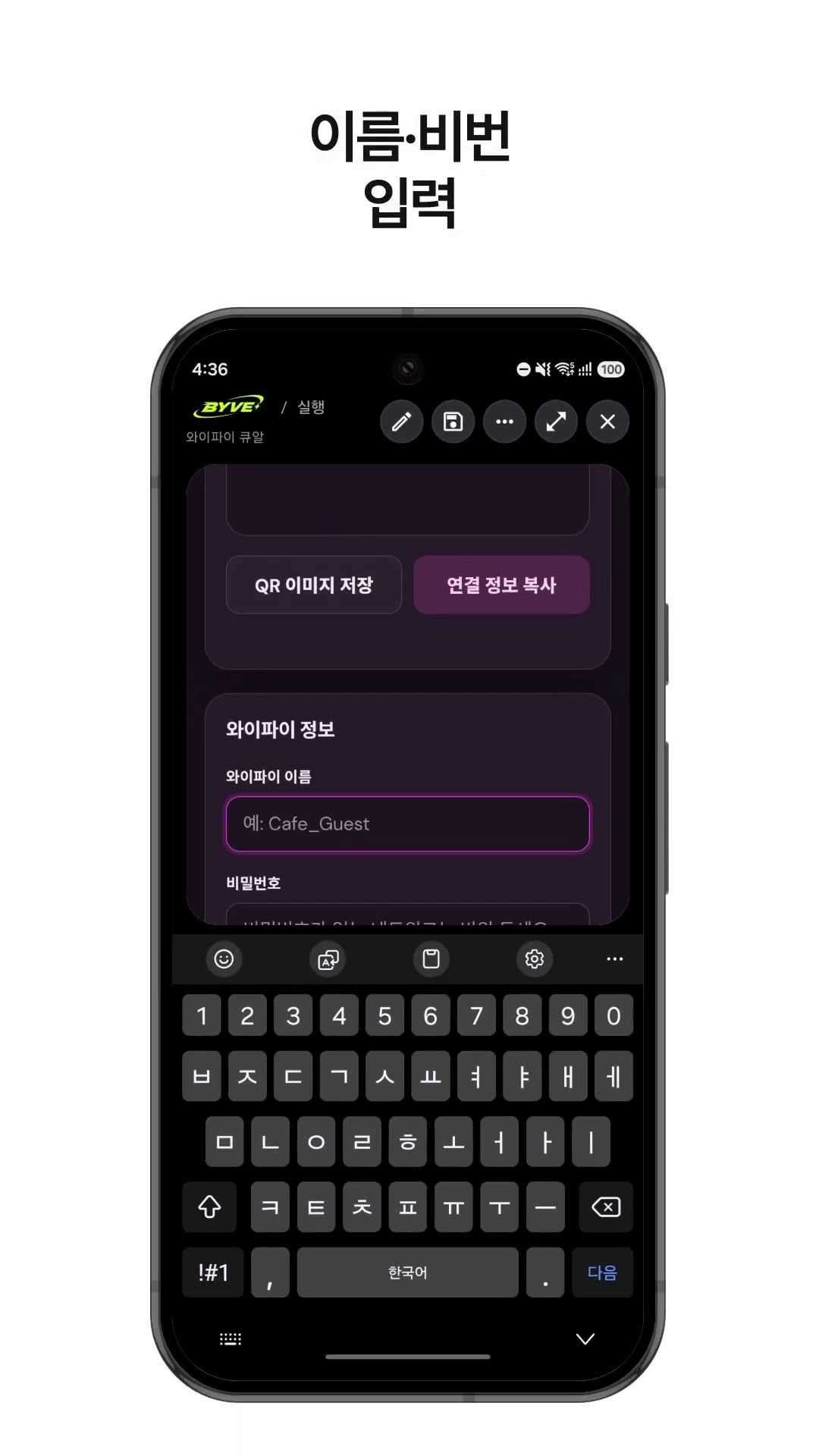
Make a Wi-Fi QR code app with one sentenceSouth Korea · QR code

Make a hiking weather and directions app with one sentenceSouth Korea · Weather & directions

Make your own budget app with one sentenceJapan · Budget