
First prompt
Buat aplikasi resep jamu: foto, bahan dengan takaran, dan langkah pembuatan. Simpan resep sendiri. Bahasa Indonesia.MeaningMake a jamu recipe app: photo, ingredients with amounts, and steps for making it. Save my own recipes. In Indonesian.
- App name
- Jamu Racikanku (My Jamu Blends)
The app it made
- A “Mom’s Turmeric Tamarind” recipe was entered with 25 g turmeric, 10 g tamarind, 20 g palm sugar, 350 ml water, and the steps, then saved.
- The recipe was saved as “Based on 1 bottle, 300 ml,” with a photo attached. The recipe and photo are samples for filming.
Change request
Tambahkan pilihan jumlah botol. Sesuaikan semua takaran dari resep satu botol. Pertahankan resep dan foto.MeaningAdd a choice for the number of bottles. Adjust all the amounts from the one-bottle recipe. Keep the recipe and the photo.
After the change
- A “Number of bottles” field appeared. Picking 2 bottles showed 50 g turmeric, 20 g tamarind, 40 g palm sugar, and 700 ml water under “Ingredients and amounts (2 bottles).”
- The recipe and photo were still there, and the photo could still be opened large.
In the original recording, the change took about 2 min 21 sec.
Try writing it like this for a similar app
- Make a recipe app for my family’s recipes. Let me add photos, ingredients with amounts, and steps, and save them.
- When I pick the number of servings, change the ingredient amounts automatically.
- Let me note who taught me each recipe, and search recipes by name.
These are sample prompts, not real cases. What you get depends on what you ask for.
How to make it
- Type the app you want in one sentence in the box on the home screen.
- Answer “Give your app a name.” with the name you want.
- From the features BYVE AI suggests, pick only the ones you want.
- Tap “Build for 1 token” to build the app, then tap “Open app” to use it right away.
- Write what you want to change in the chat, and the same app gets updated. A change also uses 1 token.
Good to know
- Each new app or change uses 1 token. You get 2 tokens when you first install, and you can get up to 3 more every 24 hours by watching ads. There are no in-app purchases.
- The apps you make and what you enter are saved on your phone, and apps you’ve already made open without internet. Features that fetch outside information, like weather and maps, need internet.
- It works on Android 8.0 or later and iOS 17.0 or later, and there’s no sign-up.


Android & iOS · Free · No sign-up
More examples

Make an outfit planner app with one sentenceSouth Korea · Outfits & closet

Make a studio apartment comparison app with one sentenceSouth Korea · Comparison
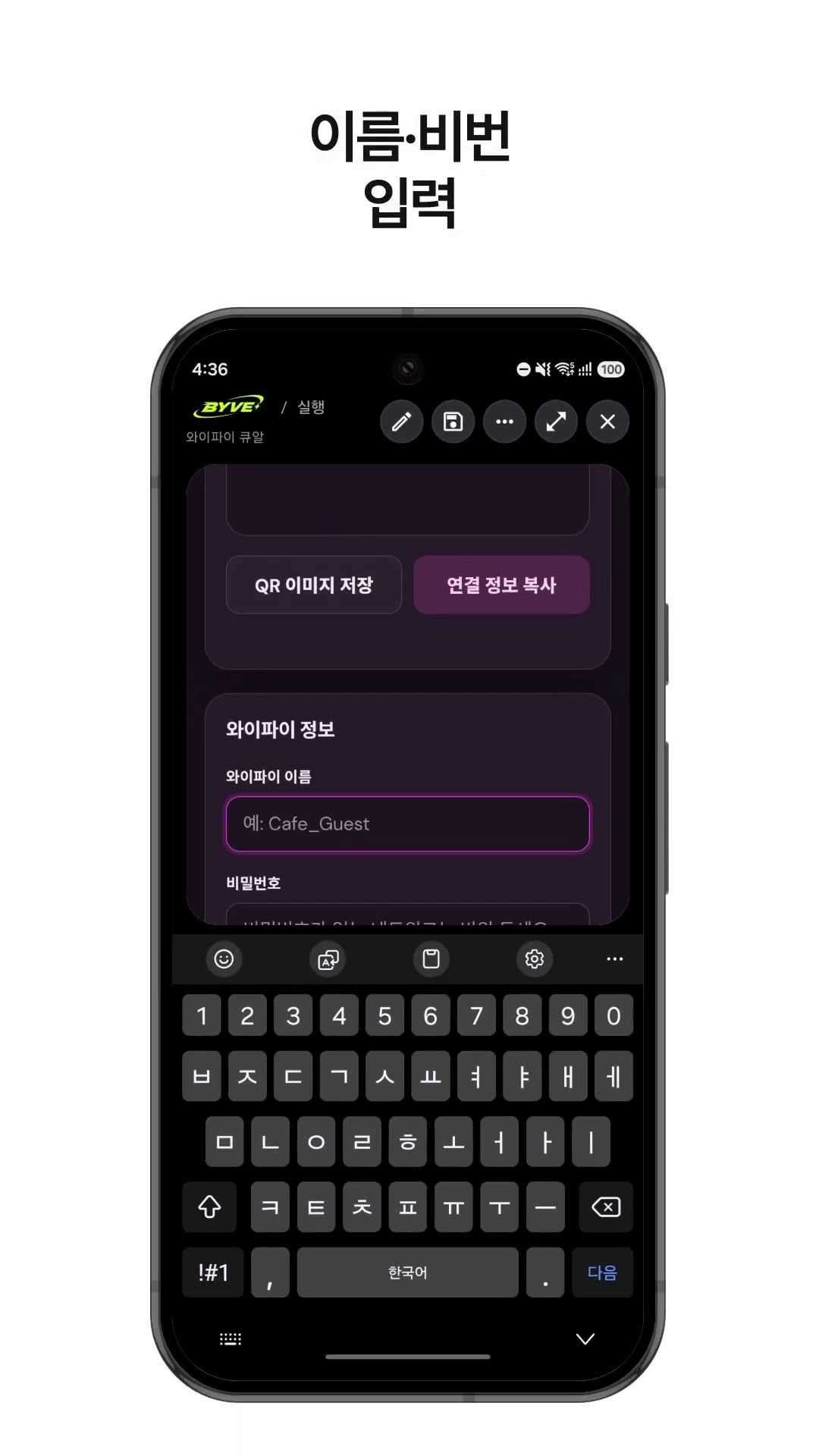
Make a Wi-Fi QR code app with one sentenceSouth Korea · QR code

Make a hiking weather and directions app with one sentenceSouth Korea · Weather & directions

Make your own budget app with one sentenceJapan · Budget

Make a price per ml comparison app with one sentenceHong Kong · Price comparison
This example in other languages: 한국어Bahasa Indonesia