
First prompt
Tee neulekaavion seuraaja. Näytä 8 kertaa 8 ruudun kaksivärinen porraskuvio. Numeroi kerrokset alhaalta ylöspäin yhdestä kahdeksaan. Korosta nykyinen kerros. Lisää painikkeet Edellinen ja Seuraava. Ruutua napauttamalla väri vaihtuu.MeaningMake a knitting chart tracker. Show an 8 by 8 two-color staircase pattern. Number the rows from the bottom up, one to eight. Highlight the current row. Add Previous and Next buttons. Tapping a square changes its color.
- App name
- Rivi kerrallaan (One Row at a Time)
The app it made
- Row numbers 1 to 8 were placed from the bottom up beside an 8×8 two-color staircase pattern, with “CURRENT ROW” and “Row 1 / 8” at the top.
- Each tap on “Next” moved the highlighted row up from 1 to 2 to 3, and tapping a square changed its color.
- Tapping “Next” again on row 8 kept it on row 8, and tapping “Previous” on row 1 kept it on row 1.
Change request
Neulon tasona. Lisää nykyiselle kerrokselle lukusuunnan nuoli. Parittomat kerrokset luetaan oikealta vasemmalle ja parilliset vasemmalta oikealle. Säilytä kuvio ja nykyinen kerros ennallaan.MeaningI knit flat. Add a reading direction arrow to the current row. Odd rows are read from right to left and even rows from left to right. Keep the pattern and the current row as they are.
After the change
- An arrow appeared next to the current row number. Row 3 changed to “3 ←,” row 4 to “4 →,” and on row 5 it pointed left again.
- Comparing the colors of all 64 squares of the pattern before and after the change showed they were the same.
Try writing it like this for a similar app
- Make a knitting chart row counter. Highlight the current row and move up one row each time I tap “Next.”
- Let me tap squares to change their colors and draw my own chart, and count the stitches in each row.
- Let me choose between knitting in the round and flat knitting, and show each row’s reading direction with an arrow.
These are sample prompts, not real cases. What you get depends on what you ask for.
How to make it
- Type the app you want in one sentence in the box on the home screen.
- Answer “Give your app a name.” with the name you want.
- From the features BYVE AI suggests, pick only the ones you want.
- Tap “Build for 1 token” to build the app, then tap “Open app” to use it right away.
- Write what you want to change in the chat, and the same app gets updated. A change also uses 1 token.
Good to know
- Each new app or change uses 1 token. You get 2 tokens when you first install, and you can get up to 3 more every 24 hours by watching ads. There are no in-app purchases.
- The apps you make and what you enter are saved on your phone, and apps you’ve already made open without internet. Features that fetch outside information, like weather and maps, need internet.
- It works on Android 8.0 or later and iOS 17.0 or later, and there’s no sign-up.


Android & iOS · Free · No sign-up
More examples
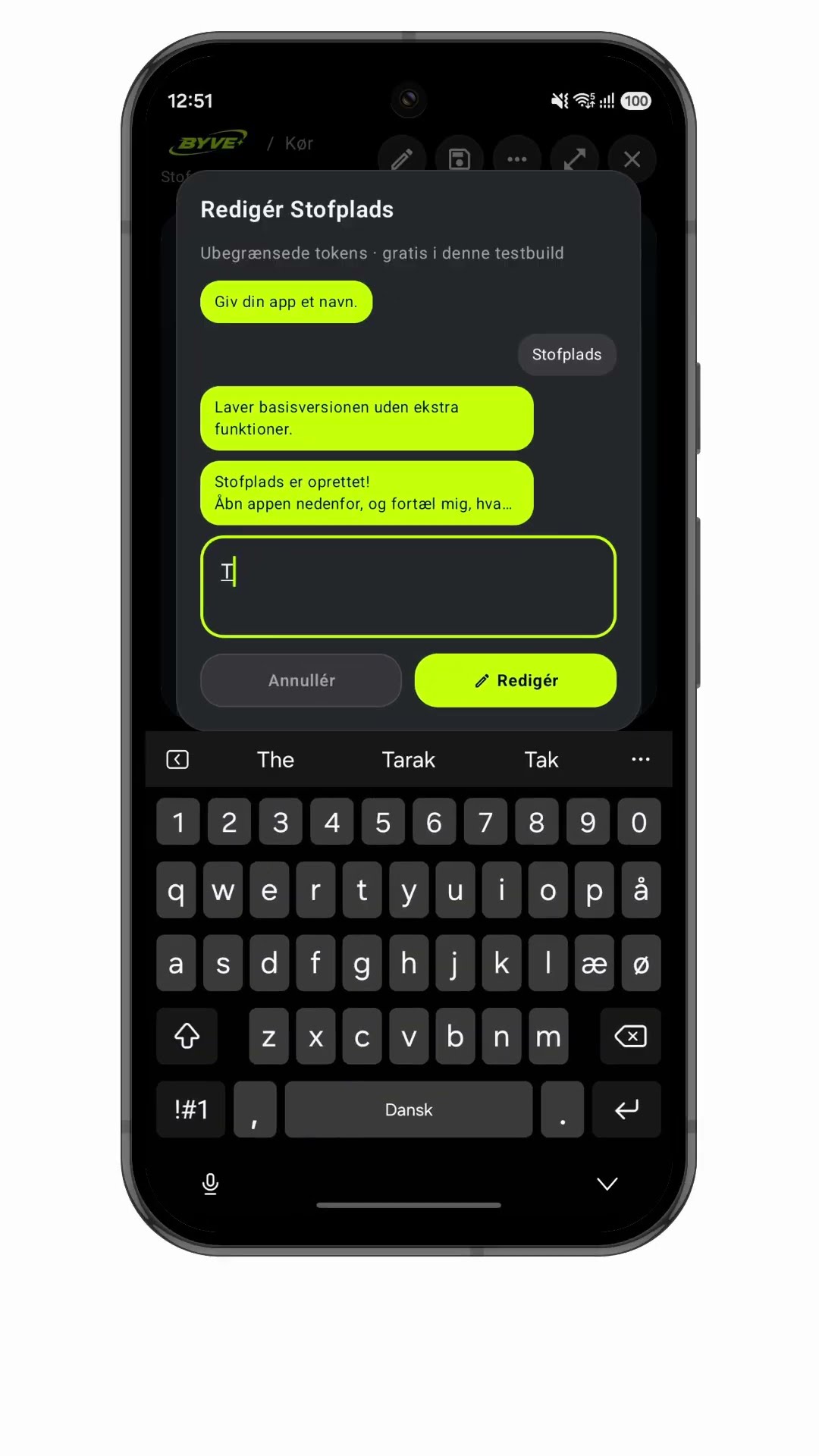
Make a fabric layout planner app with one sentenceDenmark · Sewing layout
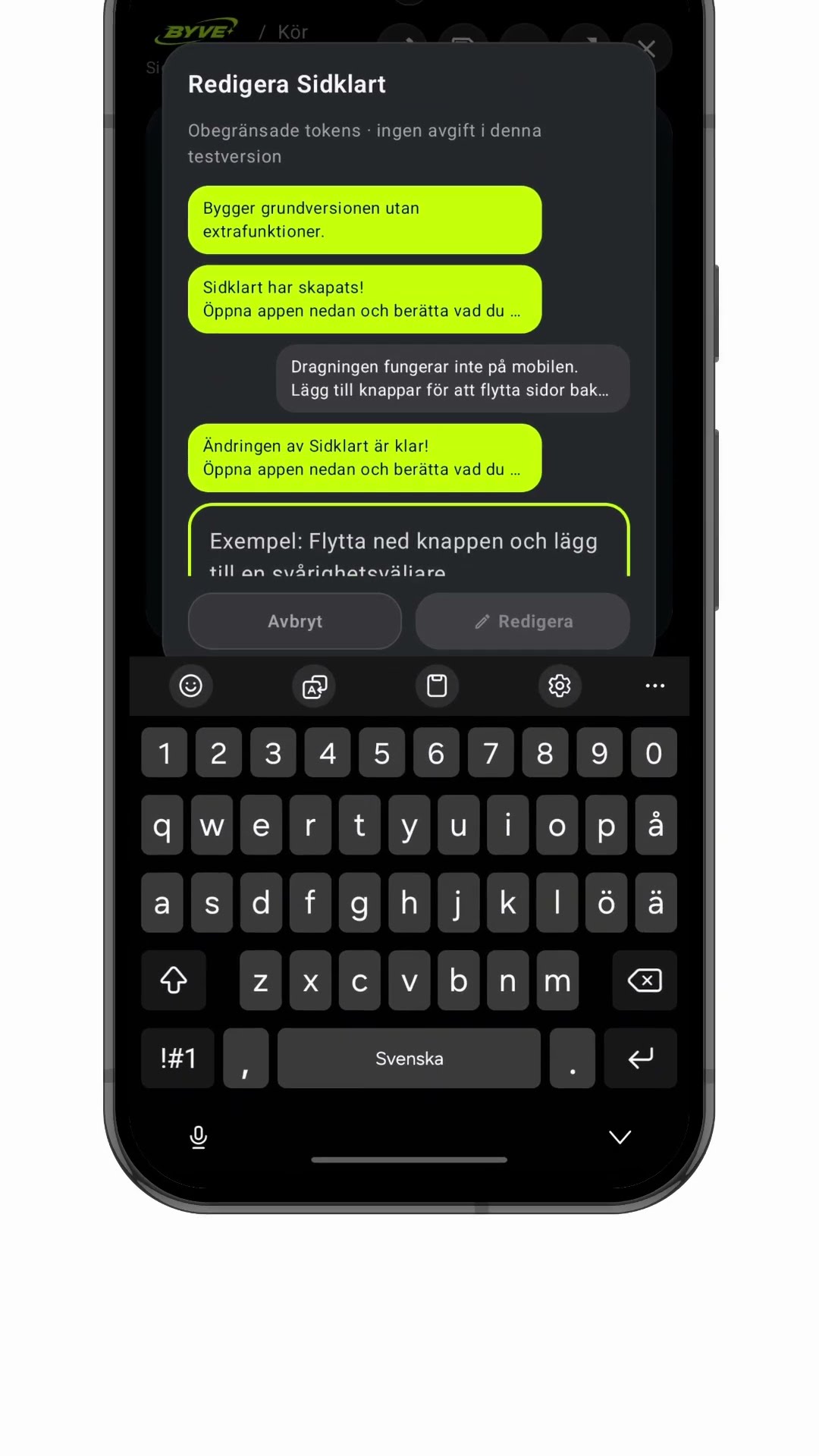
Make a zine page order app with one sentenceSweden · Layout & print

Make a gear ratio learning app with one sentenceSwitzerland · Learning tool
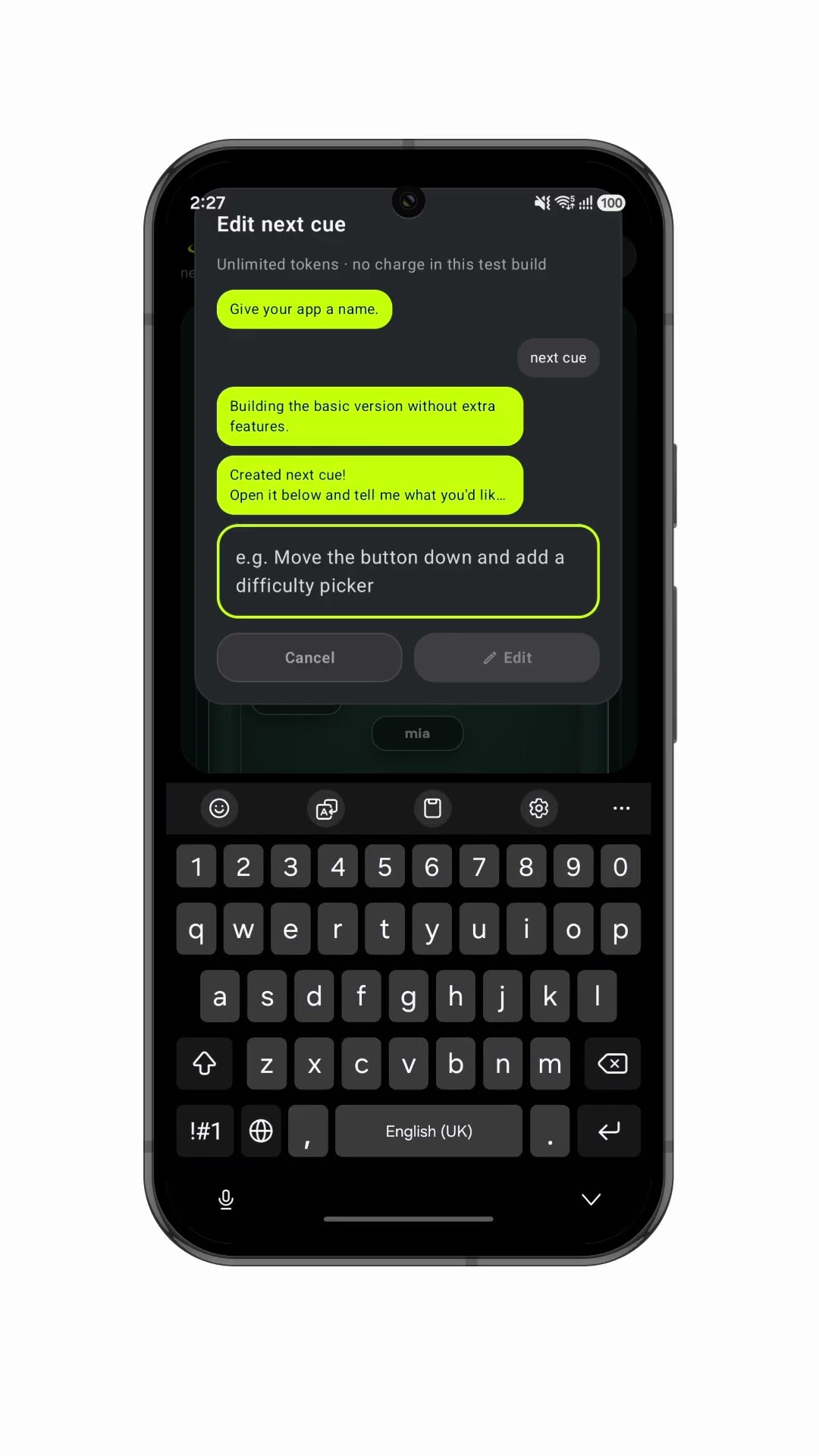
Make a stage blocking app with one sentenceUnited Kingdom · Stage blocking

Build your own compass app by chatDenmark · Compass

Make a menu-of-the-day app with a QR codeGreece · Menu & QR code