
First prompt
make a theatre stage board with draggable named actors
- App name
- next cue
The app it made
- Adding alex, mia, and sam with “Add actor” put name tags on the stage and showed “3 actors on stage.”
- The name tags were dragged with a finger: alex to the left, mia to the bottom center, and sam to the top right.
Change request
fix scene switching with tabs that restore saved actor positions
After the change
- The first request, “save actor positions for each scene and switch between scenes,” added a scene picker, but the scenes didn’t switch, so one more change was requested.
- Then the scene tabs “Scene 1” and “scene two” appeared. After moving the actors to different spots in “scene two” and switching between the two tabs, each scene went back to its saved positions.
Try writing it like this for a similar app
- Make a theatre stage blocking board. When I enter actor names, put name tags on the stage that I can drag around.
- Save the actor positions for each scene, and go back to those positions when I tap a scene tab.
- Split the stage into upstage, downstage, stage left, and stage right areas, and show which area each actor is in.
These are sample prompts, not real cases. What you get depends on what you ask for.
How to make it
- Type the app you want in one sentence in the box on the home screen.
- Answer “Give your app a name.” with the name you want.
- From the features BYVE AI suggests, pick only the ones you want.
- Tap “Build for 1 token” to build the app, then tap “Open app” to use it right away.
- Write what you want to change in the chat, and the same app gets updated. A change also uses 1 token.
Good to know
- Each new app or change uses 1 token. You get 2 tokens when you first install, and you can get up to 3 more every 24 hours by watching ads. There are no in-app purchases.
- The apps you make and what you enter are saved on your phone, and apps you’ve already made open without internet. Features that fetch outside information, like weather and maps, need internet.
- It works on Android 8.0 or later and iOS 17.0 or later, and there’s no sign-up.


Android & iOS · Free · No sign-up
More examples

Build your own compass app by chatDenmark · Compass

Make a menu-of-the-day app with a QR codeGreece · Menu & QR code

Make an electricity meter log app with one sentenceHungary · Chart & CSV

Make a ski slope grade calculator app with one sentenceAndorra · Calculator
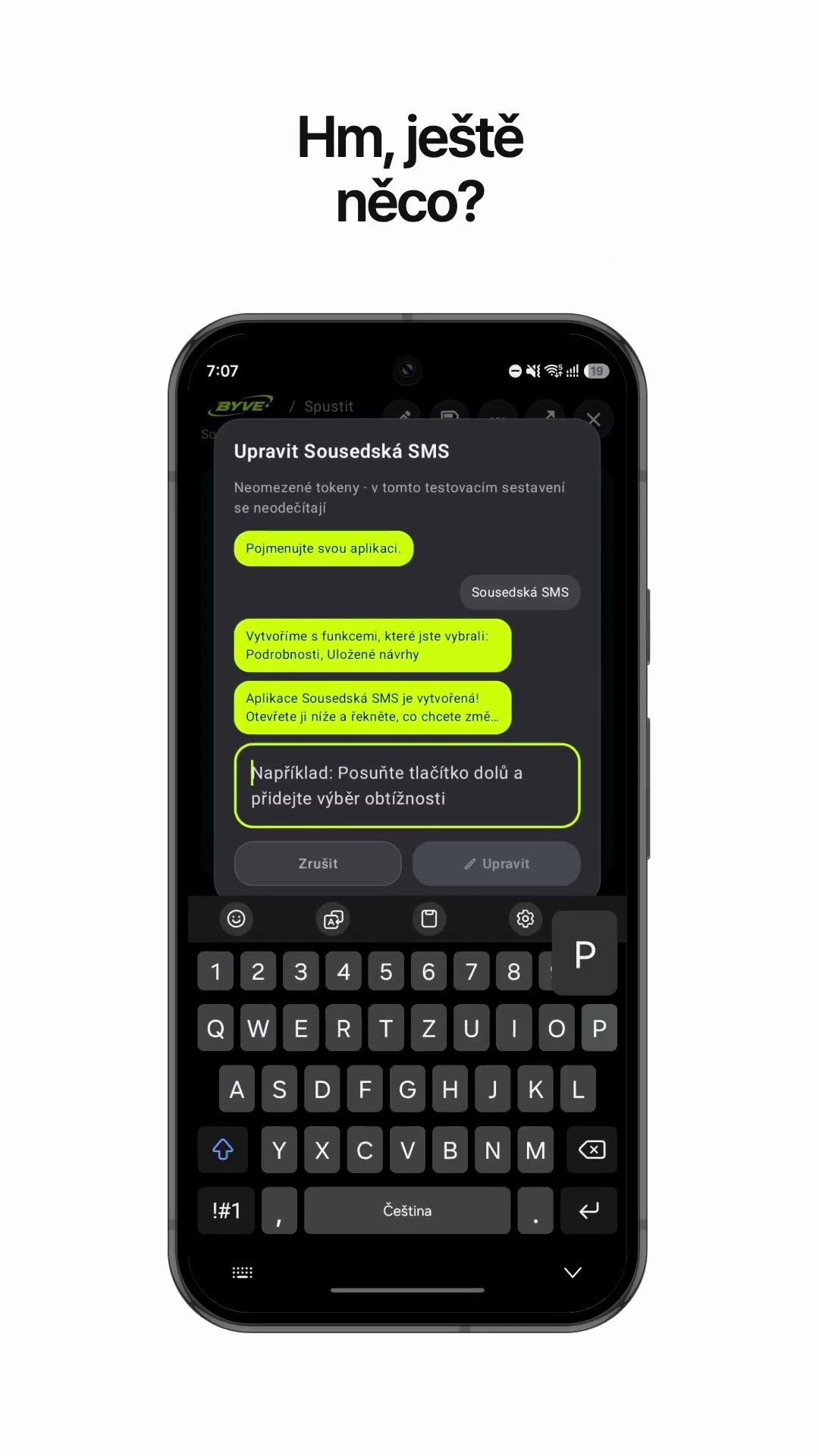
Make a neighbor notice text app with one sentenceCzech Republic · Text draft & reminder

Make a padel scoreboard app with one sentenceSpain · Scoreboard
This example in other languages: 한국어