
First prompt
Lav en app med et kompas, der viser hvilken retning min altan vender, så jeg ved hvor solen står.MeaningMake an app with a compass that shows which way my balcony faces, so I know where the sun is.
- App name
- Altankompas (Balcony Compass)
- Suggested features picked before building
- Sun hours, Calibrate
In the original recording, it took 1 min 17 sec to build.
The app it made
- After tapping “Start compass” and allowing sensor access, it showed “299° · NW.” This reading was taken on a desk.
- Tapping “Use measured direction” showed “Balcony direction saved: 299° (NW).”
Change request
Tilføj en påmindelse lørdag den 17. oktober kl. 10:00 om at vande urterne.MeaningAdd a reminder on Saturday, October 17 at 10:00 to water the herbs.
After the change
- A new card appeared: “Water the herbs · Saturday, October 17, 10:00 · Create reminder.” The saved balcony direction of 299° is still there.
- After tapping Create reminder and allowing it, a confirmation said “Reminder created.”
When reopened
Save, close, and open it again, and “Balcony faces 299° (NW)” is still there.
Try writing it like this for a similar app
- Make a compass app. Show the direction I’m facing in large numbers and as N, E, S, or W.
- Let me name and save the directions I measure, and show them in a list.
- Show the tilt too. I’ll use it to hang picture frames level.
These are sample prompts, not real cases. What you get depends on what you ask for.
How to make it
- Type the app you want in one sentence in the box on the home screen.
- Answer “Give your app a name.” with the name you want.
- From the features BYVE AI suggests, pick only the ones you want.
- Tap “Build for 1 token” to build the app, then tap “Open app” to use it right away.
- Write what you want to change in the chat, and the same app gets updated. A change also uses 1 token.
Good to know
- Each new app or change uses 1 token. You get 2 tokens when you first install, and you can get up to 3 more every 24 hours by watching ads. There are no in-app purchases.
- The apps you make and what you enter are saved on your phone, and apps you’ve already made open without internet. Features that fetch outside information, like weather and maps, need internet.
- It works on Android 8.0 or later and iOS 17.0 or later, and there’s no sign-up.


Android & iOS · Free · No sign-up
More examples

Make a menu-of-the-day app with a QR codeGreece · Menu & QR code

Make an electricity meter log app with one sentenceHungary · Chart & CSV

Make a ski slope grade calculator app with one sentenceAndorra · Calculator
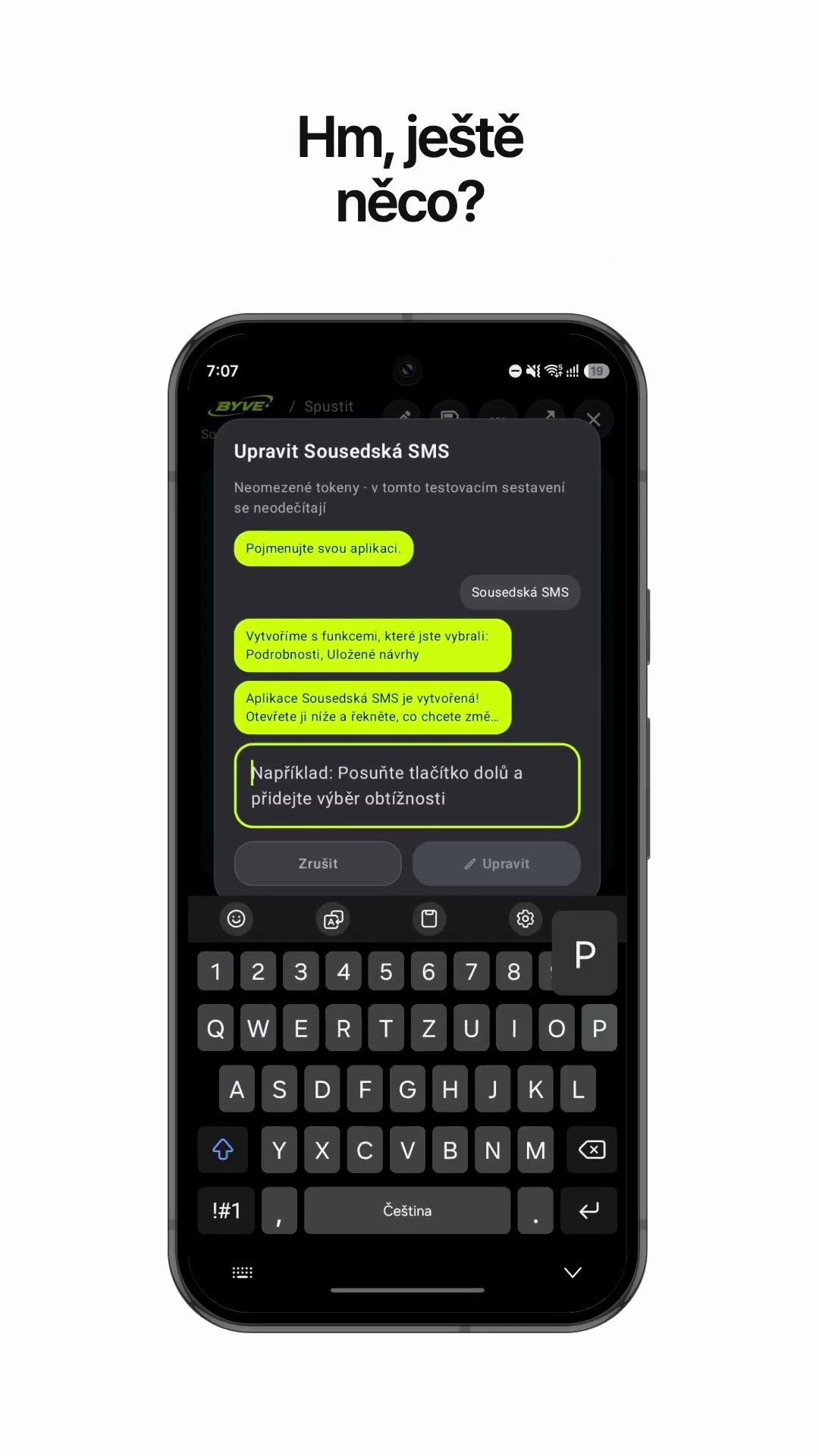
Make a neighbor notice text app with one sentenceCzech Republic · Text draft & reminder

Make a padel scoreboard app with one sentenceSpain · Scoreboard

Make a bakery sales bar chart app with one sentenceSerbia · Log & chart