
First prompt
Vull una app per a les pistes, poso el desnivell i la llargada en metres i em calcula el pendent en percentatgeMeaningI want an app for the slopes. I put in the drop and the length in meters, and it works out the grade as a percentage.
- App name
- Pendent (Slope)
- Suggested features picked before building
- History, Angle
In the original recording, it took about 1 min 6 sec to build.
The app it made
- Entering 300 for the drop and 1500 for the length showed “Slope grade 20% · Angle 11.31°.” The numbers are sample values for filming.
- Tapping “Save to history” made it “History (1).”
Change request
Afegeix una linia amb el desnivell total si faig 8 baixadesMeaningAdd a line with the total drop if I do 8 runs.
After the change
- A new line, “8 runs: 2,400 m total drop,” appeared under the result.
- This calculation was saved to the history too.
In the original recording, the change took about 30 sec.
When reopened
Save, close, and open it again, and both calculations are still in “History (2).”
Try writing it like this for a similar app
- Make a ski slope grade calculator. When I enter the drop and length in meters, show the grade in % and degrees.
- Let me name and save each slope I calculate, and list them from steepest to gentlest.
- When I enter how many runs I did in a day, add up the total drop and show it.
These are sample prompts, not real cases. What you get depends on what you ask for.
How to make it
- Type the app you want in one sentence in the box on the home screen.
- Answer “Give your app a name.” with the name you want.
- From the features BYVE AI suggests, pick only the ones you want.
- Tap “Build for 1 token” to build the app, then tap “Open app” to use it right away.
- Write what you want to change in the chat, and the same app gets updated. A change also uses 1 token.
Good to know
- Each new app or change uses 1 token. You get 2 tokens when you first install, and you can get up to 3 more every 24 hours by watching ads. There are no in-app purchases.
- The apps you make and what you enter are saved on your phone, and apps you’ve already made open without internet. Features that fetch outside information, like weather and maps, need internet.
- It works on Android 8.0 or later and iOS 17.0 or later, and there’s no sign-up.


Android & iOS · Free · No sign-up
More examples
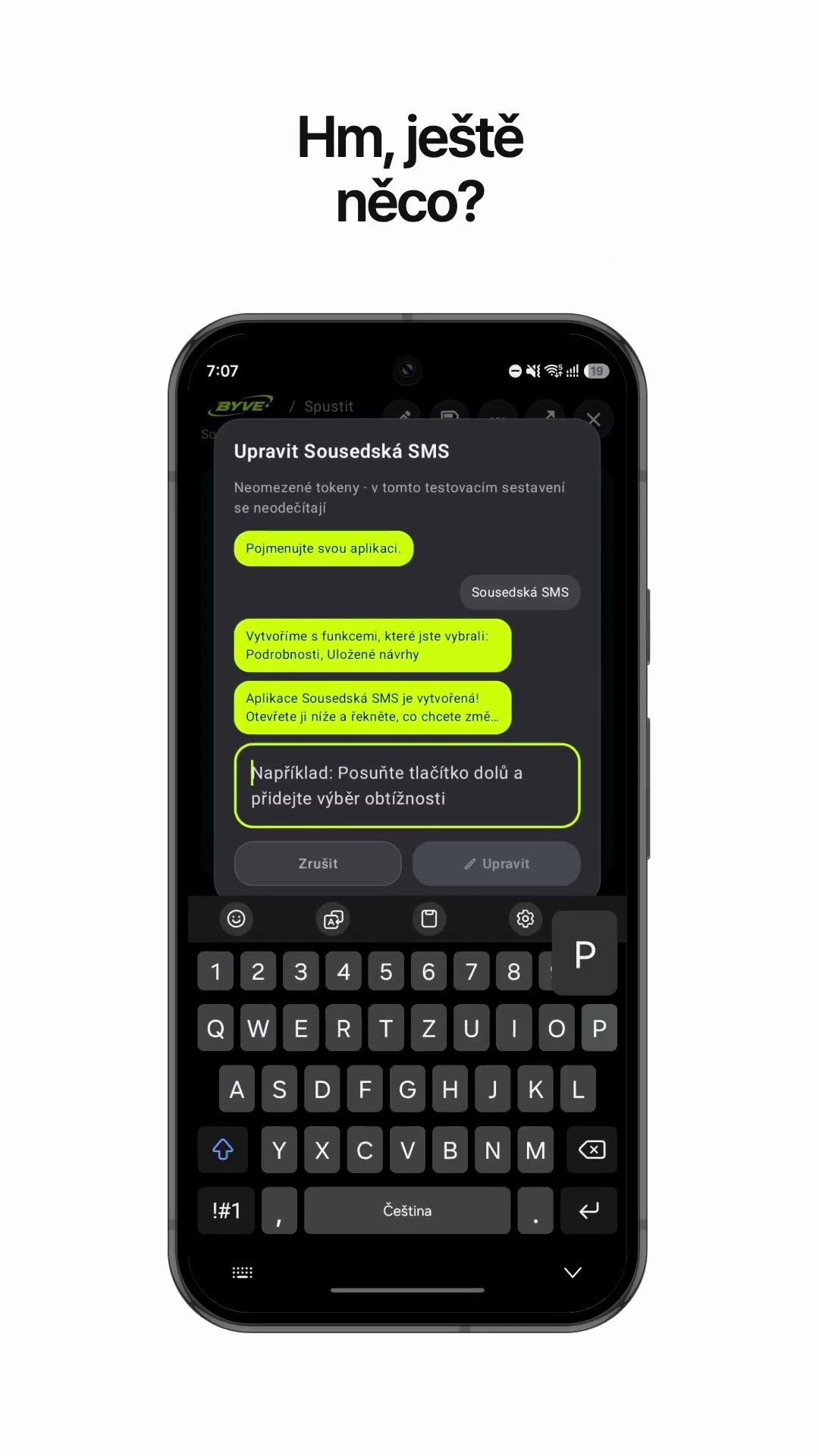
Make a neighbor notice text app with one sentenceCzech Republic · Text draft & reminder

Make a padel scoreboard app with one sentenceSpain · Scoreboard

Make a bakery sales bar chart app with one sentenceSerbia · Log & chart

Make a metronome app for accordion practice with one sentenceSlovenia · Metronome

Make a padel partner rotation app with one sentenceSpain · Rotation

Make a story app where the ending changes with your choicesIreland · Interactive story