
First prompt
Φτιάξε μια εφαρμογή με το μενού της ημέρας, να το διαβάσουν οι πελάτες από το τραπέζι.MeaningMake an app with the menu of the day, so customers can read it from their table.
- App name
- Μενού Ημέρας (Menu of the Day)
- Suggested features picked before building
- Categories, Allergens
In the original recording, it took about 1 min 30 sec to build.
The app it made
- In the “Manage” tab, moussaka, main course, and €12 were entered, with gluten and milk picked as allergens.
- At the top of the menu, “Moussaka · €12.00 · Main · Gluten · Milk” appeared with warning marks.
Change request
Πρόσθεσε μια καρτέλα με κωδικό QR, να ανοίγει το μενού στο κινητό του πελάτη.MeaningAdd a tab with a QR code, so the menu opens on the customer’s phone.
After the change
- A new “QR code” tab appeared. The €12 moussaka entered earlier is still there.
- After entering the menu’s web address and tapping “Create QR code,” a QR code appeared with the note “Ready. Scan the code to open the menu.” The address in the video is a sample address for filming.
- Apps made with BYVE AI run on your phone. So you need a separate web address for the menu that customers will open on their phones.
When reopened
Save, close, and open it again, and the €12 moussaka is still on the menu.
Try writing it like this for a similar app
- Make a café menu app. Split it into drinks and desserts, and let me turn a sold-out label on and off.
- When I pick an allergen, hide the dishes that contain it.
- Make a separate screen that shows today’s menu in large text. I’ll stand it on the counter.
These are sample prompts, not real cases. What you get depends on what you ask for.
How to make it
- Type the app you want in one sentence in the box on the home screen.
- Answer “Give your app a name.” with the name you want.
- From the features BYVE AI suggests, pick only the ones you want.
- Tap “Build for 1 token” to build the app, then tap “Open app” to use it right away.
- Write what you want to change in the chat, and the same app gets updated. A change also uses 1 token.
Good to know
- Each new app or change uses 1 token. You get 2 tokens when you first install, and you can get up to 3 more every 24 hours by watching ads. There are no in-app purchases.
- The apps you make and what you enter are saved on your phone, and apps you’ve already made open without internet. Features that fetch outside information, like weather and maps, need internet.
- It works on Android 8.0 or later and iOS 17.0 or later, and there’s no sign-up.


Android & iOS · Free · No sign-up
More examples

Make an electricity meter log app with one sentenceHungary · Chart & CSV

Make a ski slope grade calculator app with one sentenceAndorra · Calculator
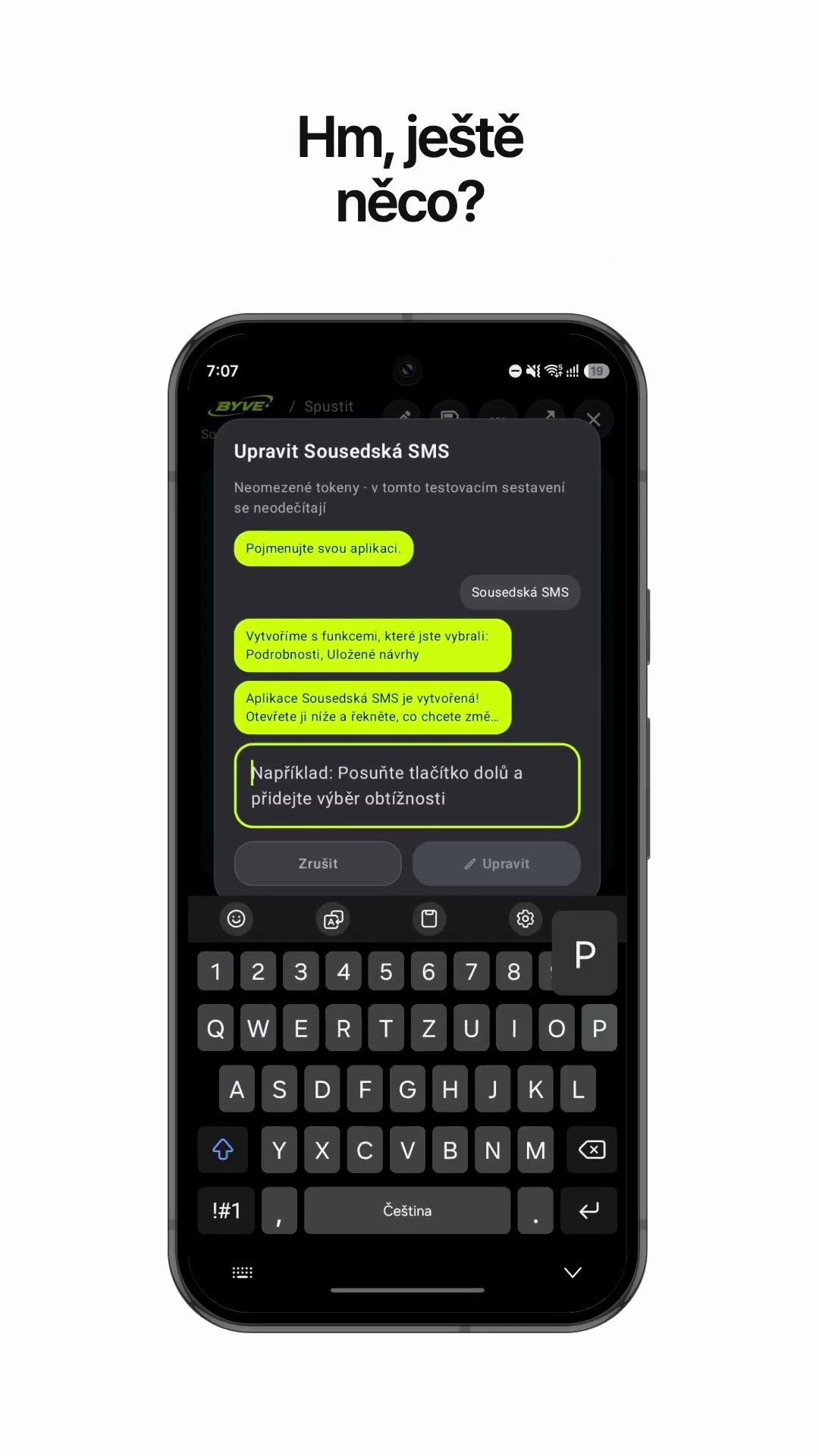
Make a neighbor notice text app with one sentenceCzech Republic · Text draft & reminder

Make a padel scoreboard app with one sentenceSpain · Scoreboard

Make a bakery sales bar chart app with one sentenceSerbia · Log & chart

Make a metronome app for accordion practice with one sentenceSlovenia · Metronome