
First prompt
Lav en app, hvor jeg kan planlægge, hvordan rektangulære stofstykker kan ligge på en stofrest. Jeg vil indtaste mål i centimeter, trække delene rundt og dreje dem 90 grader. Vis delene i samme målestok.MeaningMake an app where I can plan how rectangular fabric pieces can lie on a fabric scrap. I want to enter measurements in centimeters, drag the pieces around, and turn them 90 degrees. Show the pieces at the same scale.
- App name
- Stofplads (Fabric Space)
The app it made
- The fabric scrap size was entered as “58 × 46 cm,” and 28 × 22 cm pieces “Front” and “Back” and a 12 × 12 cm “Pocket” were added.
- Dragging the pieces around on the fabric made it look like all three fit.
Change request
Tilføj justerbart sømrum rundt om hver del. Vis både det oprindelige mål og klippekanten. Vis overlap og dele uden for stoffet, også når de drejes.MeaningAdd an adjustable seam allowance around each piece. Show both the original measurement and the cutting line. Show overlaps and pieces outside the fabric, also when they’re turned.
After the change
- A “Seam allowance (cm)” field appeared. Entering 1 cm drew a cutting line around each piece, and pieces whose cutting lines touched showed the warning “Overlaps another cutting line.”
- After turning Front and Back 90 degrees and placing Pocket at the bottom, all three pieces showed “No overlaps or edges outside.”
- Each piece card shows both sizes, like “Original 28 × 22 cm · Cutting line 24 × 30 cm · Seam allowance 1 cm.”
Try writing it like this for a similar app
- Make an app where I enter the size of a fabric scrap and lay out pattern pieces on it in cm. Let me drag pieces to move them and turn them 90 degrees.
- Add a seam allowance to each piece, and mark it with a red outline if pieces overlap or go off the fabric.
- After all the pieces are placed, show the leftover fabric area in cm².
These are sample prompts, not real cases. What you get depends on what you ask for.
How to make it
- Type the app you want in one sentence in the box on the home screen.
- Answer “Give your app a name.” with the name you want.
- From the features BYVE AI suggests, pick only the ones you want.
- Tap “Build for 1 token” to build the app, then tap “Open app” to use it right away.
- Write what you want to change in the chat, and the same app gets updated. A change also uses 1 token.
Good to know
- Each new app or change uses 1 token. You get 2 tokens when you first install, and you can get up to 3 more every 24 hours by watching ads. There are no in-app purchases.
- The apps you make and what you enter are saved on your phone, and apps you’ve already made open without internet. Features that fetch outside information, like weather and maps, need internet.
- It works on Android 8.0 or later and iOS 17.0 or later, and there’s no sign-up.


Android & iOS · Free · No sign-up
More examples
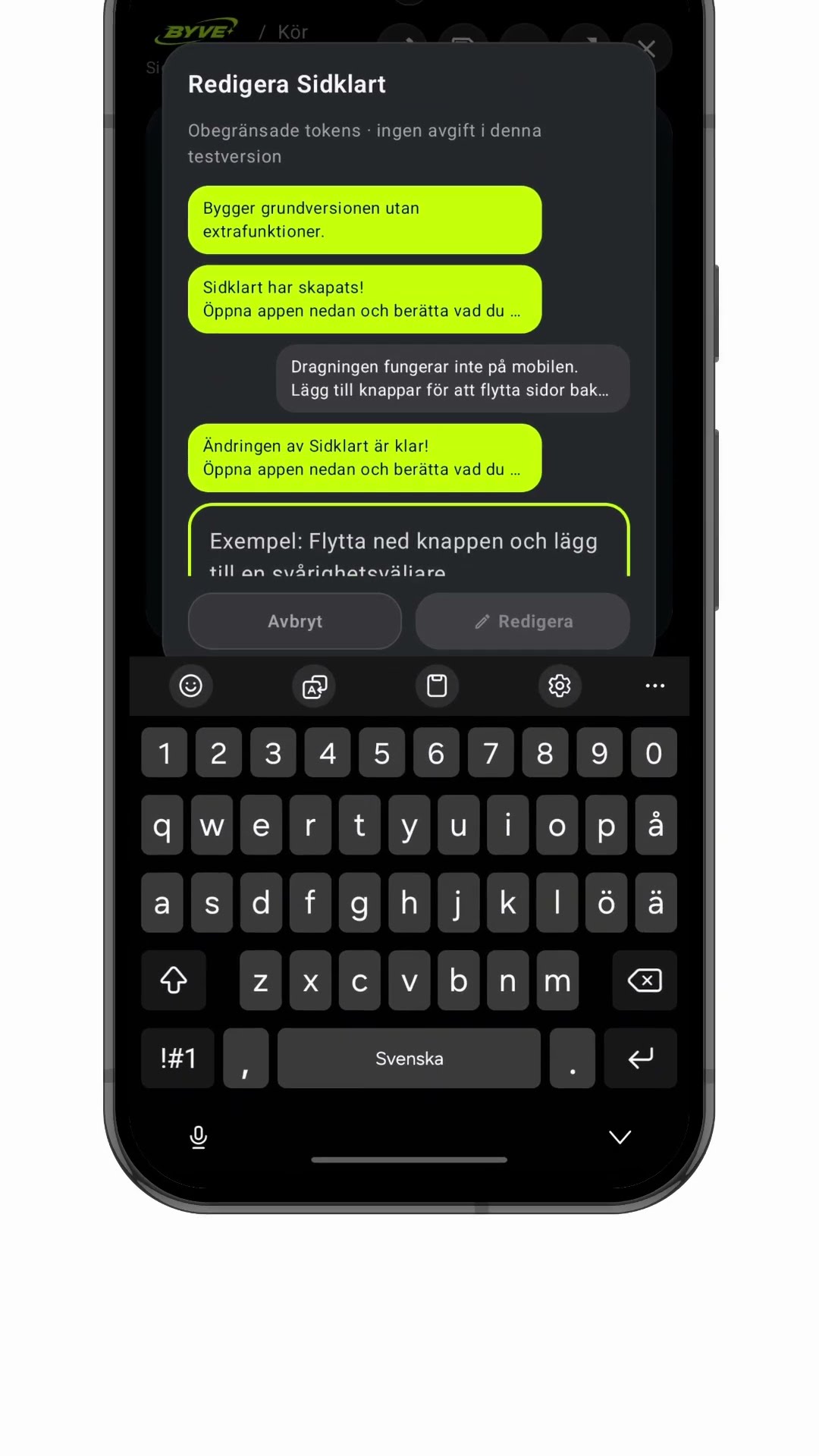
Make a zine page order app with one sentenceSweden · Layout & print

Make a gear ratio learning app with one sentenceSwitzerland · Learning tool
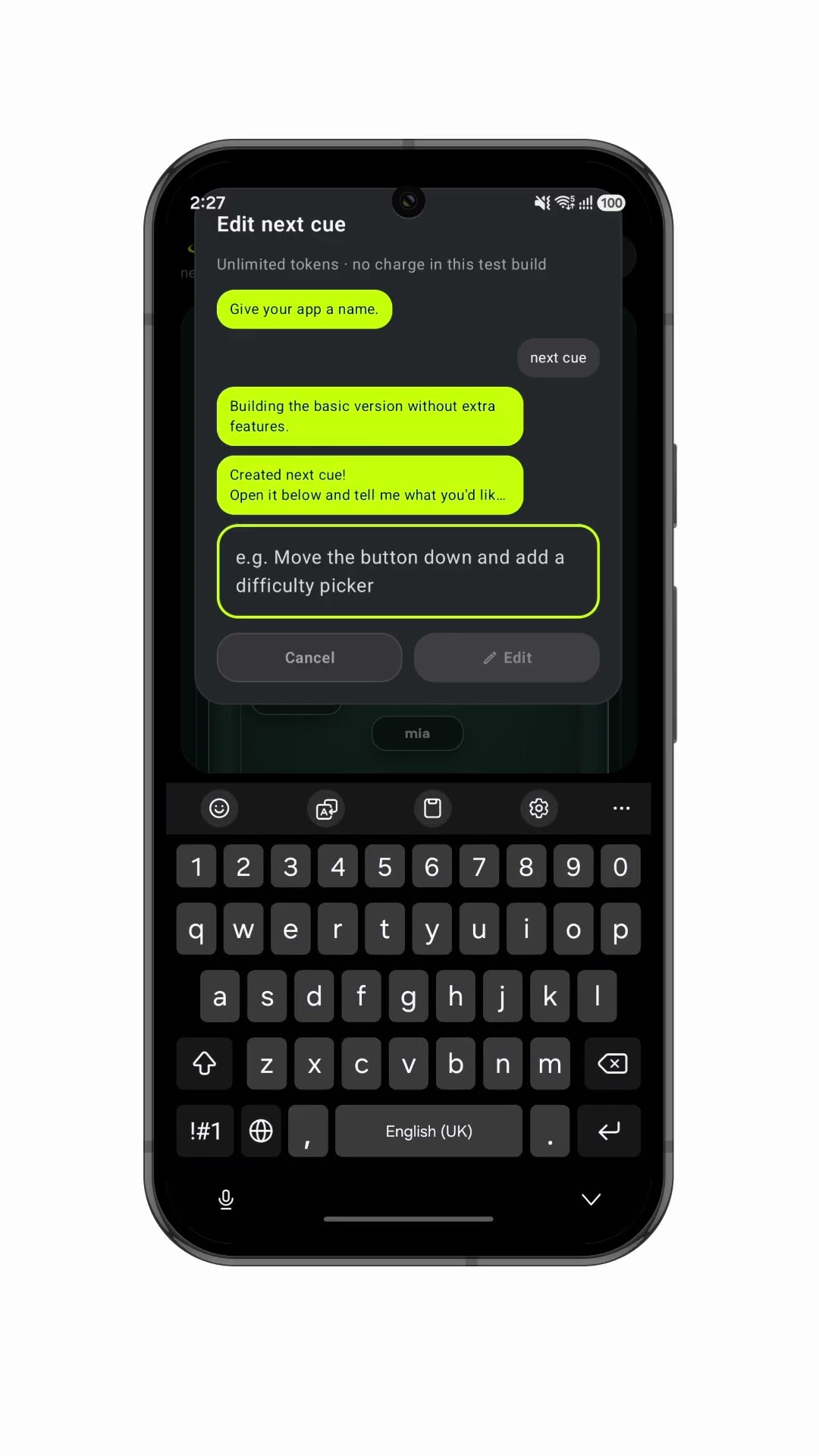
Make a stage blocking app with one sentenceUnited Kingdom · Stage blocking

Build your own compass app by chatDenmark · Compass

Make a menu-of-the-day app with a QR codeGreece · Menu & QR code

Make an electricity meter log app with one sentenceHungary · Chart & CSV