
First prompt
幫我做一個飲料團購的工具,記下每個人點什麼,算出總金額。MeaningMake me a tool for group drink orders. Write down what each person orders and work out the total amount.
- App name
- 飲料團購 (Drink Group Order)
- Suggested features picked before building
- Sugar & ice, Item stats
In the original recording, it took about 1 min 12 sec to build.
The app it made
- The “Items” tab showed a menu of bubble tea $60, Four Seasons Spring tea $35, lemon green tea $50, and winter melon tea $35.
- The first screen said to tap “Add new order,” but there was no such button in the “Orders” tab.
Change request
訂單頁沒有新增訂單的按鈕,幫我加上。MeaningThere’s no button to add a new order on the orders page. Please add one.
After the change
- A “+ Add new order” button appeared. After entering Xiaomei · bubble tea · half sugar · less ice, A-Wei · bubble tea, and A-Ming · lemon green tea, it showed “$170 · 3 drinks · 3 people in all.”
- The “Stats” tab shows “Total $170 · 3 drinks · 3 people · Average $57 per drink,” plus bubble tea 2 drinks $120 and lemon green tea 1 drink $50.
- The names on screen are examples for filming.
In the original recording, the change took about 8 min 15 sec.
When reopened
Save, close, and open it again, and the 3 orders and $170 are still there.
Try writing it like this for a similar app
- Make a group lunch order app. Write down each person’s meal and price, and show the total and the amount per person.
- Let me check off whether each order has been paid for, and show only the people who haven’t paid yet.
- Count how many of each menu item there are, and list them so they’re easy to read out when ordering.
These are sample prompts, not real cases. What you get depends on what you ask for.
How to make it
- Type the app you want in one sentence in the box on the home screen.
- Answer “Give your app a name.” with the name you want.
- From the features BYVE AI suggests, pick only the ones you want.
- Tap “Build for 1 token” to build the app, then tap “Open app” to use it right away.
- Write what you want to change in the chat, and the same app gets updated. A change also uses 1 token.
Good to know
- Each new app or change uses 1 token. You get 2 tokens when you first install, and you can get up to 3 more every 24 hours by watching ads. There are no in-app purchases.
- The apps you make and what you enter are saved on your phone, and apps you’ve already made open without internet. Features that fetch outside information, like weather and maps, need internet.
- It works on Android 8.0 or later and iOS 17.0 or later, and there’s no sign-up.


Android & iOS · Free · No sign-up
More examples

Make a sports day start line calculator app with one sentenceYemen · Calculator

Make a marbling color sketch app with one sentenceTürkiye · Drawing & design

Make a jamu recipe app with one sentenceIndonesia · Recipe

Make an outfit planner app with one sentenceSouth Korea · Outfits & closet

Make a studio apartment comparison app with one sentenceSouth Korea · Comparison
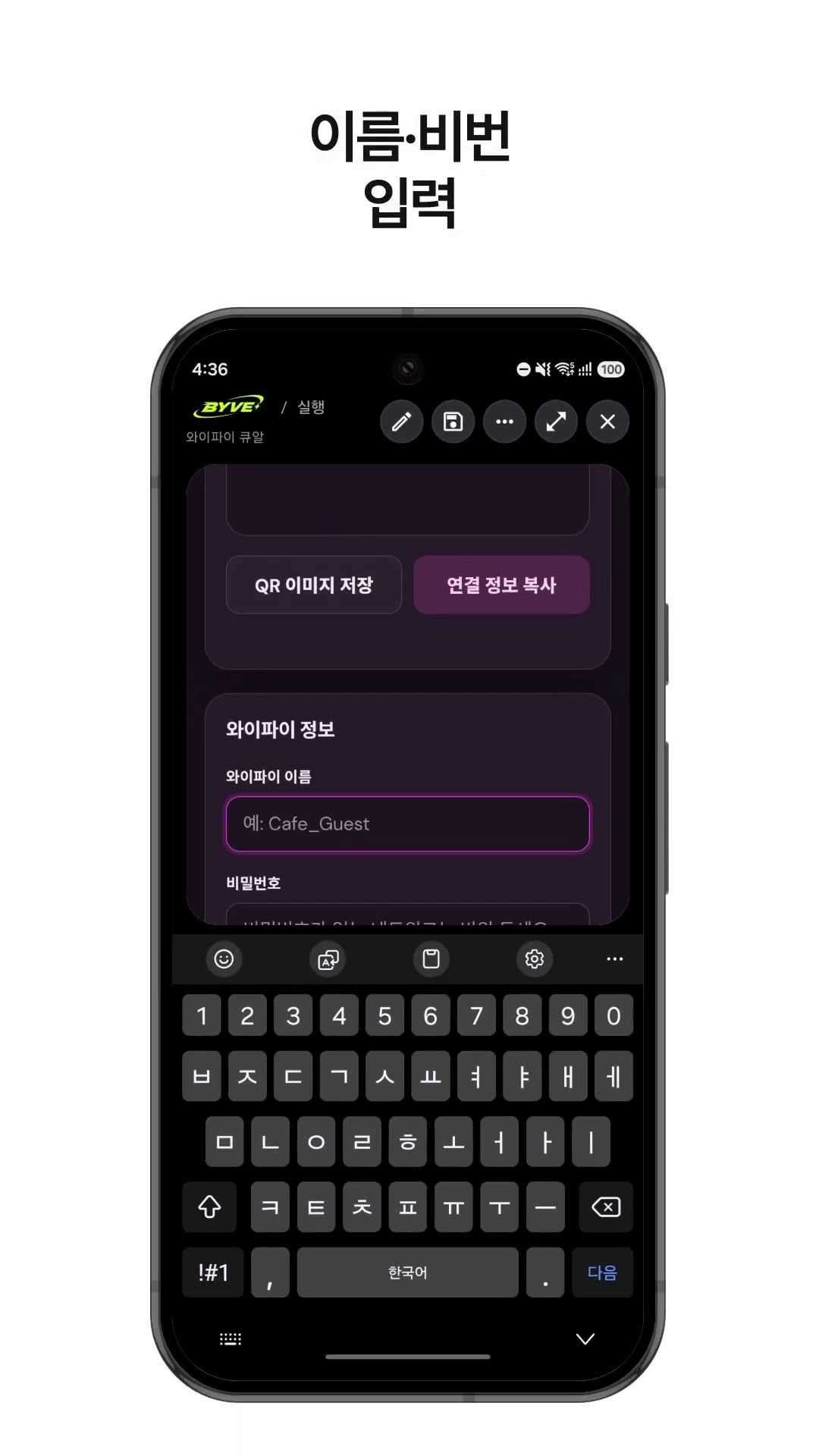
Make a Wi-Fi QR code app with one sentenceSouth Korea · QR code