
First prompt
Fammi un'app col calendario della raccolta differenziata: ogni sera mi dice cosa portare fuori.MeaningMake me an app with the recycling collection calendar. Every evening it tells me what to take out.
- App name
- Stasera Fuori (Out Tonight)
- Suggested features picked before building
- Guide, Exceptions
In the original recording, it took about 48 sec to build.
The app it made
- The first screen showed “Tonight’s reminder · Sunday, October 11 collection · Nothing to put out · Remind me tonight · Your week.”
- Checking “Paper and cardboard” under Sunday’s “Edit” and saving changed it to “Put out: Paper and cardboard.”
- Tapping “Remind me tonight” brought up a BYVE AI prompt asking “Schedule a notification? Stasera Fuori · October 10, 2026, 8:00 PM.” After allowing it, the button changed to “Set another reminder” and “Cancel reminder.”
Change request
Aggiungi un pulsante che legge ad alta voce cosa portare fuori stasera.MeaningAdd a button that reads out loud what to take out tonight.
After the change
- Paper and the reminder stayed as they were, and a new “Read aloud” button appeared.
- Tapping the button made the phone’s text-to-speech read it in Italian for about 4 seconds. The recording didn’t capture sound, so the video only shows the button being tapped.
When reopened
Save, close, and open it again, and Sunday’s paper, the reminder, and the read-aloud button are still there.
Try writing it like this for a similar app
- Make a recycling day app. When I set the items for each day, show what to put out tonight in large text.
- Remind me every evening at 8 PM what to put out.
- Let me change the items separately for days when collection shifts, like holidays.
These are sample prompts, not real cases. What you get depends on what you ask for.
How to make it
- Type the app you want in one sentence in the box on the home screen.
- Answer “Give your app a name.” with the name you want.
- From the features BYVE AI suggests, pick only the ones you want.
- Tap “Build for 1 token” to build the app, then tap “Open app” to use it right away.
- Write what you want to change in the chat, and the same app gets updated. A change also uses 1 token.
Good to know
- Each new app or change uses 1 token. You get 2 tokens when you first install, and you can get up to 3 more every 24 hours by watching ads. There are no in-app purchases.
- The apps you make and what you enter are saved on your phone, and apps you’ve already made open without internet. Features that fetch outside information, like weather and maps, need internet.
- It works on Android 8.0 or later and iOS 17.0 or later, and there’s no sign-up.


Android & iOS · Free · No sign-up
More examples

Make an anchor chain length calculator app with one sentenceMontenegro · Calculator

Make an appliance warranty tracker app with one sentenceBulgaria · Log & reminder

Make a rule of twelfths tide calculator app with one sentenceJersey · Calculator

Walk or take transit? Make a travel time comparison appPortugal · Directions
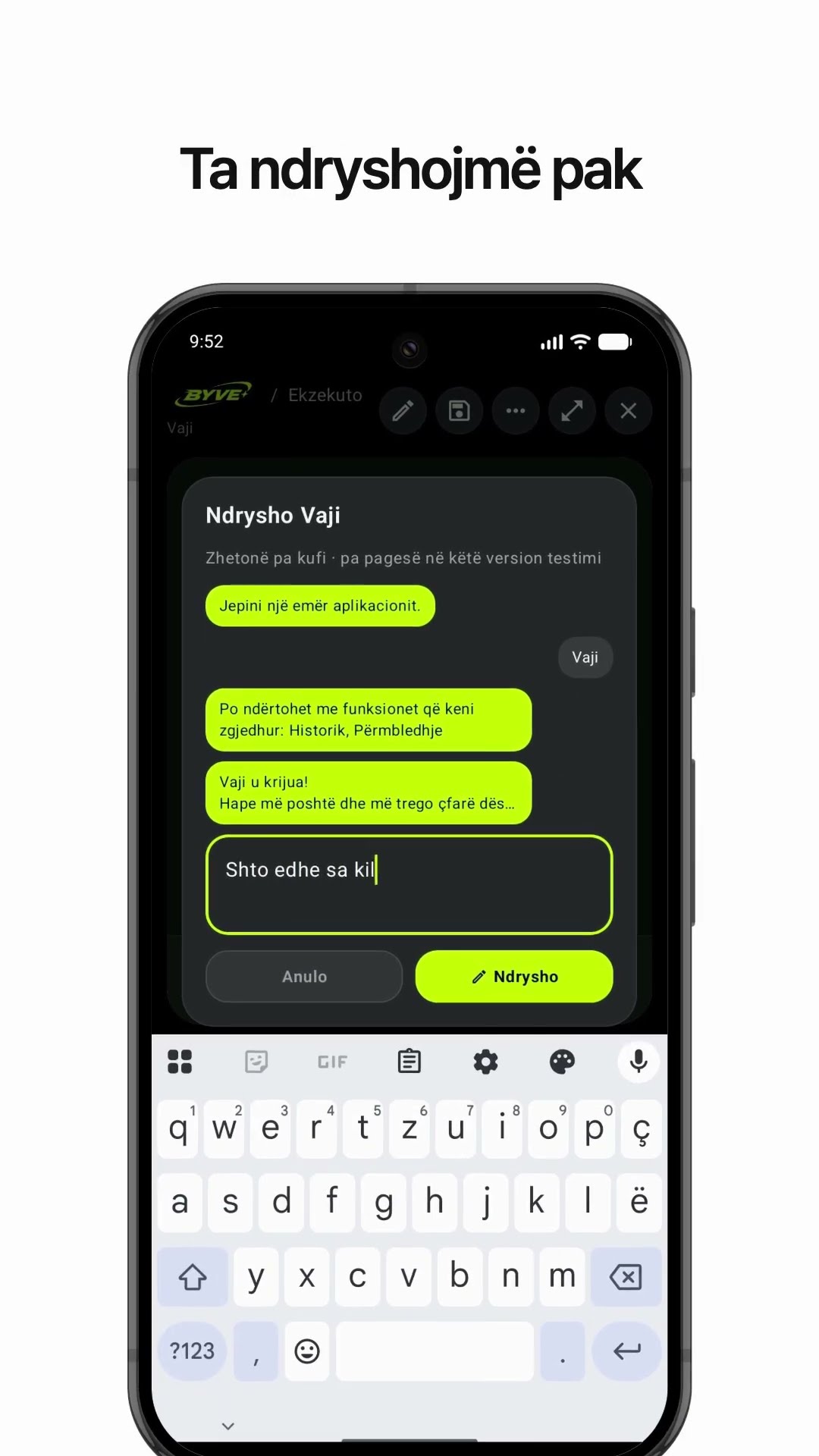
Make an olive oil yield calculator app with one sentenceAlbania · Calculator

Make a fish condition factor (K) calculator app with one sentenceÅland Islands · Calculator & log