
First prompt
Направи ми приложение за гаранциите на уредите вкъщи, което показва кои изтичат скоро.MeaningMake me an app for the warranties on the appliances at home that shows which ones expire soon.
- App name
- Гаранции (Warranties)
- Suggested features picked before building
- Sorting, Editing
In the original recording, it took about 1 min 18 sec to build.
The app it made
- After “TV” was entered and October 25, 2026 was picked as the expiry date on the calendar, “Appliance added.” and “15 days left” appeared.
- The washing machine was entered with December 20, 2027. The TV (15 days left) is at the top of the list with the washing machine (437 days left) below it, and “Total appliances 2 · Expiring soon 1 · Expired 0” is shown.
Change request
Добави напомняне за 20 октомври в 9:00 за гаранцията, която изтича най-скоро.MeaningAdd a reminder on October 20 at 9:00 for the warranty that expires soonest.
After the change
- The 2 appliances are still there, and a card appeared in the “Summary” tab: “Reminder · Expires first: TV · October 25, 2026 · Schedule for October 20, 2026 at 09:00.”
- After tapping it and allowing it, “Reminder scheduled for October 20, 2026 at 09:00.” appeared.
In the original recording, the change took about 1 min 46 sec.
When reopened
Save, close, and open it again, and the TV and the washing machine are still on the list.
Try writing it like this for a similar app
- Make an appliance warranty app. When I enter the appliance name and the date the warranty ends, list them by what expires first.
- When I enter the purchase date and the warranty length in months, work out the date the warranty ends.
- Show appliances with less than 30 days of warranty left in red.
These are sample prompts, not real cases. What you get depends on what you ask for.
How to make it
- Type the app you want in one sentence in the box on the home screen.
- Answer “Give your app a name.” with the name you want.
- From the features BYVE AI suggests, pick only the ones you want.
- Tap “Build for 1 token” to build the app, then tap “Open app” to use it right away.
- Write what you want to change in the chat, and the same app gets updated. A change also uses 1 token.
Good to know
- Each new app or change uses 1 token. You get 2 tokens when you first install, and you can get up to 3 more every 24 hours by watching ads. There are no in-app purchases.
- The apps you make and what you enter are saved on your phone, and apps you’ve already made open without internet. Features that fetch outside information, like weather and maps, need internet.
- It works on Android 8.0 or later and iOS 17.0 or later, and there’s no sign-up.


Android & iOS · Free · No sign-up
More examples

Make a rule of twelfths tide calculator app with one sentenceJersey · Calculator

Walk or take transit? Make a travel time comparison appPortugal · Directions
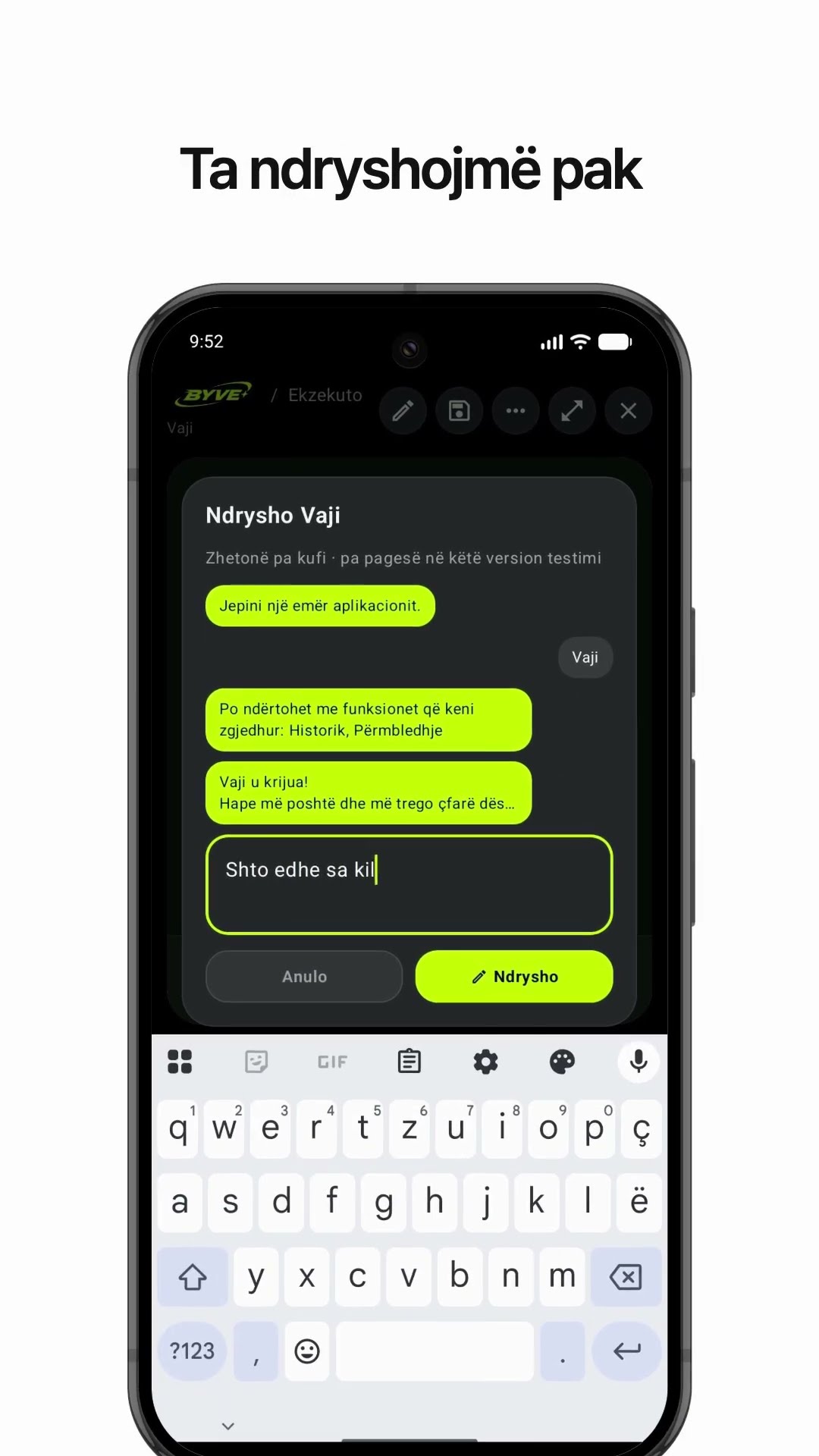
Make an olive oil yield calculator app with one sentenceAlbania · Calculator

Make a fish condition factor (K) calculator app with one sentenceÅland Islands · Calculator & log

Make a hiking log app with one sentenceSwitzerland · Log & reminder

Make a grow light distance and lux calculator app with one sentenceGuernsey · Calculator