
First prompt
Faz uma app que me diga quanto tempo demoro do Cais do Sodré até à Torre de Belém, a pé e de transportes.MeaningMake an app that tells me how long it takes me from Cais do Sodré to Belém Tower, on foot and by public transit.
- App name
- Quanto Demoro (How Long Will It Take)
- Suggested features picked before building
- Walking pace, Save
In the original recording, it took 1 min 5 sec to build.
The app it made
- Tapping “Calculate route” brought up “On foot 1 h 32 min 6.7 km · Transit 37 min 7.1 km” and a Google route map.
- Saving the route as “Passeio de sábado” (Saturday walk) added it to the saved routes as “On foot 1 h 32 min · Transit 37 min.”
Change request
Põe um botão para marcar a saída no calendário, sábado às 10h.MeaningPut in a button to mark the departure on the calendar, Saturday at 10:00.
After the change
- After the route was calculated again, a “Mark on calendar · Saturday, 10:00–11:00” button appeared above the result.
- Tapping it opened the phone’s calendar app with an event already filled in, “Departure: Cais do Sodré, Lisboa → Torre de Belém, Lisboa · Saturday 10/10 10:00 AM–11:00 AM,” and it was saved as is.
In the original recording, the change took 38 sec.
When reopened
Save, close, and open it again, and the saved route is still there. The travel times show up again after you tap Calculate route.
Try writing it like this for a similar app
- Make a travel time comparison app. When I enter a start and a destination, show the walking and public transit times side by side.
- Let me name and save the routes I take often.
- Add a button that puts my departure time on the calendar.
These are sample prompts, not real cases. What you get depends on what you ask for.
How to make it
- Type the app you want in one sentence in the box on the home screen.
- Answer “Give your app a name.” with the name you want.
- From the features BYVE AI suggests, pick only the ones you want.
- Tap “Build for 1 token” to build the app, then tap “Open app” to use it right away.
- Write what you want to change in the chat, and the same app gets updated. A change also uses 1 token.
Good to know
- Each new app or change uses 1 token. You get 2 tokens when you first install, and you can get up to 3 more every 24 hours by watching ads. There are no in-app purchases.
- The apps you make and what you enter are saved on your phone, and apps you’ve already made open without internet. Features that fetch outside information, like weather and maps, need internet.
- It works on Android 8.0 or later and iOS 17.0 or later, and there’s no sign-up.


Android & iOS · Free · No sign-up
More examples
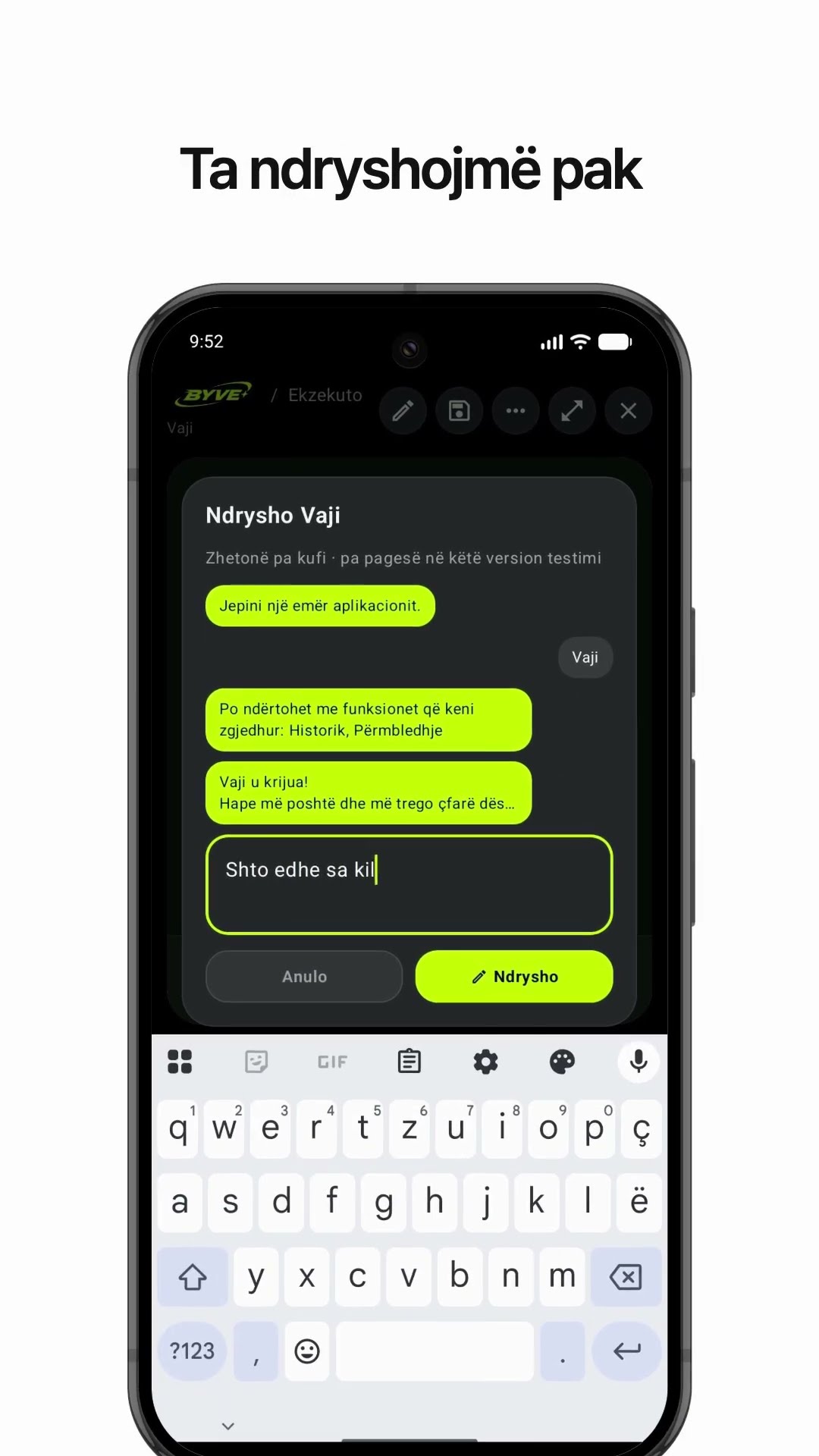
Make an olive oil yield calculator app with one sentenceAlbania · Calculator

Make a fish condition factor (K) calculator app with one sentenceÅland Islands · Calculator & log

Make a hiking log app with one sentenceSwitzerland · Log & reminder

Make a grow light distance and lux calculator app with one sentenceGuernsey · Calculator

Make a recipe box app with one sentenceIreland · Recipes & search

Make a free throw percentage tracker app with one sentenceLithuania · Log & sports
This example in other languages: 한국어Português (Portugal)