
First prompt
Napravi mi aplikaciju za sidro, unesem dubinu mora i visinu pramca u metrima, i dobijem koliko metara lanca da pustim, zbir puta petMeaningMake me an app for the anchor. I enter the sea depth and the bow height in meters, and I get how many meters of chain to let out: the sum times five.
- App name
- Sidro (Anchor)
- Suggested features picked before building
- Rounding, History
In the original recording, it took about 1 min 5 sec to build.
The app it made
- Entering a depth of 6 and a bow height of 1 showed “Recommended chain length 35 meters” right away.
- Tapping “Save to history” left 1 entry in the history below. The numbers on screen are samples for filming.
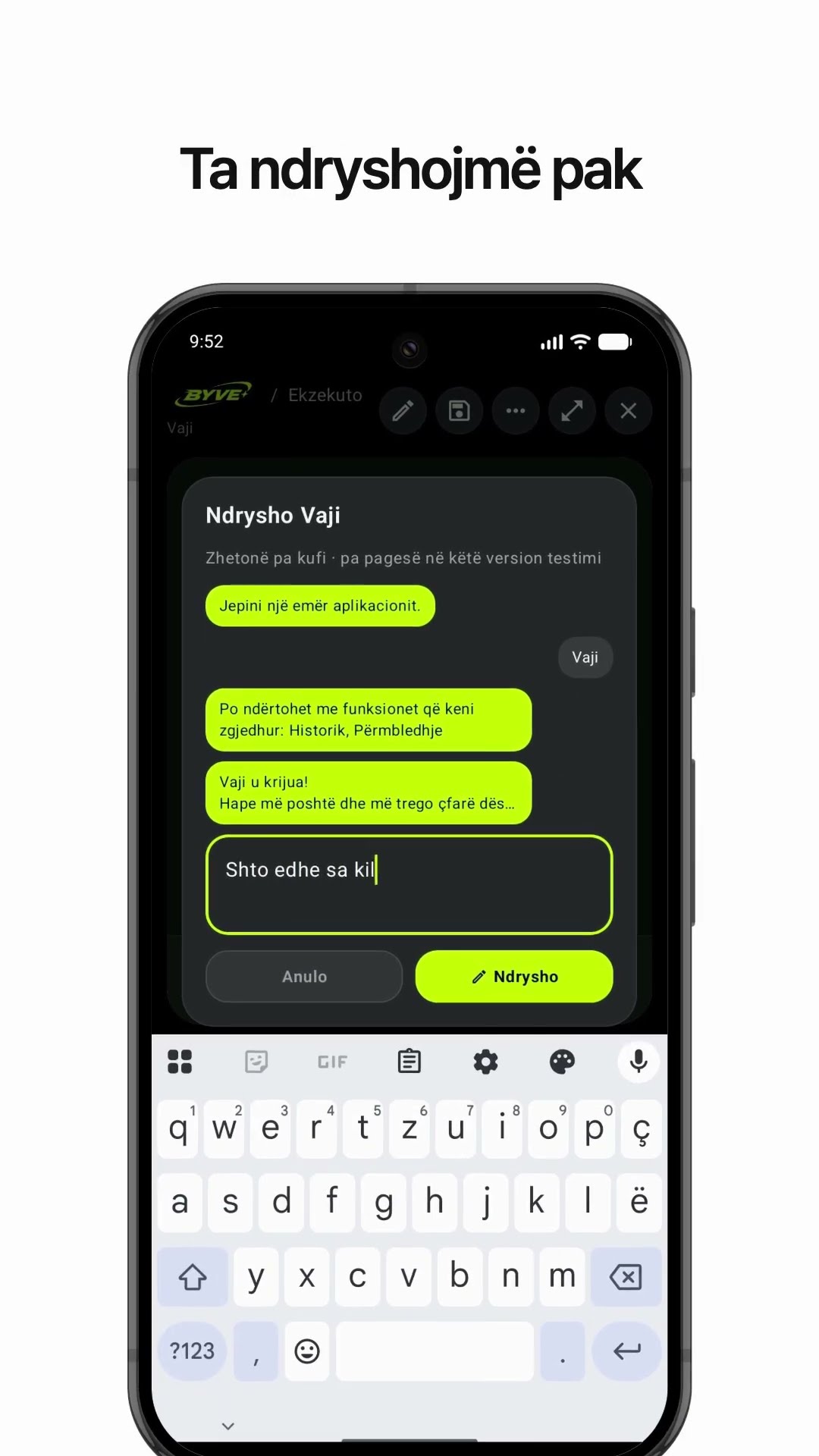
Change request
Dodaj red sa krugom okretanja, brod je dug 10 metaraMeaningAdd a line with the swing circle. The boat is 10 meters long.
After the change
- A “Swing circle · boat 10 m” box appeared, showing “90 m diameter” along with “Radius: 45 m.”
In the original recording, the change took about 32 sec.
When reopened
Save, close, and open it again, and the 2 entries in the history are still there.
Try writing it like this for a similar app
- Make an anchor chain length calculator. When I enter the depth and bow height, tell me how many feet to let out.
- Add a button that calculates at 7 times for strong wind.
- Save the name and depth of each place I anchor as a record.
These are sample prompts, not real cases. What you get depends on what you ask for.
How to make it
- Type the app you want in one sentence in the box on the home screen.
- Answer “Give your app a name.” with the name you want.
- From the features BYVE AI suggests, pick only the ones you want.
- Tap “Build for 1 token” to build the app, then tap “Open app” to use it right away.
- Write what you want to change in the chat, and the same app gets updated. A change also uses 1 token.
Good to know
- Each new app or change uses 1 token. You get 2 tokens when you first install, and you can get up to 3 more every 24 hours by watching ads. There are no in-app purchases.
- The apps you make and what you enter are saved on your phone, and apps you’ve already made open without internet. Features that fetch outside information, like weather and maps, need internet.
- It works on Android 8.0 or later and iOS 17.0 or later, and there’s no sign-up.


Android & iOS · Free · No sign-up
More examples

Make an appliance warranty tracker app with one sentenceBulgaria · Log & reminder

Make a rule of twelfths tide calculator app with one sentenceJersey · Calculator

Walk or take transit? Make a travel time comparison appPortugal · Directions
Make an olive oil yield calculator app with one sentenceAlbania · Calculator

Make a fish condition factor (K) calculator app with one sentenceÅland Islands · Calculator & log

Make a hiking log app with one sentenceSwitzerland · Log & reminder