
First prompt
Pazar alışverişi için bir liste uygulaması yap. Kilo ve fiyat yazınca toplamı ve bütçemden kalanı göstersin.MeaningMake a list app for market shopping. When I write the kilos and the price, it should show the total and what’s left of my budget.
- App name
- Pazar Defteri (Market Notebook)
- Suggested features picked before building
- Bought, Frequent items
In the original recording, it took 1 min 9 sec to build.
The app it made
- With the budget set to 500 and 2 kg of tomatoes entered at 40 per kilo, it showed “Total ₺80 / Left ₺420.”
- Tapping cucumbers once in “Frequent items” and entering 30 made it “₺110 / ₺390,” and checking off the tomatoes made it “Bought 1.”
Change request
Bir de salı sabahı pazarı takvimime ekleyen bir buton koy.MeaningAlso put in a button that adds the Tuesday morning market to my calendar.
After the change
- The list and budget are still there, and an “Add Tuesday morning market to calendar” button appeared.
- Tapping it opened a new event screen in the phone’s calendar, filled in with “Market shopping · Tue, Oct 13, 9:00 AM → 10:00 AM.” In the video, it went back to the app without saving.
In the original recording, the change took 51 sec.
When reopened
Save, close, and open it again, and ₺500 / ₺110 / ₺390, the cucumbers at 30, and the checked tomatoes are still there.
Try writing it like this for a similar app
- Make a grocery budget app. When I write the item, weight, and price, show the total and the budget left right away.
- Make buttons for the items I buy often so I can add them with one tap.
- When I check off an item I bought, cross it out and move it to the bottom.
These are sample prompts, not real cases. What you get depends on what you ask for.
How to make it
- Type the app you want in one sentence in the box on the home screen.
- Answer “Give your app a name.” with the name you want.
- From the features BYVE AI suggests, pick only the ones you want.
- Tap “Build for 1 token” to build the app, then tap “Open app” to use it right away.
- Write what you want to change in the chat, and the same app gets updated. A change also uses 1 token.
Good to know
- Each new app or change uses 1 token. You get 2 tokens when you first install, and you can get up to 3 more every 24 hours by watching ads. There are no in-app purchases.
- The apps you make and what you enter are saved on your phone, and apps you’ve already made open without internet. Features that fetch outside information, like weather and maps, need internet.
- It works on Android 8.0 or later and iOS 17.0 or later, and there’s no sign-up.


Android & iOS · Free · No sign-up
More examples

Make a TV size inches-to-cm calculator app with one sentenceBahrain · Calculator

Make a tree age estimator app with one sentenceBhutan · Calculator & log
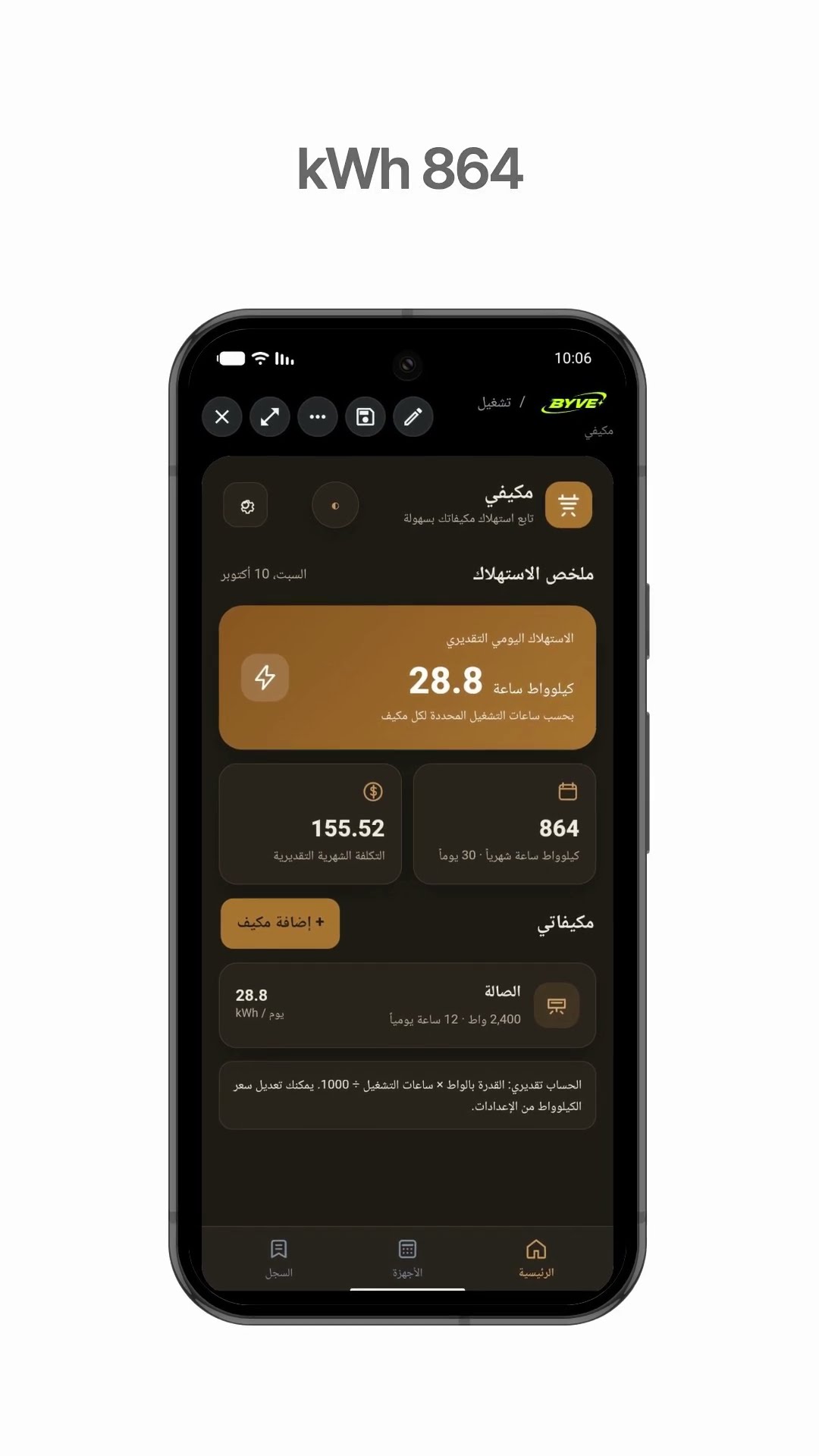
Make an air conditioner electricity usage app with one sentenceKuwait · Calculator & electricity

Make a plant watering schedule app with one sentenceThailand · Log & reminder

Make a time difference app with one sentenceArmenia · Clock & time zones

Make a wedding table calculator app with one sentenceAzerbaijan · Calculator