
First prompt
سو لي تطبيق اكتب فيه مقاس التلفزيون بالبوصة ويطلع لي عرض الشاشة وطولها بالسنتي والشاشة ١٦ على ٩MeaningMake me an app where I write the TV size in inches, and it gives me the screen’s width and height in cm. The screen is 16 by 9.
- App name
- شاشتي (My Screen)
- Suggested features picked before building
- Viewing distance, Measurement log
In the original recording, it took about 57 sec to build.
The app it made
- Entering 75 inches and calculating showed “Width 166.0 / Height 93.4 cm.” The number entered is an example for filming.
- The result was saved to the log.
Change request
زيد سطر يقول كم يبقى من الطاولة اذا عرضها 180 سنتيMeaningAdd a line that says how much of the table is left if it’s 180 cm wide.
After the change
- A new line appeared showing how much room is left on a table 180 cm wide.
- With a 75-inch TV, it showed “14.0 cm” left.
When reopened
Save, close, and open it again, and the 2 log entries are still there.
Try writing it like this for a similar app
- When I enter a TV’s size in inches, show the width and height in cm, and compare it with my TV stand’s width to show how much room is left.
- Let me choose the screen ratio, 16:9 or 21:9.
- Also show the viewing distance for that size.
These are sample prompts, not real cases. What you get depends on what you ask for.
How to make it
- Type the app you want in one sentence in the box on the home screen.
- Answer “Give your app a name.” with the name you want.
- From the features BYVE AI suggests, pick only the ones you want.
- Tap “Build for 1 token” to build the app, then tap “Open app” to use it right away.
- Write what you want to change in the chat, and the same app gets updated. A change also uses 1 token.
Good to know
- Each new app or change uses 1 token. You get 2 tokens when you first install, and you can get up to 3 more every 24 hours by watching ads. There are no in-app purchases.
- The apps you make and what you enter are saved on your phone, and apps you’ve already made open without internet. Features that fetch outside information, like weather and maps, need internet.
- It works on Android 8.0 or later and iOS 17.0 or later, and there’s no sign-up.


Android & iOS · Free · No sign-up
More examples

Make a tree age estimator app with one sentenceBhutan · Calculator & log
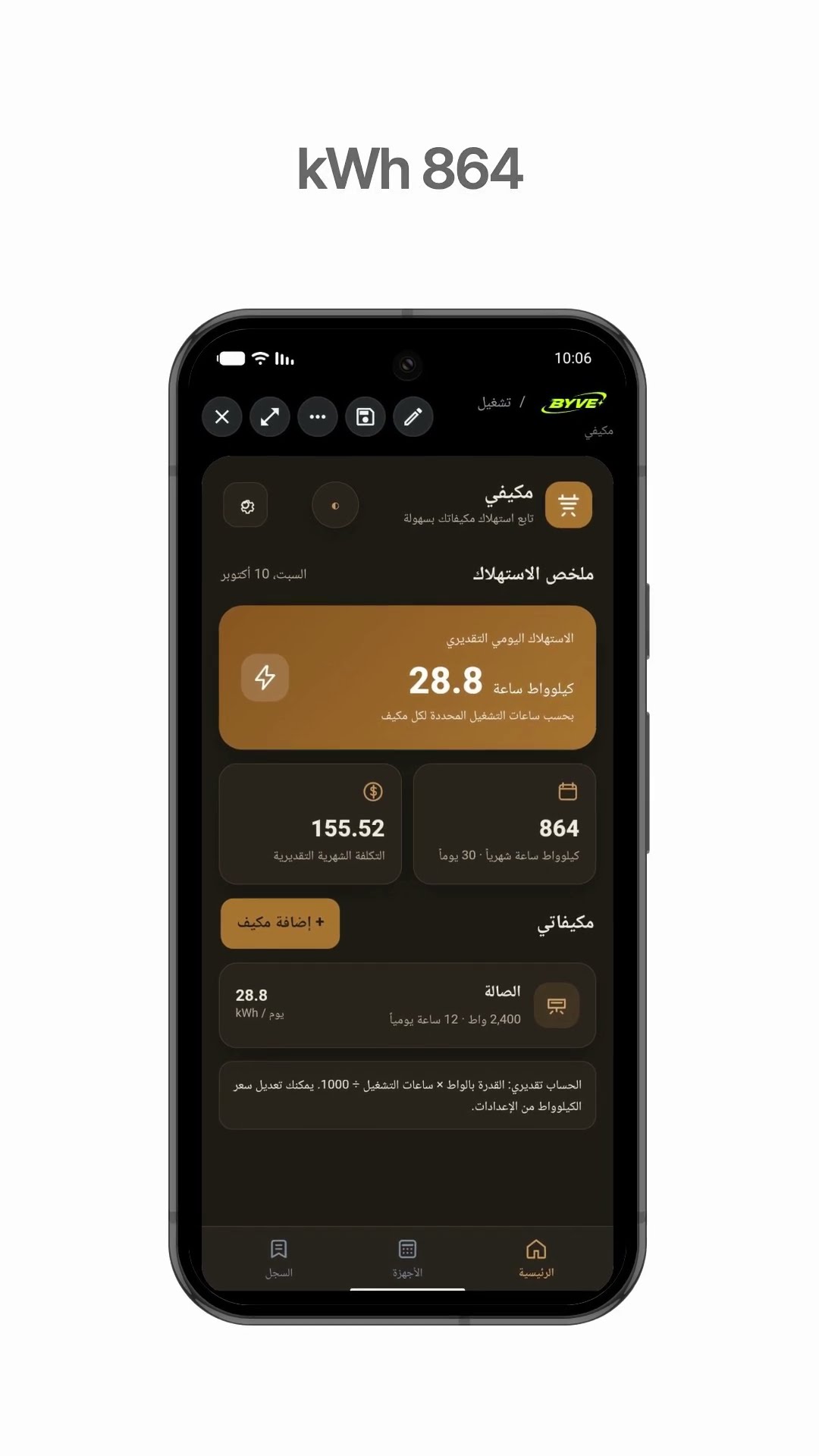
Make an air conditioner electricity usage app with one sentenceKuwait · Calculator & electricity

Make a plant watering schedule app with one sentenceThailand · Log & reminder

Make a time difference app with one sentenceArmenia · Clock & time zones

Make a wedding table calculator app with one sentenceAzerbaijan · Calculator

Make a tip calculator and bill split app with one sentenceIsrael · Calculator