
First prompt
Toy üçün masa hesablayan tətbiq düzəlt, qonaq sayı və bir masada yer sayı ilə.MeaningMake an app that calculates the tables for a wedding, using the number of guests and the seats per table.
- App name
- Masalar (Tables)
- Suggested features picked before building
- Save, Cost calculation
In the original recording, it took about 1 min 12 sec to build.
The app it made
- The sample values on the first screen were cleared, and with 340 guests and 12 seats per table, it showed “Tables needed 29 · Empty seats 8.”
- Naming it “Toy” (wedding) and saving it added “Toy · 340 guests · 12 seats per table · 29 tables” to the “Saved list.” The guest count is a sample number for filming.
Change request
Qonaq sayına +10 və -10 düymələri əlavə et.MeaningAdd +10 and -10 buttons for the guest count.
After the change
- “-10 / +10” buttons appeared under the guest field. The changed app opened with sample values, so 340 guests and 12 seats were entered again.
- Tapping “+10” changed it to “350 guests · Tables needed 30 · Empty seats 10.”
In the original recording, the change took about 21 sec.
When reopened
Save, close, and open it again, and “Toy · 340 guests · 29 tables” is still in the “Saved list.”
Try writing it like this for a similar app
- When I enter the number of wedding guests and the seats per table, tell me how many tables I need and how many seats are left over.
- When I enter the groom’s side and the bride’s side guests separately, calculate the tables from the total.
- When I enter the meal cost per person, show the total meal cost too.
These are sample prompts, not real cases. What you get depends on what you ask for.
How to make it
- Type the app you want in one sentence in the box on the home screen.
- Answer “Give your app a name.” with the name you want.
- From the features BYVE AI suggests, pick only the ones you want.
- Tap “Build for 1 token” to build the app, then tap “Open app” to use it right away.
- Write what you want to change in the chat, and the same app gets updated. A change also uses 1 token.
Good to know
- Each new app or change uses 1 token. You get 2 tokens when you first install, and you can get up to 3 more every 24 hours by watching ads. There are no in-app purchases.
- The apps you make and what you enter are saved on your phone, and apps you’ve already made open without internet. Features that fetch outside information, like weather and maps, need internet.
- It works on Android 8.0 or later and iOS 17.0 or later, and there’s no sign-up.


Android & iOS · Free · No sign-up
More examples

Make a tip calculator and bill split app with one sentenceIsrael · Calculator

Make a vitamin refill reminder app with one sentenceJordan · Log & reminder

Make a power tiller work time calculator app with one sentenceMyanmar · Calculator & log

Make a shop price board app with one sentenceSingapore · Price board
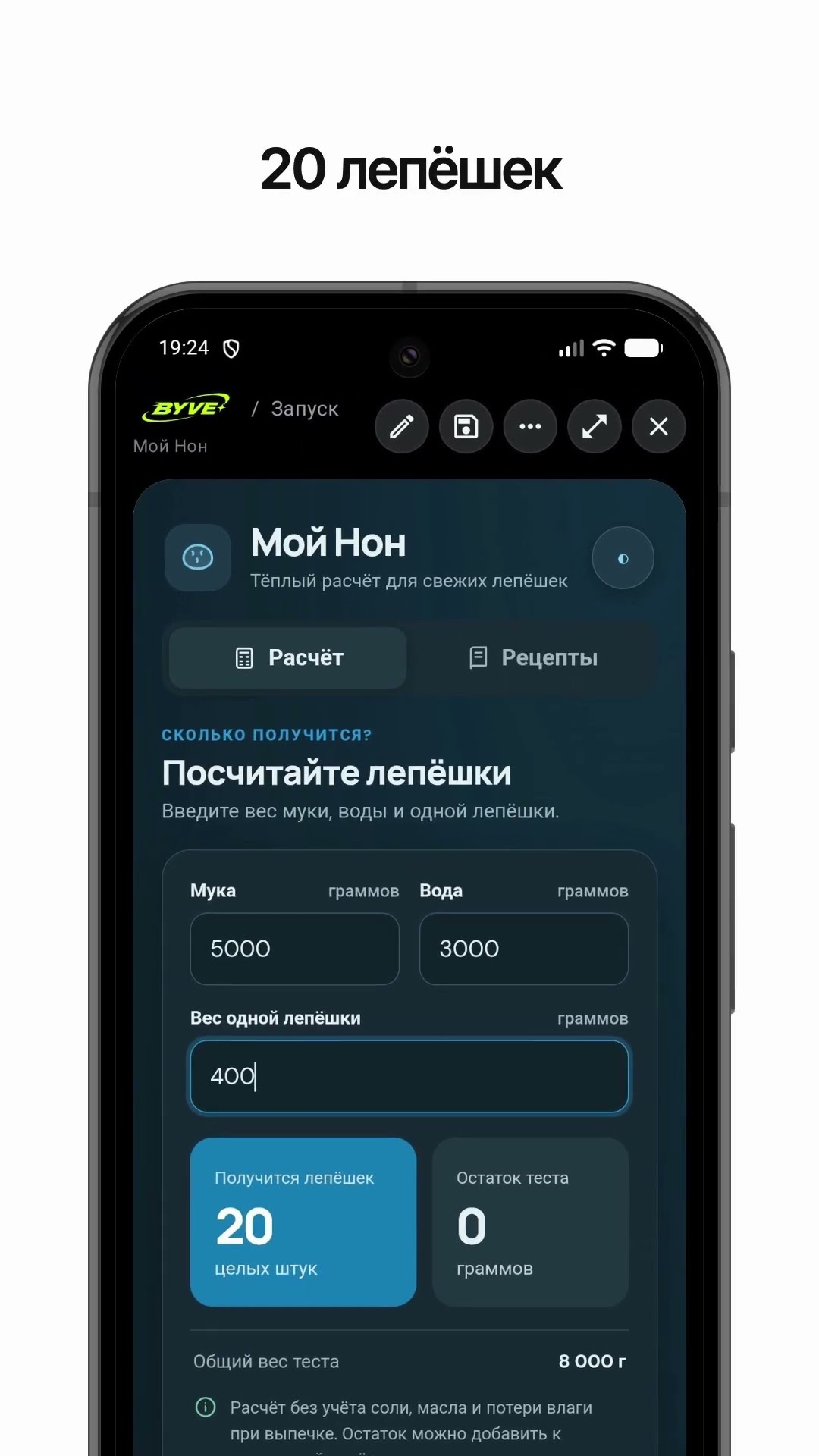
Make a bread count calculator app with one sentenceTajikistan · Calculator & recipe

Make a digital business card app with one sentenceKazakhstan · Contact card & QR
This example in other languages: 한국어Azərbaycanca