
First prompt
Սարքիր հավելված, որ գրեմ ժամային տարբերությունը ու տեսնեմ, թե այնտեղ ժամը քանիսն էMeaningMake an app where I write the time difference and see what time it is there.
- App name
- Ժամը (What Time)
- Suggested features picked before building
- Saved list, Date
In the original recording, it took about 55 sec to build.
The app it made
- For the place, Los Angeles was entered with an 11-hour time difference, and the direction was set to “It’s earlier there.”
- It showed “Your local time 00:34 · Time there 13:34 · Saturday, October 10.”
- Tapping “Save” added “Los Angeles · It’s earlier there · 11 h 0 min” to the “Saved list.”
Change request
Ավելացրու նշան, որ այնտեղ 8-ից 22-ը կարելի է զանգելMeaningAdd a sign showing it’s OK to call when it’s between 8 and 22 there.
After the change
- The changed app opened with empty fields, so Los Angeles was brought back from the “Saved list” with “Apply” to load the time difference again.
- A new green badge, “Call hours: 08:00–22:00,” appeared under “Time there 13:36.”
In the original recording, the change took about 22 sec.
When reopened
Save, close, and open it again, and Los Angeles is still in the “Saved list.”
Try writing it like this for a similar app
- Save the cities where my family abroad lives, and show what time it is there now.
- When it’s between 10 PM and 8 AM there, show “It’s sleeping time now.”
- Let me save several cities and compare their current times side by side.
These are sample prompts, not real cases. What you get depends on what you ask for.
How to make it
- Type the app you want in one sentence in the box on the home screen.
- Answer “Give your app a name.” with the name you want.
- From the features BYVE AI suggests, pick only the ones you want.
- Tap “Build for 1 token” to build the app, then tap “Open app” to use it right away.
- Write what you want to change in the chat, and the same app gets updated. A change also uses 1 token.
Good to know
- Each new app or change uses 1 token. You get 2 tokens when you first install, and you can get up to 3 more every 24 hours by watching ads. There are no in-app purchases.
- The apps you make and what you enter are saved on your phone, and apps you’ve already made open without internet. Features that fetch outside information, like weather and maps, need internet.
- It works on Android 8.0 or later and iOS 17.0 or later, and there’s no sign-up.


Android & iOS · Free · No sign-up
More examples

Make a wedding table calculator app with one sentenceAzerbaijan · Calculator

Make a tip calculator and bill split app with one sentenceIsrael · Calculator

Make a vitamin refill reminder app with one sentenceJordan · Log & reminder

Make a power tiller work time calculator app with one sentenceMyanmar · Calculator & log

Make a shop price board app with one sentenceSingapore · Price board
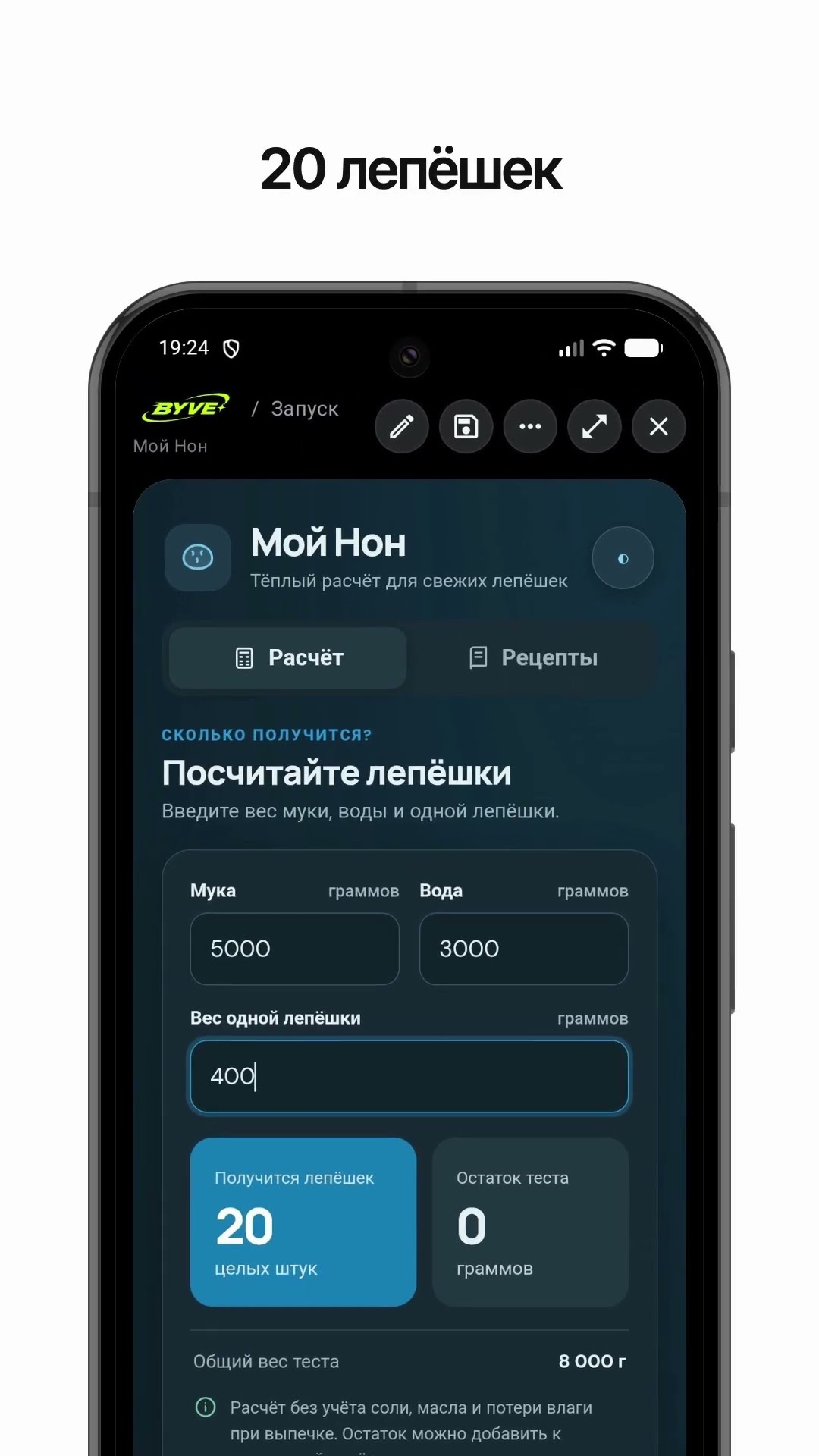
Make a bread count calculator app with one sentenceTajikistan · Calculator & recipe