
First prompt
Maak een app voor ons schoonmaakrooster. We zijn met vier huisgenoten en elke week heeft iedereen een ander klusje.MeaningMake an app for our cleaning rota. There are four of us housemates, and every week everyone has a different chore.
- App name
- Wie is er aan de beurt (Whose Turn Is It)
- Suggested features picked before building
- Swap, Statistics
The app it made
- The first screen showed “A fresh house together 0/4” with Kitchen Noor, Bathroom Jamie, Vacuuming Alex, and Trash & recycling Sam.
- Tapping “Mark as done” on the kitchen and vacuuming showed “2/4” and “Chore checked off. Good going.”
Change request
Stuur me zondag om 7 uur 's avonds een melding met mijn klusje van de week.MeaningSend me a notification on Sunday at 7 in the evening with my chore for the week.
After the change
- 2/4 was still there, and a new card appeared: “Weekly reminder · Sunday at 19:00 · For whom? · Set notification.”
- After choosing Jamie under “For whom?” and allowing notifications, it showed “Scheduled” with a note that the Sunday 19:00 notification was set.
In the original recording, the change took about 1 min 10 sec.
When reopened
Save, close, and open it again, and “2/4” and “Scheduled · Notification set for Sunday, October 11” are still there.
Try writing it like this for a similar app
- Make a chore chart for a family of four. Move each person’s chore one spot every Monday.
- Let me check off finished chores, and show how many are done this week.
- On Sunday evening, send me a reminder with my chore for next week.
These are sample prompts, not real cases. What you get depends on what you ask for.
How to make it
- Type the app you want in one sentence in the box on the home screen.
- Answer “Give your app a name.” with the name you want.
- From the features BYVE AI suggests, pick only the ones you want.
- Tap “Build for 1 token” to build the app, then tap “Open app” to use it right away.
- Write what you want to change in the chat, and the same app gets updated. A change also uses 1 token.
Good to know
- Each new app or change uses 1 token. You get 2 tokens when you first install, and you can get up to 3 more every 24 hours by watching ads. There are no in-app purchases.
- The apps you make and what you enter are saved on your phone, and apps you’ve already made open without internet. Features that fetch outside information, like weather and maps, need internet.
- It works on Android 8.0 or later and iOS 17.0 or later, and there’s no sign-up.


Android & iOS · Free · No sign-up
More examples

Make a team snack schedule app with one sentenceSweden · Schedule & file

Make a house of cards calculator app with one sentenceVatican City · Calculator & play

Make a dish duty picker app with one sentenceEstonia · Random picker

Make a number to words app with one sentenceFaroe Islands · Study & conversion
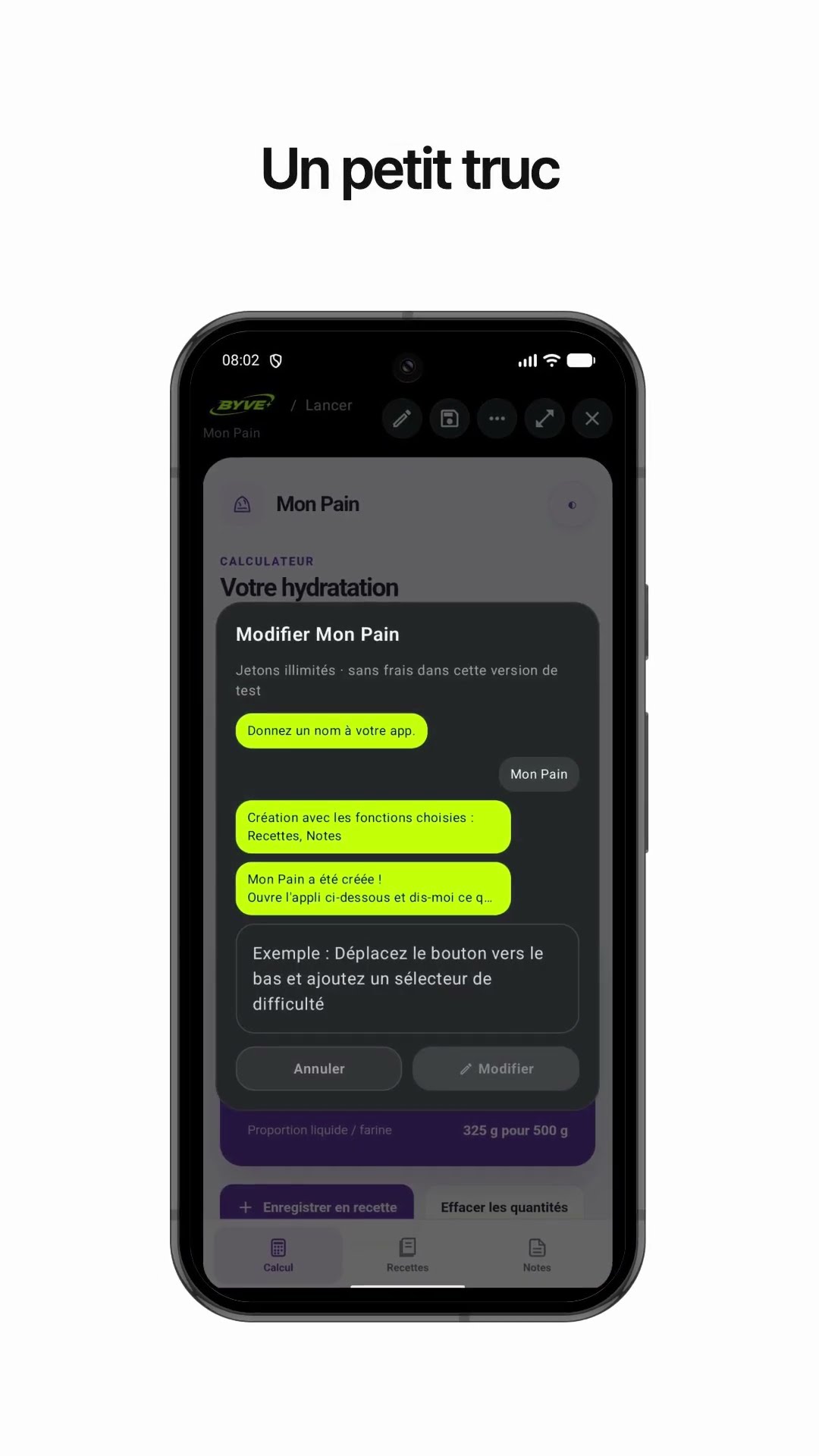
Make a bread dough hydration calculator app with one sentenceLuxembourg · Calculator & recipe

Make a cleanup day email app with one sentenceNorway · Writing & reminder
This example in other languages: 한국어Nederlands