
First prompt
Gör en app där jag skriver datum och namn och får ett fikaschema för innebandylaget som Excel-fil.MeaningMake an app where I write dates and names and get a fika schedule for the innebandy team as an Excel file.
- App name
- Fikaschema (Fika Schedule)
- Suggested features picked before building
- Team roster, Editing
In the original recording, it took about 48 sec to build.
The app it made
- October 17, 24, and 31 were added with the date picker, and Elsa, Noor, and Maja were added to the “Team roster.” The names on screen are examples for filming.
- Tapping “Create/update schedule” split the turns: Elsa on the 17th, Noor on the 24th, and Maja on the 31st.
- After tapping “Export Excel file” and saving it as Fikaschema.csv in the phone’s Downloads folder, it showed “File ready.”
Change request
Spara varje schema i en lista så att jag kan öppna det igen.MeaningSave each schedule in a list so I can open it again.
After the change
- The 3 dates and their turns were still there, and a new “Saved schedules” section appeared below.
- Saving it under the name “Pojkar 2014” added “Pojkar 2014 · 3 dates · 3 players · Open” to the list.
When reopened
Save, close, and open it again, and the 3 turns and the saved list are still there. Opening “Pojkar 2014” loads that schedule again.
Try writing it like this for a similar app
- Make an app that assigns snack duty in order when I enter dates and names.
- Add a button that saves the schedule as a CSV file.
- Let me name past schedules, save them, and open them again.
These are sample prompts, not real cases. What you get depends on what you ask for.
How to make it
- Type the app you want in one sentence in the box on the home screen.
- Answer “Give your app a name.” with the name you want.
- From the features BYVE AI suggests, pick only the ones you want.
- Tap “Build for 1 token” to build the app, then tap “Open app” to use it right away.
- Write what you want to change in the chat, and the same app gets updated. A change also uses 1 token.
Good to know
- Each new app or change uses 1 token. You get 2 tokens when you first install, and you can get up to 3 more every 24 hours by watching ads. There are no in-app purchases.
- The apps you make and what you enter are saved on your phone, and apps you’ve already made open without internet. Features that fetch outside information, like weather and maps, need internet.
- It works on Android 8.0 or later and iOS 17.0 or later, and there’s no sign-up.


Android & iOS · Free · No sign-up
More examples

Make a house of cards calculator app with one sentenceVatican City · Calculator & play

Make a dish duty picker app with one sentenceEstonia · Random picker

Make a number to words app with one sentenceFaroe Islands · Study & conversion
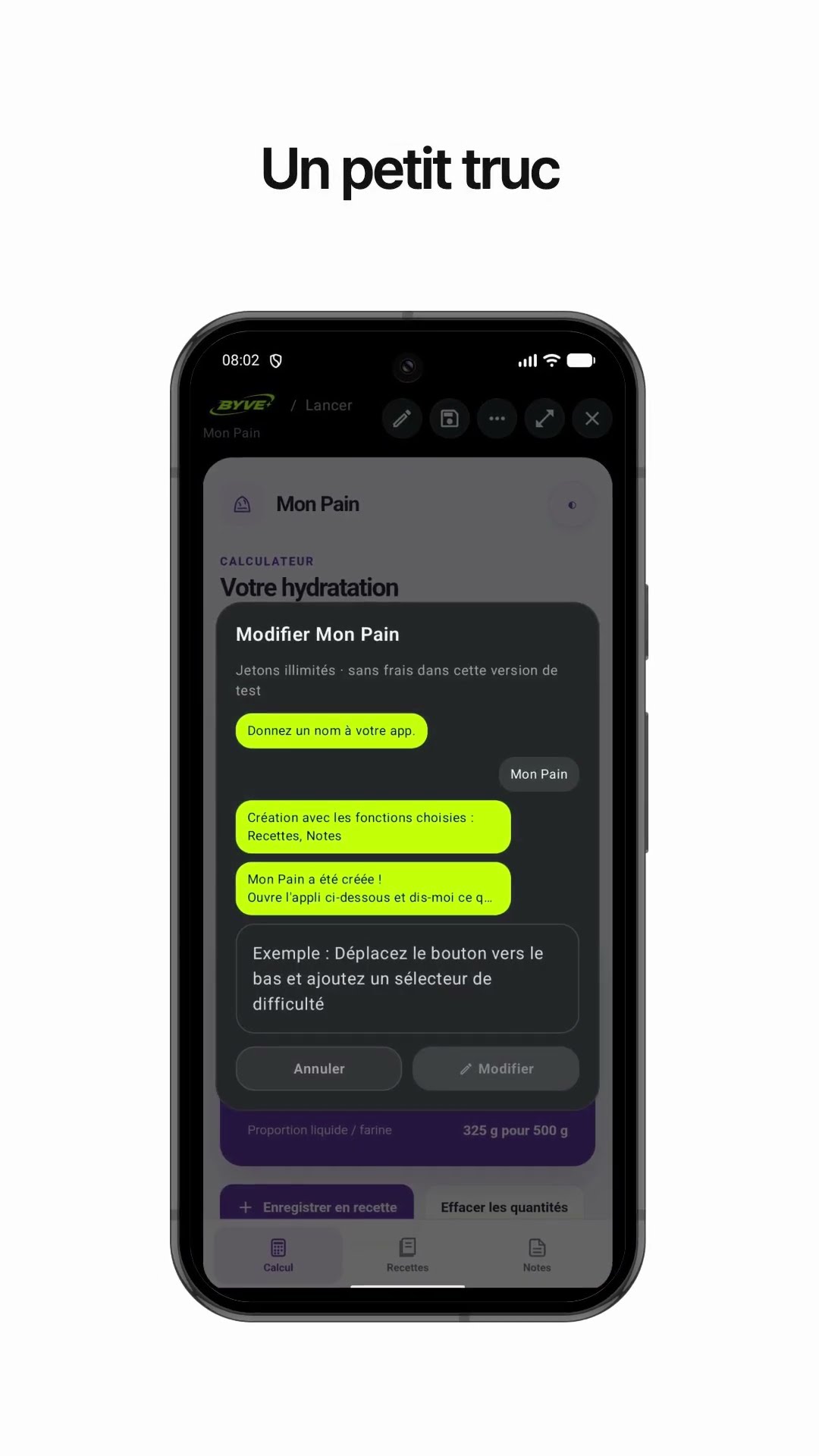
Make a bread dough hydration calculator app with one sentenceLuxembourg · Calculator & recipe

Make a cleanup day email app with one sentenceNorway · Writing & reminder

Make a bias tape length calculator app with one sentenceKosovo · Calculator