
First prompt
Tee rakendus, mis valib loosiga, kes täna nõusid peseb.MeaningMake an app that draws lots to pick who washes the dishes today.
- App name
- Kes peseb? (Who Does the Dishes?)
- Suggested features picked before building
- Participants, Draw history
In the original recording, it took 1 min 19 sec to build.
The app it made
- In the “Participants” tab, three names were added: Kertu, Mihkel, and Liis. The names on screen are samples for filming.
- In the “Draw” tab, tapping “Draw dish duty” picked Liis.
- “Draw again” then picked Kertu and Liis in turn, for “3 draws in total.”
Change request
Näita iga nime juures, mitu korda ta on valitud.MeaningShow next to each name how many times they’ve been picked.
After the change
- The 3 draws from before are still there.
- Next to the names in the “Participants” tab, it shows “Kertu 1 time · Mihkel 0 times · Liis 2 times.”
In the original recording, the change took about 39 sec.
When reopened
Save, close, and open it again, and “Liis · 3 draws in total” is still there.
Try writing it like this for a similar app
- When I enter my family’s names and tap the button, pick who cleans today.
- Leave out the person picked last time from the next draw.
- Show a table of who was on duty how many times this week.
These are sample prompts, not real cases. What you get depends on what you ask for.
How to make it
- Type the app you want in one sentence in the box on the home screen.
- Answer “Give your app a name.” with the name you want.
- From the features BYVE AI suggests, pick only the ones you want.
- Tap “Build for 1 token” to build the app, then tap “Open app” to use it right away.
- Write what you want to change in the chat, and the same app gets updated. A change also uses 1 token.
Good to know
- Each new app or change uses 1 token. You get 2 tokens when you first install, and you can get up to 3 more every 24 hours by watching ads. There are no in-app purchases.
- The apps you make and what you enter are saved on your phone, and apps you’ve already made open without internet. Features that fetch outside information, like weather and maps, need internet.
- It works on Android 8.0 or later and iOS 17.0 or later, and there’s no sign-up.


Android & iOS · Free · No sign-up
More examples

Make a number to words app with one sentenceFaroe Islands · Study & conversion
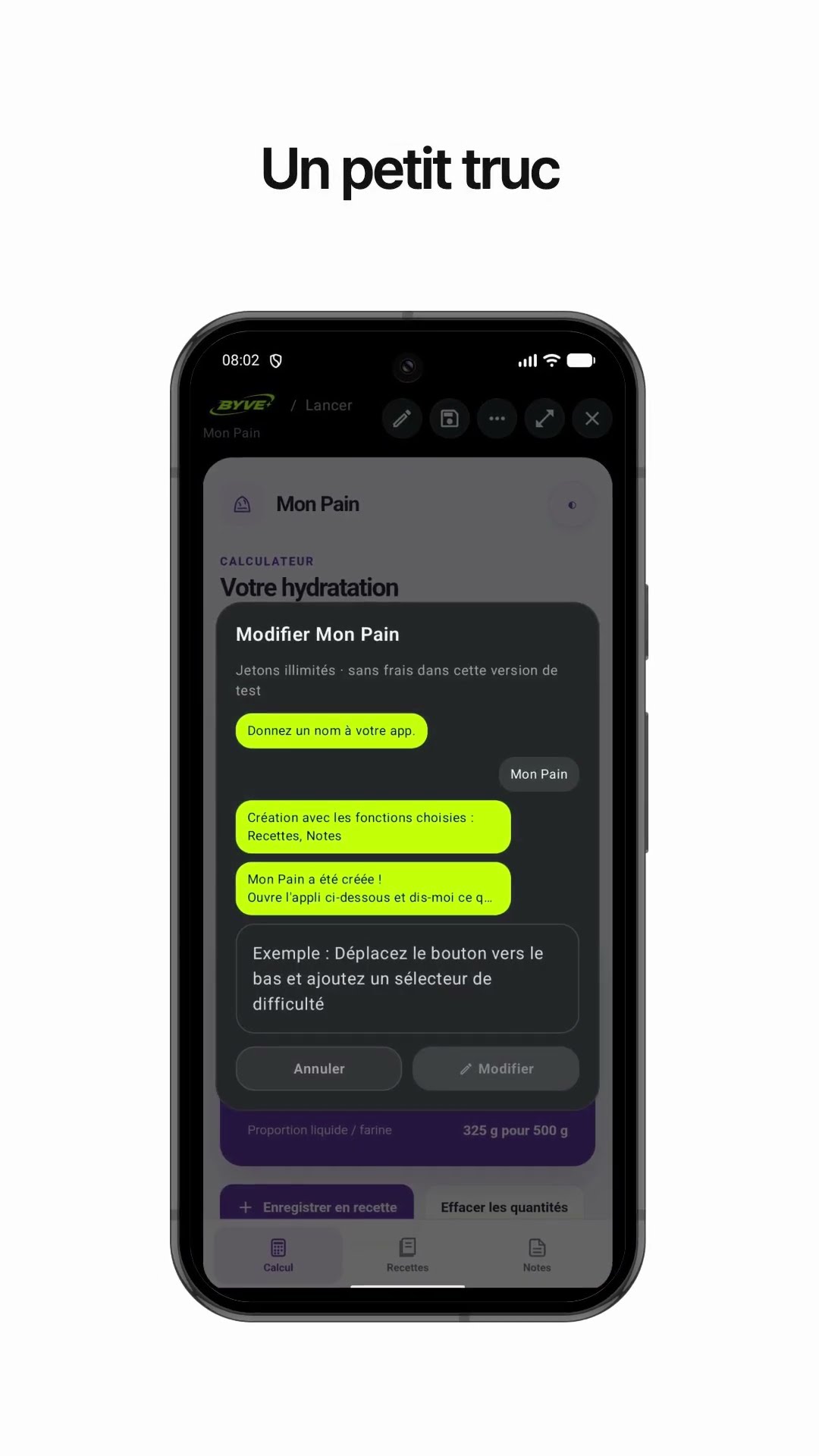
Make a bread dough hydration calculator app with one sentenceLuxembourg · Calculator & recipe

Make a cleanup day email app with one sentenceNorway · Writing & reminder

Make a bias tape length calculator app with one sentenceKosovo · Calculator

Make a queue wait time app with one sentenceBosnia and Herzegovina · Wait time

Make a bike gear calculator app with one sentenceCyprus · Calculator