
First prompt
Lav en app til tal, jeg skriver et tal, og den viser tallet med danske ordMeaningMake an app for numbers. I write a number, and it shows the number in Danish words.
- App name
- Tal i Ord (Numbers in Words)
- Suggested features picked before building
- History, Favorites
In the original recording, it took about 56 sec to build.
The app it made
- Entering 95 showed the Danish words “femoghalvfems.”
- Numbers you enter stay in the history, and 95 was also added to favorites. The homework number is a sample for filming.
Change request
Lav en linje mere med tallet i romertalMeaningAdd one more line with the number in Roman numerals.
After the change
- A “Roman numerals XCV” line appeared under the words.
In the original recording, the change took about 40 sec.
When reopened
Save, close, and open it again, and 95 is still in favorites.
Try writing it like this for a similar app
- When I enter a number, show how to say it in Spanish. For example, 95 as noventa y cinco.
- Show the same number in English words on another line too.
- Save the numbers I often get wrong with a star, and show them in a list.
These are sample prompts, not real cases. What you get depends on what you ask for.
How to make it
- Type the app you want in one sentence in the box on the home screen.
- Answer “Give your app a name.” with the name you want.
- From the features BYVE AI suggests, pick only the ones you want.
- Tap “Build for 1 token” to build the app, then tap “Open app” to use it right away.
- Write what you want to change in the chat, and the same app gets updated. A change also uses 1 token.
Good to know
- Each new app or change uses 1 token. You get 2 tokens when you first install, and you can get up to 3 more every 24 hours by watching ads. There are no in-app purchases.
- The apps you make and what you enter are saved on your phone, and apps you’ve already made open without internet. Features that fetch outside information, like weather and maps, need internet.
- It works on Android 8.0 or later and iOS 17.0 or later, and there’s no sign-up.


Android & iOS · Free · No sign-up
More examples
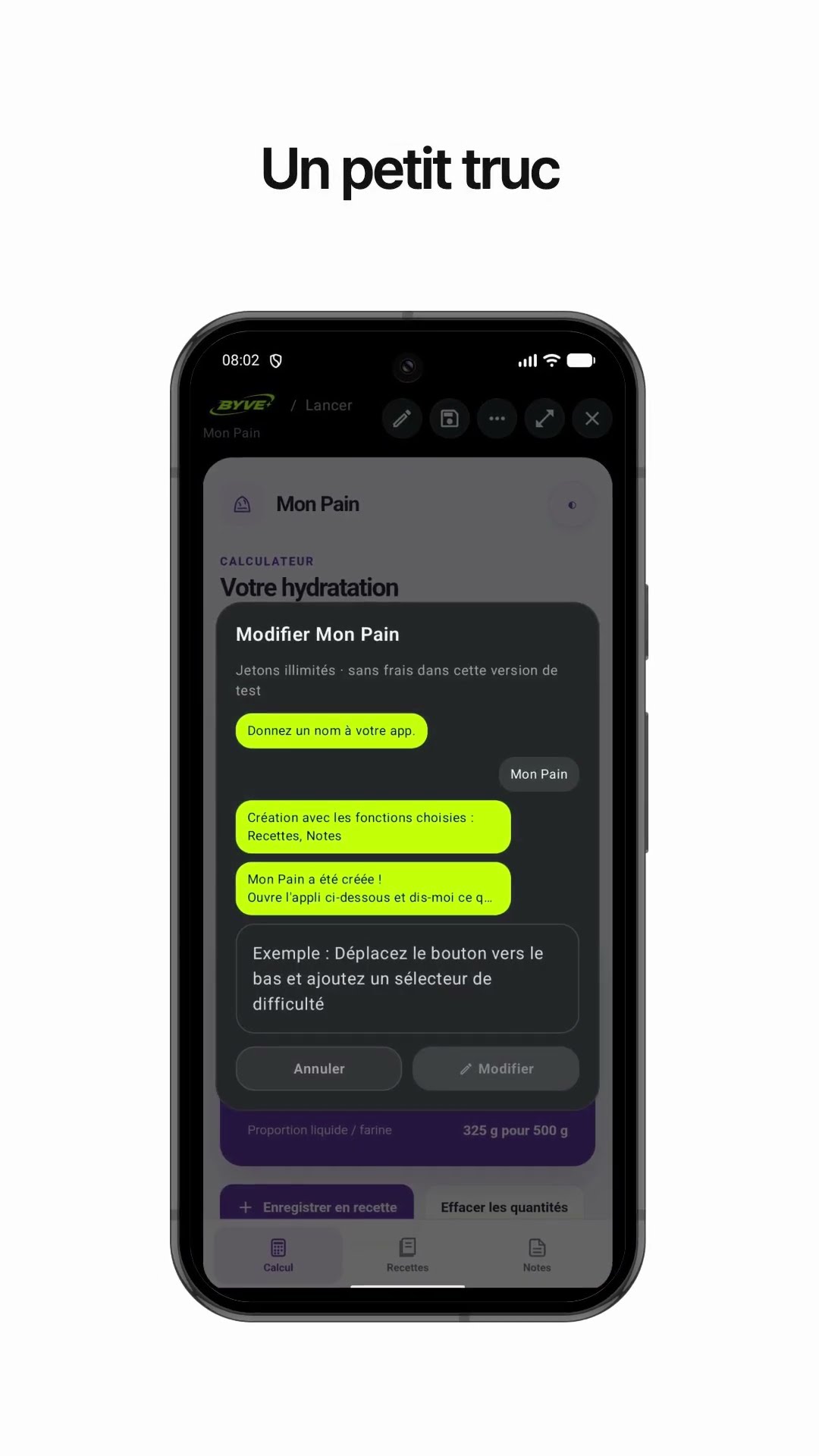
Make a bread dough hydration calculator app with one sentenceLuxembourg · Calculator & recipe

Make a cleanup day email app with one sentenceNorway · Writing & reminder

Make a bias tape length calculator app with one sentenceKosovo · Calculator

Make a queue wait time app with one sentenceBosnia and Herzegovina · Wait time

Make a bike gear calculator app with one sentenceCyprus · Calculator

Make a pétanque game with one chat messageFrance · Game