
First prompt
Hazme una app con la receta del encebollado paso a paso, y que me lea cada paso en voz alta.MeaningMake me an app with the encebollado recipe step by step, and have it read each step out loud to me.
- App name
- Receta que Habla (Talking Recipe)
- Suggested features picked before building
- Ingredients, Shopping list
In the original recording, it took 1 min 12 sec to build.
The app it made
- The “Encebollado · 55 min · 4 servings” recipe appeared, step by step.
- Adding tuna and yuca from the ingredients to the shopping list made it “Shopping list (2).”
- Tapping “Read” on step 1 read that step out loud with the phone’s text-to-speech. The phone was on silent during recording, so there’s no sound in the video.
Change request
Ponle un botón de temporizador a cada paso que tenga tiempo.MeaningPut a timer button on every step that has a time.
After the change
- Step 2 got a “Timer · 20 min” button, and another step got a “Timer · 10 min” button. Shopping list (2) is still there.
- After tapping “Timer · 20 min” and allowing it, a “Boil the yuca” timer started counting down from 19:57 in the phone’s Clock app.
In the original recording, the change took 45 sec.
When reopened
Save, close, and open it again, and the shopping list is still there.
Try writing it like this for a similar app
- Show a chili recipe step by step and read each step aloud. Let me go to the next step with a big button.
- When I change the number of servings, change the ingredient amounts too.
- When I check off an ingredient, remove it from the shopping list.
These are sample prompts, not real cases. What you get depends on what you ask for.
How to make it
- Type the app you want in one sentence in the box on the home screen.
- Answer “Give your app a name.” with the name you want.
- From the features BYVE AI suggests, pick only the ones you want.
- Tap “Build for 1 token” to build the app, then tap “Open app” to use it right away.
- Write what you want to change in the chat, and the same app gets updated. A change also uses 1 token.
Good to know
- Each new app or change uses 1 token. You get 2 tokens when you first install, and you can get up to 3 more every 24 hours by watching ads. There are no in-app purchases.
- The apps you make and what you enter are saved on your phone, and apps you’ve already made open without internet. Features that fetch outside information, like weather and maps, need internet.
- It works on Android 8.0 or later and iOS 17.0 or later, and there’s no sign-up.


Android & iOS · Free · No sign-up
More examples

Make a futsal court fee splitting app with one sentenceArgentina · Cost split & reminder

Make a cricket run rate calculator app with one sentenceBarbados · Calculator

Make a hall seat count app with one sentenceBermuda · Calculator
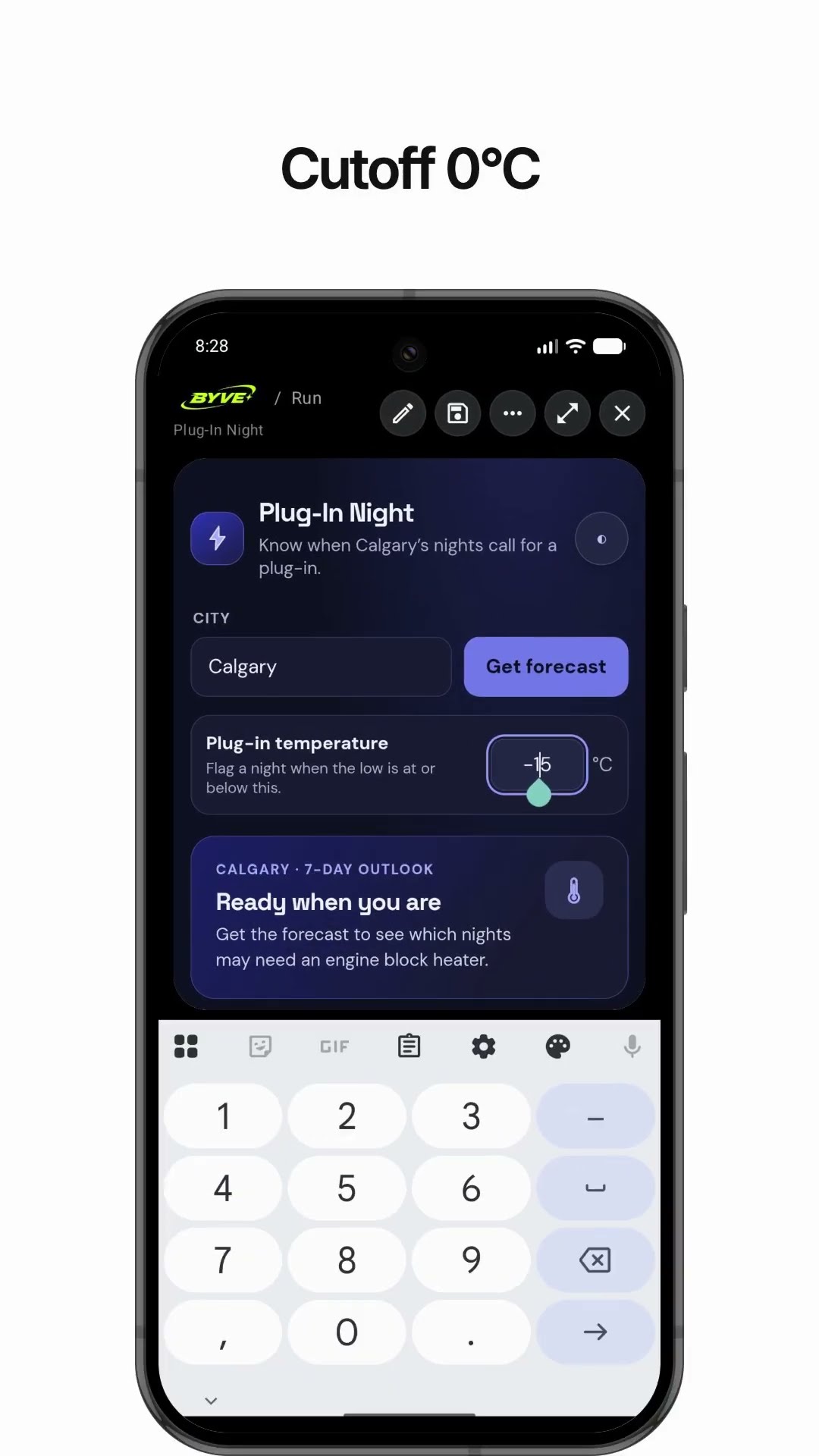
Make a weather app that tells you when to plug in your carCanada · Weather & reminder

Make a snowshoe pressure calculator app with one sentenceGreenland · Calculator

Make a crowbar lever force calculator app with one sentenceSint Maarten · Calculator
This example in other languages: 한국어Español (Latinoamérica)