
First prompt
Haceme una app para el fútbol de los jueves. Anoto quiénes vienen y cuánto sale la cancha, y me dice cuánto pone cada uno.MeaningMake me an app for Thursday soccer. I write down who’s coming and how much the court costs, and it tells me how much each person chips in.
- App name
- La Cancha (The Court)
- Suggested features picked before building
- Payments, History
In the original recording, it took 1 min 21 sec to build.
The app it made
- After entering a court fee of 48000 and 8 players and saving, it showed “8 players · Court $48,000 · $6,000 per person” and “Unpaid 8.”
- Recording nico’s payment showed “Collected $6,000.” After facu’s, it showed “Collected $12,000 · Remaining $36,000,” and “Paid up” went up to 2 people.
Change request
Agregá un recordatorio el miércoles a las 8 de la noche para confirmar la cancha.MeaningAdd a reminder on Wednesday at 8 at night to confirm the court.
After the change
- A card appeared: “Reminder · Confirm the court · Schedule Wednesday 20:00.”
- Tapping the card and allowing it in the BYVE AI prompt showed “Scheduled for Wednesday, October 14, at 20:00.”
In the original recording, the change took 1 min 13 sec.
When reopened
Save, close, and open it again, and everything entered is still there.
Try writing it like this for a similar app
- Make an app to split futsal fees. When I enter the court fee and the number of players, show the amount per person and let me check off who paid.
- Keep a record of who paid for each game date.
- Set a reminder at 8 PM the night before the game to confirm the court booking.
These are sample prompts, not real cases. What you get depends on what you ask for.
How to make it
- Type the app you want in one sentence in the box on the home screen.
- Answer “Give your app a name.” with the name you want.
- From the features BYVE AI suggests, pick only the ones you want.
- Tap “Build for 1 token” to build the app, then tap “Open app” to use it right away.
- Write what you want to change in the chat, and the same app gets updated. A change also uses 1 token.
Good to know
- Each new app or change uses 1 token. You get 2 tokens when you first install, and you can get up to 3 more every 24 hours by watching ads. There are no in-app purchases.
- The apps you make and what you enter are saved on your phone, and apps you’ve already made open without internet. Features that fetch outside information, like weather and maps, need internet.
- It works on Android 8.0 or later and iOS 17.0 or later, and there’s no sign-up.


Android & iOS · Free · No sign-up
More examples

Make a cricket run rate calculator app with one sentenceBarbados · Calculator

Make a hall seat count app with one sentenceBermuda · Calculator
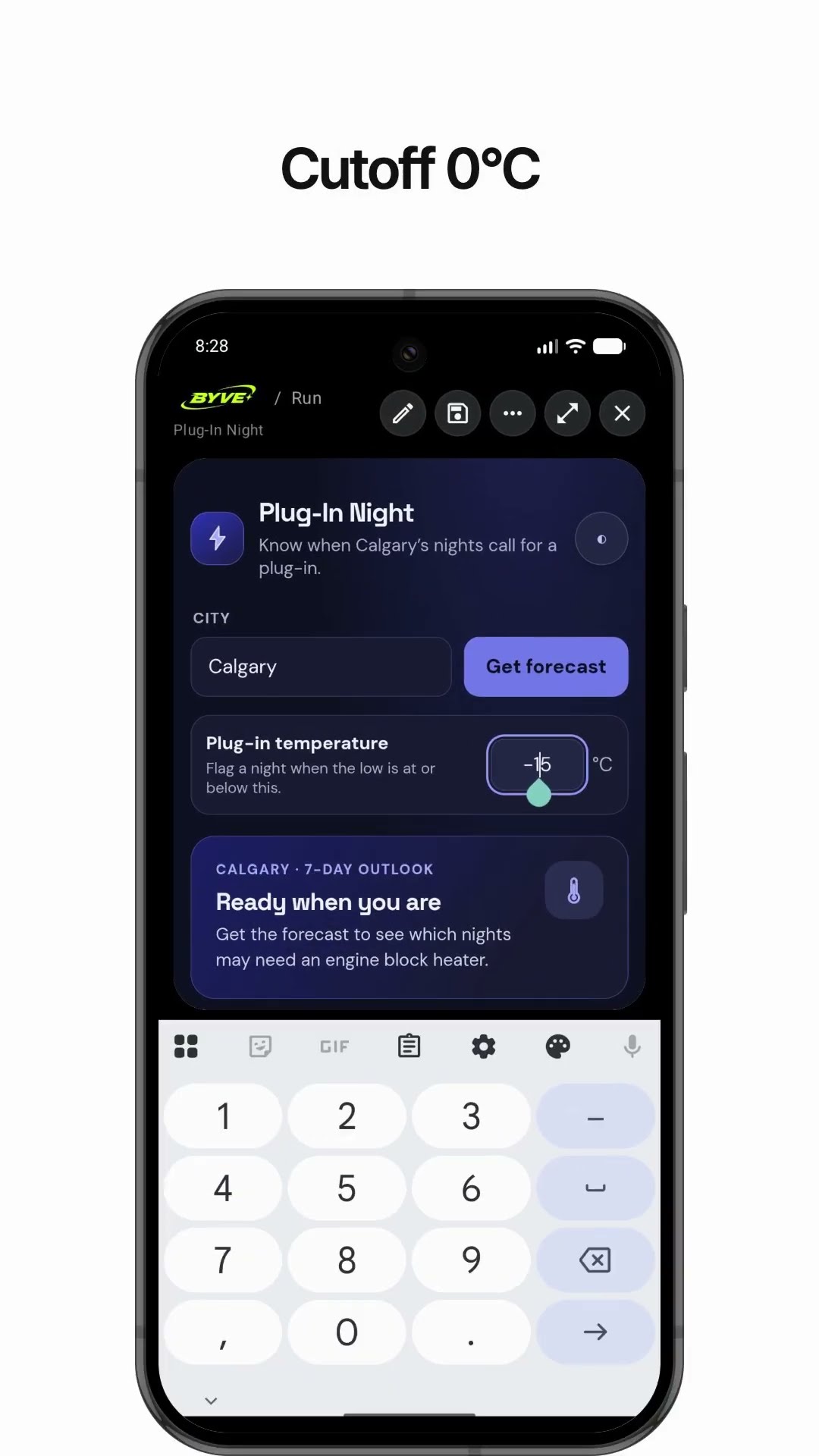
Make a weather app that tells you when to plug in your carCanada · Weather & reminder

Make a snowshoe pressure calculator app with one sentenceGreenland · Calculator

Make a crowbar lever force calculator app with one sentenceSint Maarten · Calculator

Make a water tank pressure calculator app with one sentenceBritish Virgin Islands · Calculator
This example in other languages: 한국어Español (Latinoamérica)