
First prompt
Mach mir eine App, ich gebe mein Pensum in Prozent und die Wochenstunden bei 100 Prozent ein, und sie zeigt meine Stunden pro WocheMeaningMake me an app. I enter my workload in percent and the weekly hours at 100 percent, and it shows my hours per week.
- App name
- Mein Pensum (My Workload)
- Suggested features picked before building
- Notes list, Rounding
In the original recording, it took about 1 min 7 sec to build.
The app it made
- Entering a workload of 60 and 42 hours a week at 100% showed “My weekly hours 25 hours.” Rounding was set to 0.5-hour steps, so it shows 25 instead of 25.2.
- Tapping “Note it” saved 1 entry to the notes list.
Change request
Zeig noch eine Zeile mit den Stunden pro Tag bei 3 ArbeitstagenMeaningShow one more line with the hours per day for 3 workdays.
After the change
- A line reading “3 workdays: 8.3333 hours a day” appeared.
- This calculation was saved to the notes list too.
In the original recording, the change took about 35 sec.
When reopened
Save, close, and open it again, and the 2 entries in the notes list are still there.
Try writing it like this for a similar app
- When I enter my workload and the standard weekly hours, show my weekly and monthly hours.
- When I enter my hourly pay, work out my weekly and monthly pay too.
- Show the daily hours side by side for a 4-day and a 5-day week.
These are sample prompts, not real cases. What you get depends on what you ask for.
How to make it
- Type the app you want in one sentence in the box on the home screen.
- Answer “Give your app a name.” with the name you want.
- From the features BYVE AI suggests, pick only the ones you want.
- Tap “Build for 1 token” to build the app, then tap “Open app” to use it right away.
- Write what you want to change in the chat, and the same app gets updated. A change also uses 1 token.
Good to know
- Each new app or change uses 1 token. You get 2 tokens when you first install, and you can get up to 3 more every 24 hours by watching ads. There are no in-app purchases.
- The apps you make and what you enter are saved on your phone, and apps you’ve already made open without internet. Features that fetch outside information, like weather and maps, need internet.
- It works on Android 8.0 or later and iOS 17.0 or later, and there’s no sign-up.


Android & iOS · Free · No sign-up
More examples

Make a local playground favorites app with one sentencePoland · Map & weather

Make a recipe serving size calculator app with one sentenceUkraine · Recipe calculator

Make a lost item QR sticker app for a school bagAustria · QR code

Make a light meter app with your phone’s light sensorBelgium · Light sensor
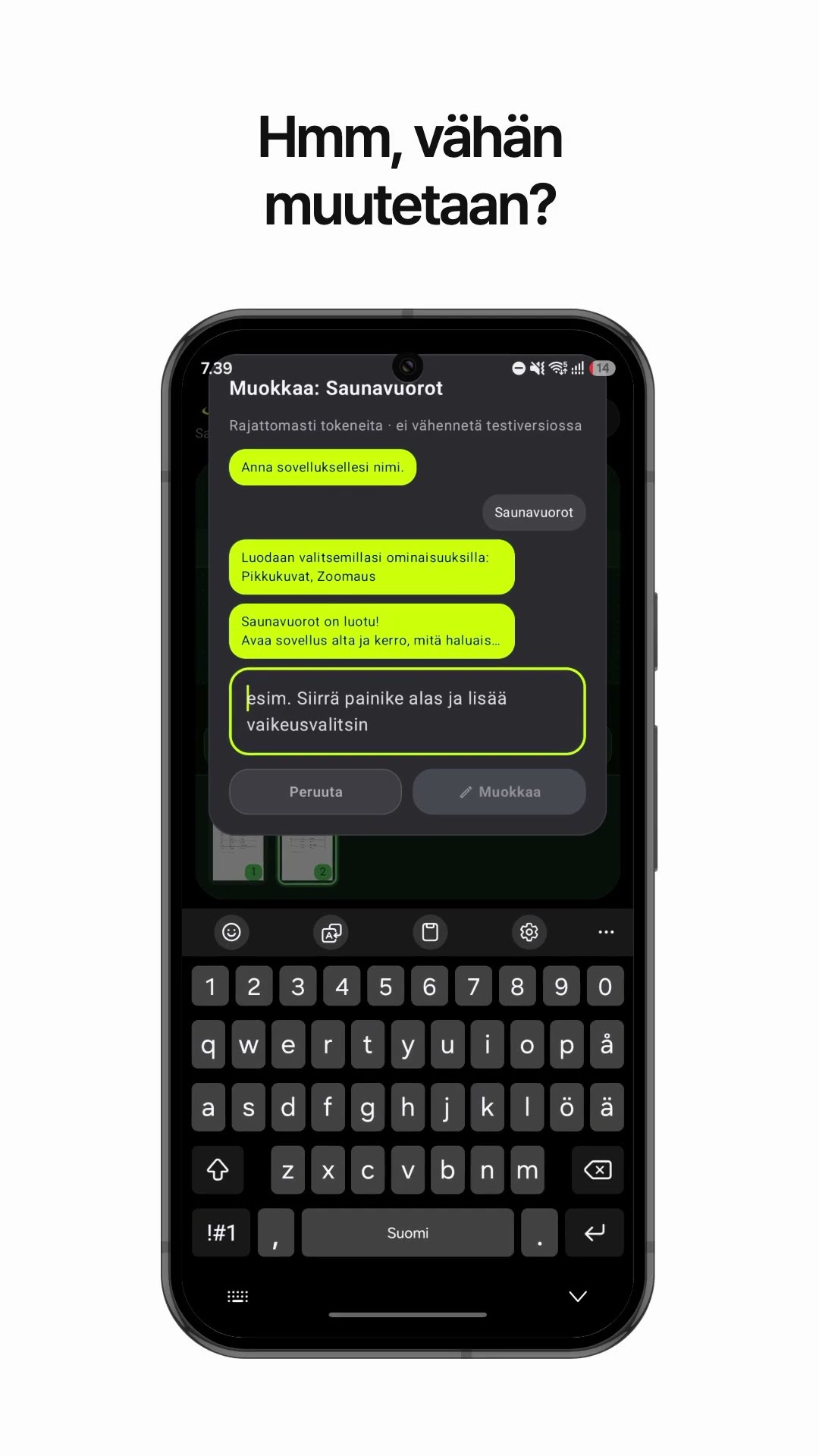
Make a PDF viewer app that shows one large page at a timeFinland · PDF viewer

Make a ferry departure time app with one sentenceCroatia · Schedule & file