
First prompt
Maak een app die met de lichtsensor van mijn gsm meet of er genoeg licht is voor het huiswerk.MeaningMake an app that uses my phone’s light sensor to measure whether there’s enough light for homework.
- App name
- Lichtmeter (Light Meter)
- Suggested features picked before building
- Threshold, Session timer
The app it made
- The first screen started with no reading, a minimum threshold of 300, and a session length of 25. In the video, the session length was cut to 1.
- After tapping “Start measurement and session” and allowing sensor access, it showed “0 lx · Too little light for your threshold.” This is a real reading taken in a dark room with the lights off.
- When the session time ran out, “Session ended” appeared.
Change request
Laat zien hoeveel lux ik nog tekortkom tot mijn drempel.MeaningShow how many lux I’m still short of my threshold.
After the change
- In the changed app, measuring was started again, and after allowing access it showed “0 lx · Still 300 lx short.”
- Tapping “Stop” changed it to “Measurement stopped.”
In the original recording, the change took about 30 sec.
When reopened
Save, close, and open it again, and “0 lx · Still 300 lx short · Measurement stopped” is still there.
Try writing it like this for a similar app
- Use my phone’s light sensor to show the current brightness in lux, and tell me if it’s bright enough for reading.
- Let me save the brightness measured in each room with the room name, and compare them in a list.
- Add a timer for 25 minutes of study and 5 minutes of break too.
These are sample prompts, not real cases. What you get depends on what you ask for.
How to make it
- Type the app you want in one sentence in the box on the home screen.
- Answer “Give your app a name.” with the name you want.
- From the features BYVE AI suggests, pick only the ones you want.
- Tap “Build for 1 token” to build the app, then tap “Open app” to use it right away.
- Write what you want to change in the chat, and the same app gets updated. A change also uses 1 token.
Good to know
- Each new app or change uses 1 token. You get 2 tokens when you first install, and you can get up to 3 more every 24 hours by watching ads. There are no in-app purchases.
- The apps you make and what you enter are saved on your phone, and apps you’ve already made open without internet. Features that fetch outside information, like weather and maps, need internet.
- It works on Android 8.0 or later and iOS 17.0 or later, and there’s no sign-up.


Android & iOS · Free · No sign-up
More examples
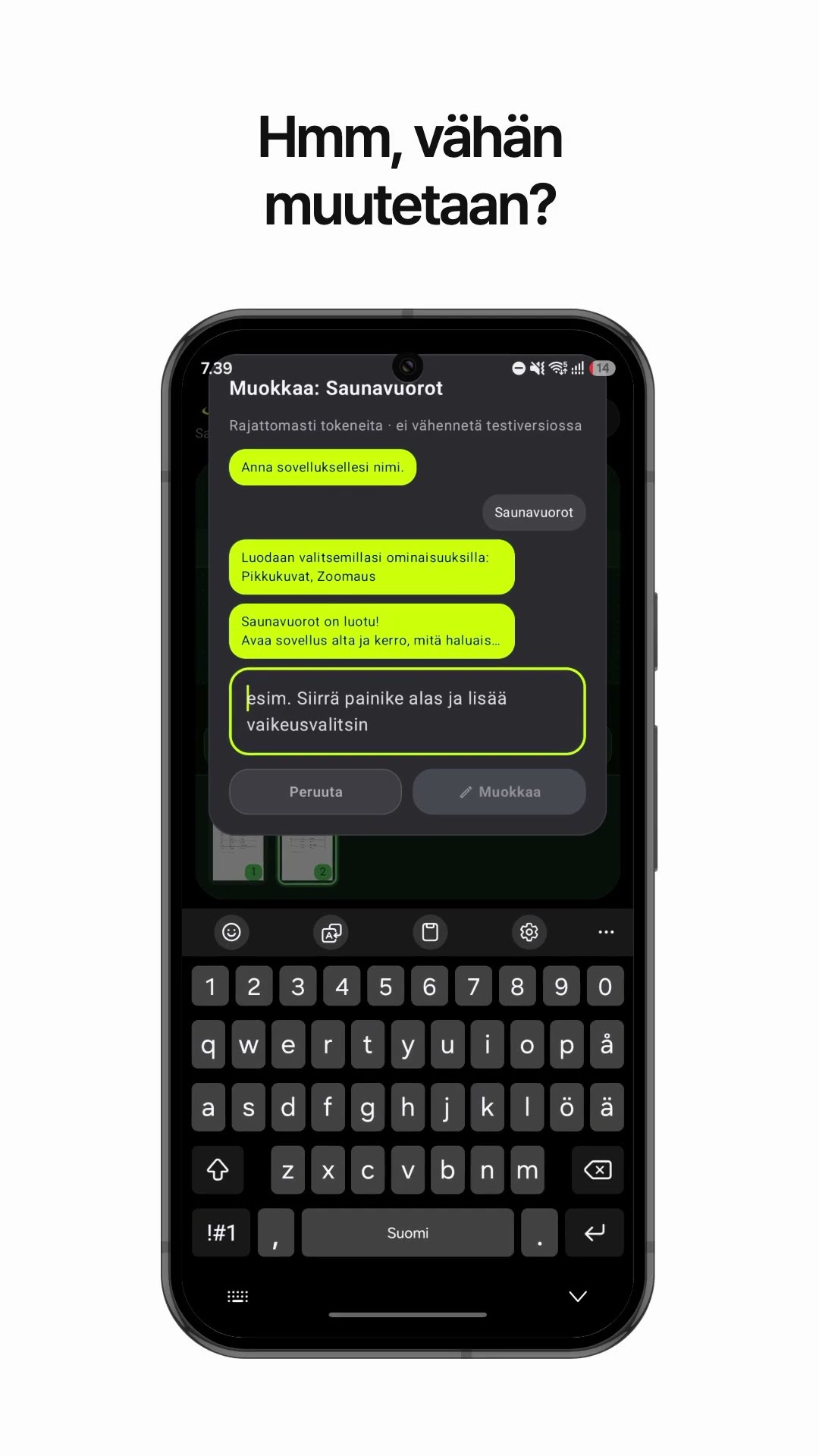
Make a PDF viewer app that shows one large page at a timeFinland · PDF viewer

Make a ferry departure time app with one sentenceCroatia · Schedule & file

Make a pages-per-day reading app with one sentenceIceland · Reading calculator

Make a trapezoid land area calculator app with one sentenceMoldova · Area calculator

Make a jigsaw puzzle edge piece calculator appSan Marino · Calculator

Make a recycling day reminder app with one sentenceItaly · Reminder & read aloud
This example in other languages: 한국어Nederlands