
First prompt
Mach eine App, die einen QR-Code mit Namen und E-Mail für den Schulrucksack meiner Tochter erstellt.MeaningMake an app that creates a QR code with a name and email for my daughter’s school backpack.
- App name
- Fundzettel (Lost Item Note)
- Suggested features picked before building
- Print sheet, Note
In the original recording, it took 1 min 8 sec to build.
The app it made
- With “Anna” in the name field and an address in the email field, a QR code appeared right away. The email address is a sample for filming.
- After writing “Class 2b” in the “Note” tab and opening the “Print sheet” tab, a sticker sheet appeared with the app name, the QR, Anna, the email address, and Class 2b.
Change request
Füge einen Knopf hinzu, der den QR-Aufkleber als Bild am Handy speichert.MeaningAdd a button that saves the QR sticker as an image on the phone.
After the change
- Scrolling down shows a new “Save QR sticker as image” button. Anna, the email address, and the QR entered earlier are still there.
- After tapping the button and saving in the phone’s save window, “QR sticker saved as image.” appeared, and a “Fundzettel-QR.svg” file was created on the phone.
In the original recording, the change took about 57 sec.
When reopened
Save, close, and open it again, and Anna, the email address, and the QR code are still there.
Try writing it like this for a similar app
- Make a name tag app for my kid’s bag. When I enter the name, class, and a parent’s phone number, it makes a sticker with a QR code.
- Let me print several stickers on one letter-size sheet.
- Put “If found, please contact me” in large text under the QR.
These are sample prompts, not real cases. What you get depends on what you ask for.
How to make it
- Type the app you want in one sentence in the box on the home screen.
- Answer “Give your app a name.” with the name you want.
- From the features BYVE AI suggests, pick only the ones you want.
- Tap “Build for 1 token” to build the app, then tap “Open app” to use it right away.
- Write what you want to change in the chat, and the same app gets updated. A change also uses 1 token.
Good to know
- Each new app or change uses 1 token. You get 2 tokens when you first install, and you can get up to 3 more every 24 hours by watching ads. There are no in-app purchases.
- The apps you make and what you enter are saved on your phone, and apps you’ve already made open without internet. Features that fetch outside information, like weather and maps, need internet.
- It works on Android 8.0 or later and iOS 17.0 or later, and there’s no sign-up.


Android & iOS · Free · No sign-up
More examples

Make a light meter app with your phone’s light sensorBelgium · Light sensor
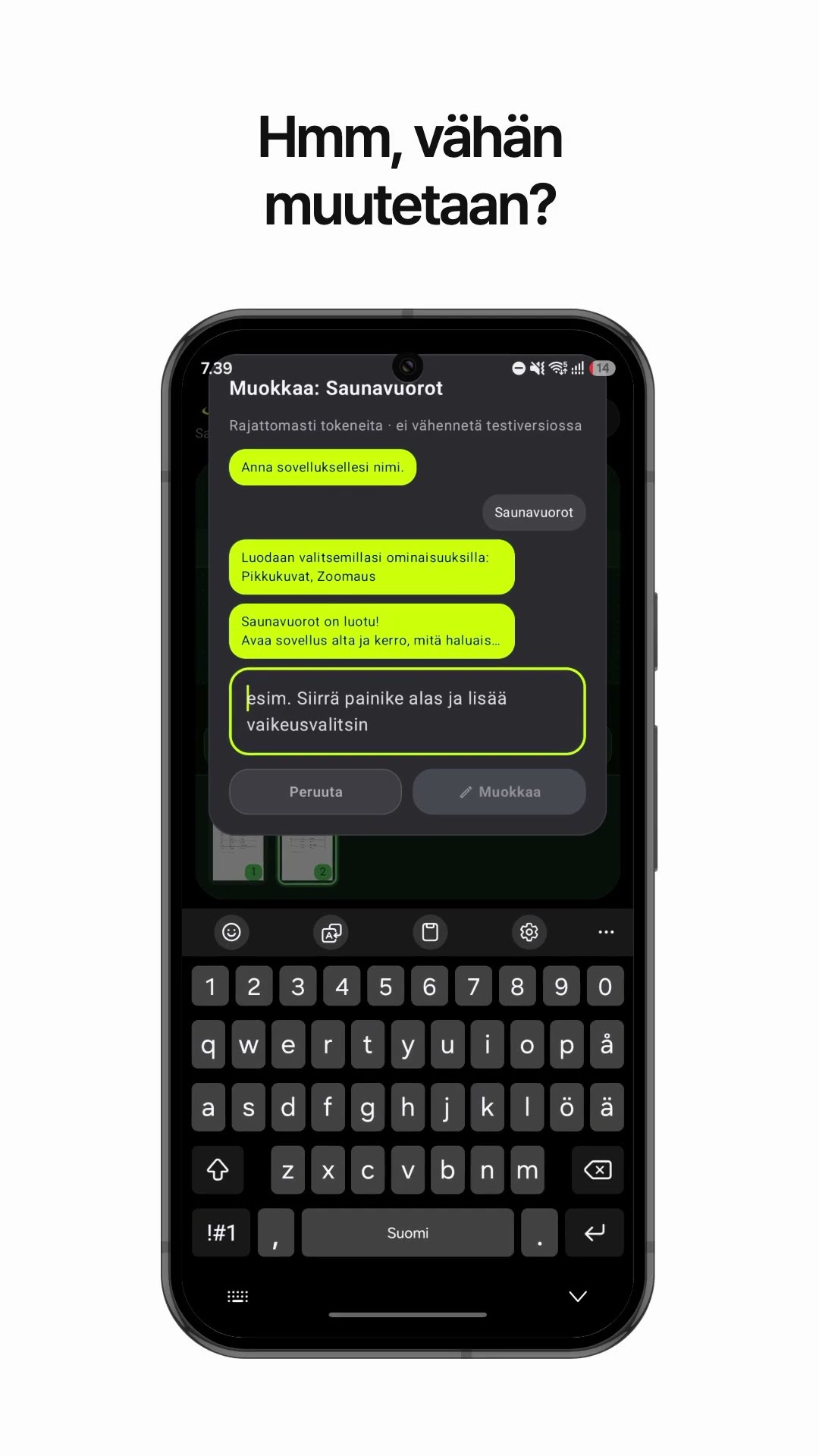
Make a PDF viewer app that shows one large page at a timeFinland · PDF viewer

Make a ferry departure time app with one sentenceCroatia · Schedule & file

Make a pages-per-day reading app with one sentenceIceland · Reading calculator

Make a trapezoid land area calculator app with one sentenceMoldova · Area calculator

Make a jigsaw puzzle edge piece calculator appSan Marino · Calculator