
First prompt
გამიკეთე ხინკლის მთვლელი, თითო ადამიანზე ღილაკით.MeaningMake me a khinkali counter, with a button for each person.
- App name
- ხინკალი (Khinkali (Georgian dumplings))
- Suggested features picked before building
- Names, History
In the original recording, it took about 1 min 6 sec to build.
The app it made
- The first screen showed “Who ate how many? · Count / History · Total eaten 0.”
- With Nino, Giorgi, and Luka entered in the name field and +1 tapped until Nino had 3, Giorgi 5, and Luka 4, it showed “Total eaten 12.” The names are samples for filming.
Change request
ვინც ყველაზე მეტს ჭამს, გვირგვინი დაადე.MeaningPut a crown on whoever eats the most.
After the change
- A crown appeared next to Giorgi’s name. The 3, 5, and 4 and the total of 12 are still there.
In the original recording, the change took about 20 sec.
When reopened
Save, close, and open it again, and 3, 5, 4, 12, and Giorgi’s crown are still there.
Try writing it like this for a similar app
- Make an app that counts how many each of us ate. Let me enter friends’ names and tap a +1 button by each name to count.
- Put a first-place mark next to the name of whoever ate the most.
- Save the results by the date we got together and show them as history.
These are sample prompts, not real cases. What you get depends on what you ask for.
How to make it
- Type the app you want in one sentence in the box on the home screen.
- Answer “Give your app a name.” with the name you want.
- From the features BYVE AI suggests, pick only the ones you want.
- Tap “Build for 1 token” to build the app, then tap “Open app” to use it right away.
- Write what you want to change in the chat, and the same app gets updated. A change also uses 1 token.
Good to know
- Each new app or change uses 1 token. You get 2 tokens when you first install, and you can get up to 3 more every 24 hours by watching ads. There are no in-app purchases.
- The apps you make and what you enter are saved on your phone, and apps you’ve already made open without internet. Features that fetch outside information, like weather and maps, need internet.
- It works on Android 8.0 or later and iOS 17.0 or later, and there’s no sign-up.


Android & iOS · Free · No sign-up
More examples

Make a prepaid electricity token calculator app with one sentenceIndonesia · Log & chart

Make a market shopping budget app with one sentenceTürkiye · Shopping & budget

Make a TV size inches-to-cm calculator app with one sentenceBahrain · Calculator

Make a tree age estimator app with one sentenceBhutan · Calculator & log
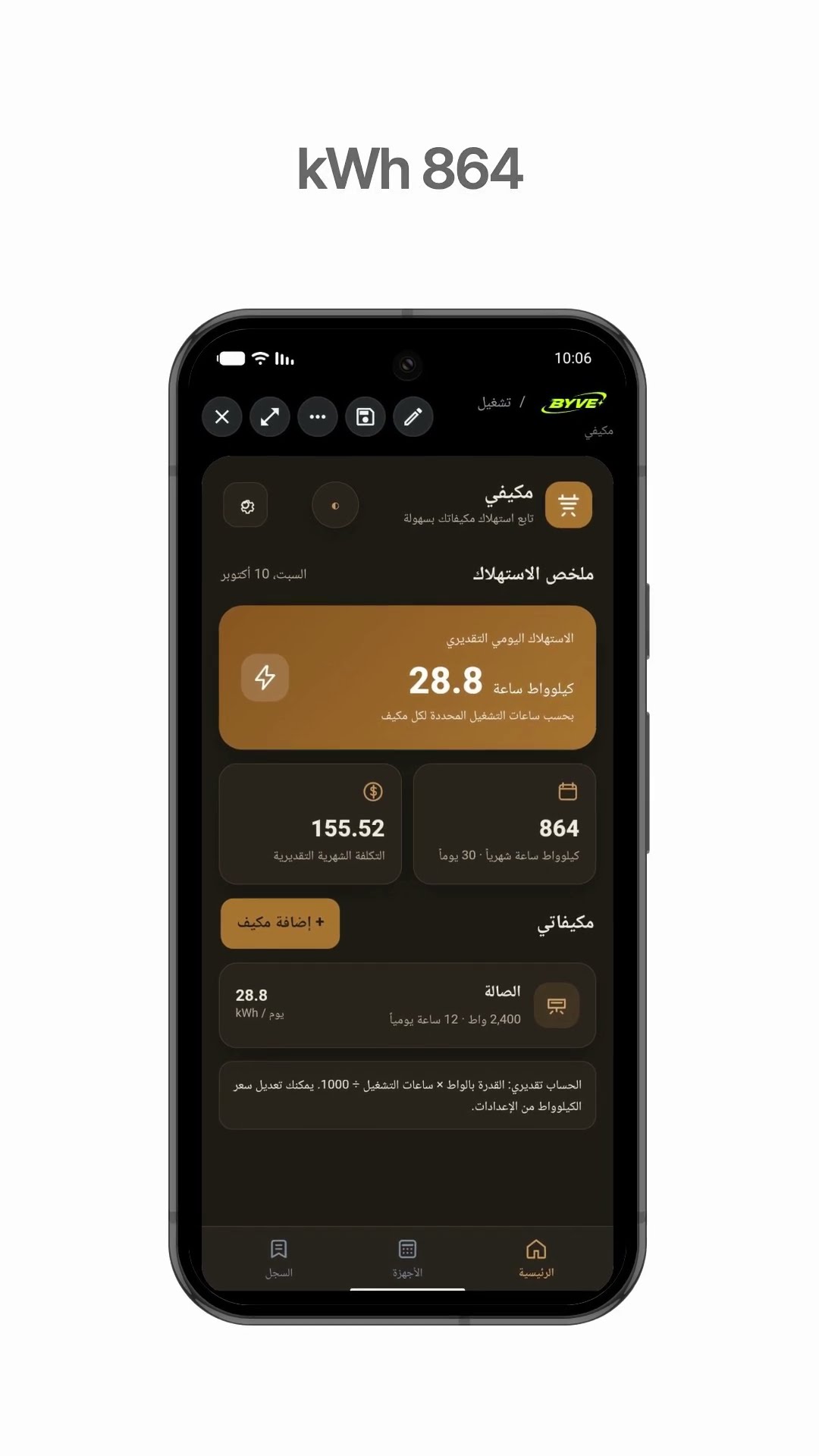
Make an air conditioner electricity usage app with one sentenceKuwait · Calculator & electricity

Make a plant watering schedule app with one sentenceThailand · Log & reminder