
First prompt
Ulsan: dinner, park and a route map.
- App name
- OffClock
The app it made
- Adding “Ulsan Grand Park” (park) and “Seongnam Market Ulsan” (dinner) to “Tonight’s plan” made a numbered list.
- In “Route map” below, choosing Walking out of Walking, Driving, and Transit showed both places on the map.
Change request
Add saved places.
After the change
- A star button for each place and a “Saved places” section appeared. At first it showed “Nothing saved yet.”
- Tapping the star for Ulsan Grand Park showed a “Saved Ulsan Grand Park” message and added it to “Saved places.” In tonight’s plan, the order was changed to put the dinner spot at 1 and the park at 2.
Try writing it like this for a similar app
- Make an after-work evening plan app. When I add a dinner spot and a park for a walk, show the route on a map.
- When I tap a star on a place I want to go, keep it in a separate list.
- Let me change the order of the plan with up and down buttons.
These are sample prompts, not real cases. What you get depends on what you ask for.
How to make it
- Type the app you want in one sentence in the box on the home screen.
- Answer “Give your app a name.” with the name you want.
- From the features BYVE AI suggests, pick only the ones you want.
- Tap “Build for 1 token” to build the app, then tap “Open app” to use it right away.
- Write what you want to change in the chat, and the same app gets updated. A change also uses 1 token.
Good to know
- Each new app or change uses 1 token. You get 2 tokens when you first install, and you can get up to 3 more every 24 hours by watching ads. There are no in-app purchases.
- The apps you make and what you enter are saved on your phone, and apps you’ve already made open without internet. Features that fetch outside information, like weather and maps, need internet.
- It works on Android 8.0 or later and iOS 17.0 or later, and there’s no sign-up.


Android & iOS · Free · No sign-up
More examples

Make a stop motion preview app by chatCanada · Photos & playback

Make a guitar chord practice app with one sentenceBrazil · Music practice

Make a river boat travel time calculator app with one sentenceSuriname · Calculator
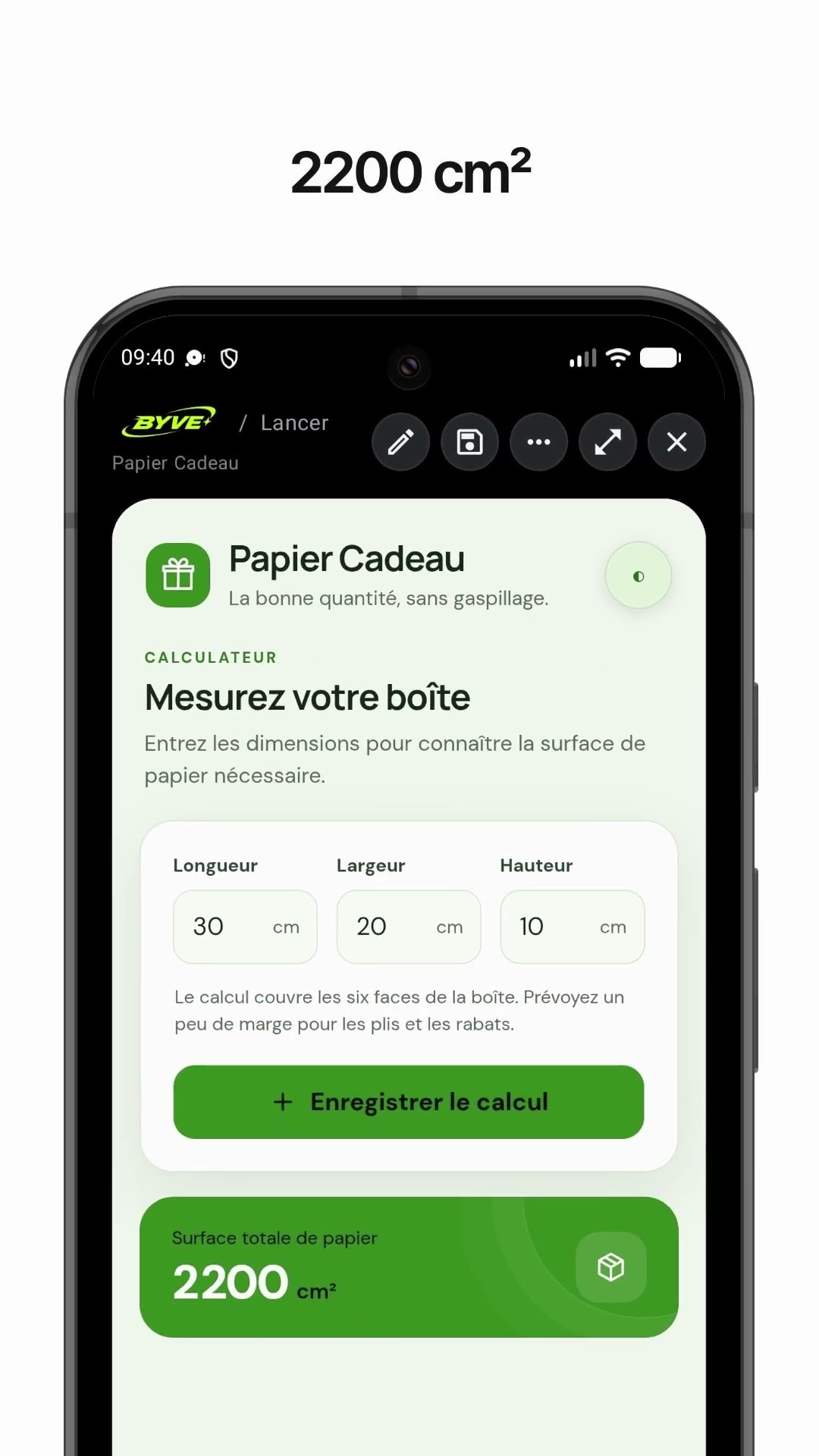
Make a gift wrap paper calculator app with one sentenceSaint Pierre and Miquelon · Calculator
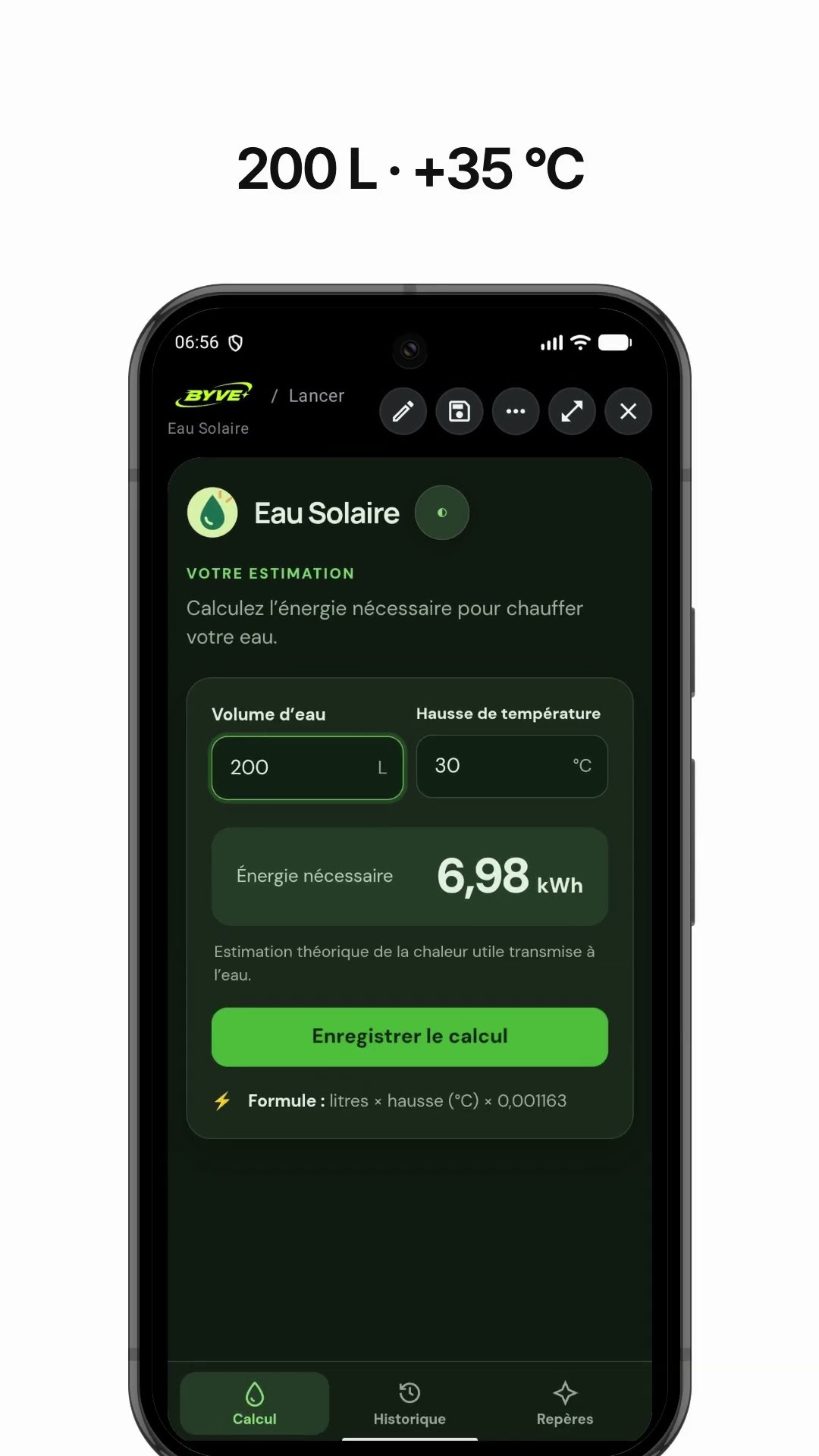
Make a solar water heater energy calculator app with one sentenceGuadeloupe · Energy calculator

Make a golden ratio canvas calculator app with one sentenceSaint Lucia · Calculator
This example in other languages: 한국어