
First prompt
Maak een app voor mijn boot, ik vul de afstand in km, de snelheid van de boot en de snelheid van de stroom in, en hij geeft de tijd stroomopwaarts en stroomafwaartsMeaningMake an app for my boat. I fill in the distance in km, the boat’s speed, and the current’s speed, and it gives the time upstream and downstream.
- App name
- Korjaal Tijd (Korjaal (river boat) Time)
- Suggested features picked before building
- Save, Compare
In the original recording, it took about 1 min 3 sec to build.
The app it made
- Entering a distance of 60, a boat speed of 20, and a current of 5, naming the route “Naar Atjoni” (to Atjoni), and calculating showed “Upstream 4 h 0 min · Downstream 2 h 24 min.”
- Tapping “Save” kept “Naar Atjoni” in “Saved calculations.” The numbers are sample values for filming, not real trip information.
Change request
Voeg een regel toe met de totale tijd heen en terugMeaningAdd a line with the total time there and back.
After the change
- In the changed app, tapping calculate once more showed a new line: “Total round trip time 6 h 24 min.”
- This calculation was saved too.
In the original recording, the change took about 34 sec.
When reopened
Save, close, and open it again, and both entries are still in “Saved calculations.”
Try writing it like this for a similar app
- Make a boat travel time calculator. When I enter the distance, boat speed, and current speed, show the time going upstream and coming back downstream.
- Let me name and save each route, and compare two routes side by side.
- When I enter a departure time, also tell me the expected arrival time.
These are sample prompts, not real cases. What you get depends on what you ask for.
How to make it
- Type the app you want in one sentence in the box on the home screen.
- Answer “Give your app a name.” with the name you want.
- From the features BYVE AI suggests, pick only the ones you want.
- Tap “Build for 1 token” to build the app, then tap “Open app” to use it right away.
- Write what you want to change in the chat, and the same app gets updated. A change also uses 1 token.
Good to know
- Each new app or change uses 1 token. You get 2 tokens when you first install, and you can get up to 3 more every 24 hours by watching ads. There are no in-app purchases.
- The apps you make and what you enter are saved on your phone, and apps you’ve already made open without internet. Features that fetch outside information, like weather and maps, need internet.
- It works on Android 8.0 or later and iOS 17.0 or later, and there’s no sign-up.


Android & iOS · Free · No sign-up
More examples
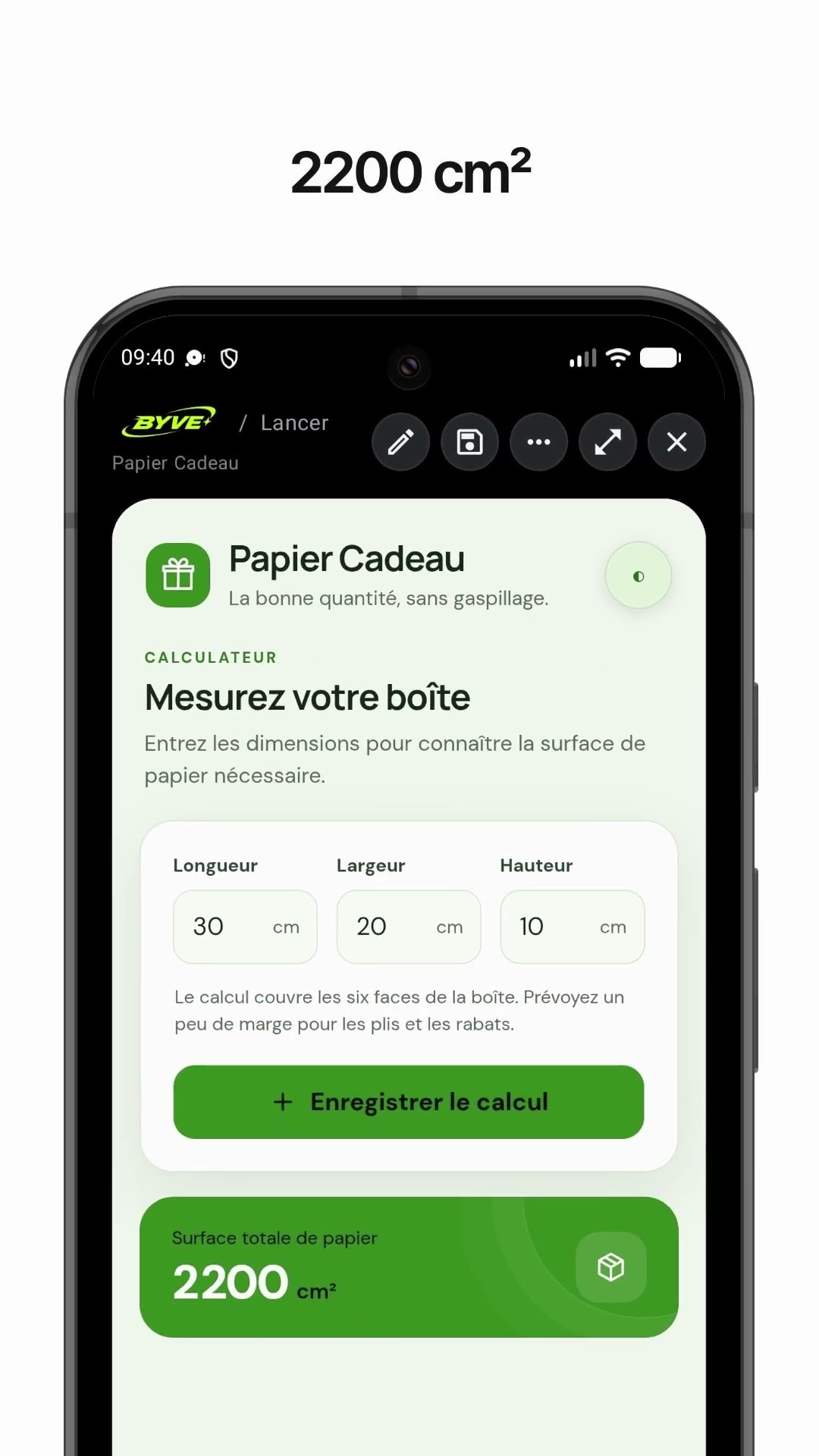
Make a gift wrap paper calculator app with one sentenceSaint Pierre and Miquelon · Calculator
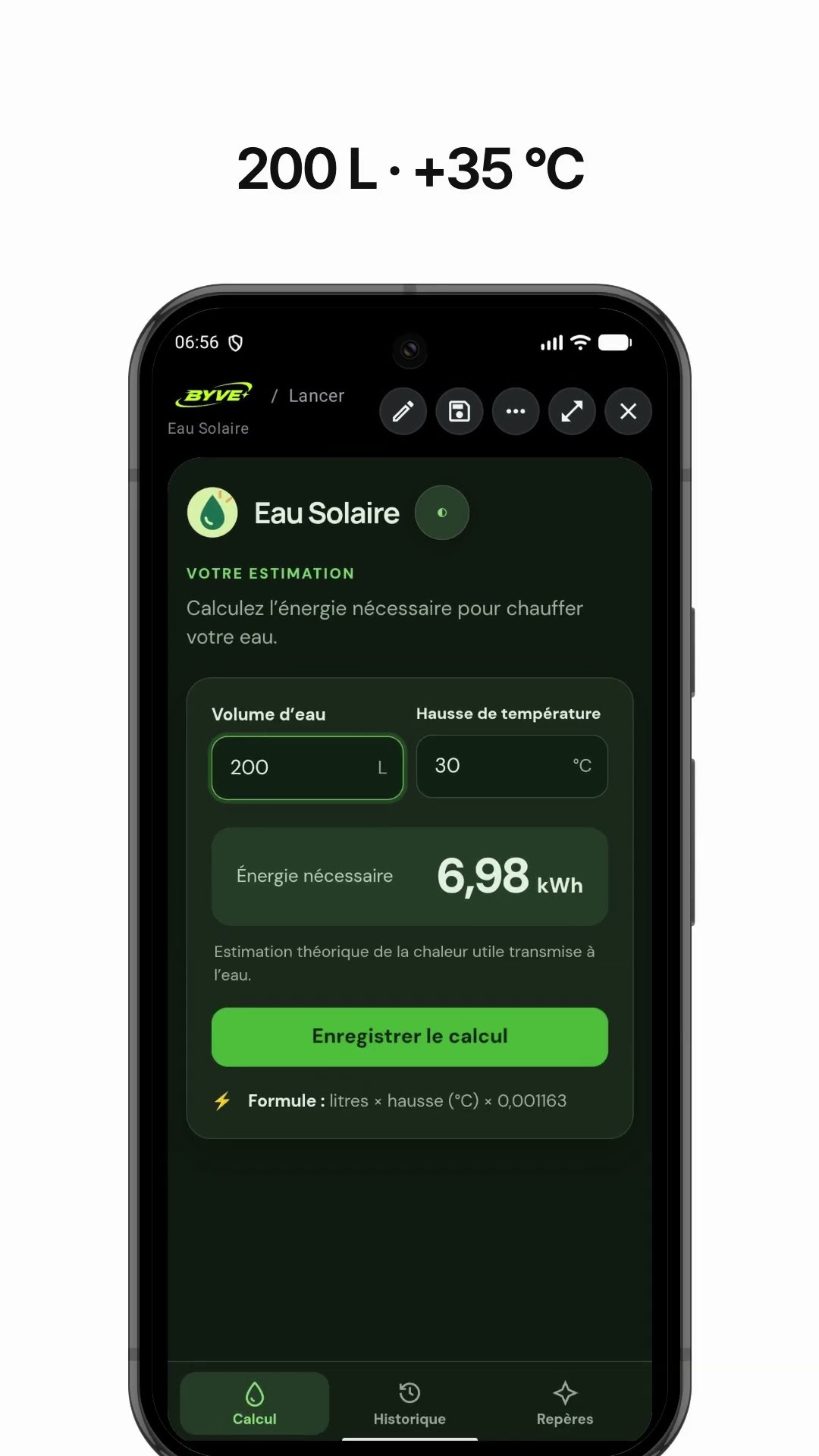
Make a solar water heater energy calculator app with one sentenceGuadeloupe · Energy calculator

Make a golden ratio canvas calculator app with one sentenceSaint Lucia · Calculator

Make a parade order permutation app with one sentenceMartinique · Calculator

Make a lumber board foot calculator app with one sentenceHonduras · Calculator

Make a triangle garden area calculator app with one sentenceU.S. Virgin Islands · Calculator
This example in other languages: 한국어Nederlands