
First prompt
Make an app for a pulley, I put the weight to lift in kg and how many rope parts hold it, and it shows how hard I pull
- App name
- Pulley Pull
- Suggested features picked before building
- Rope Diagram, History
In the original recording, it took about 1 min 19 sec to build.
The app it made
- Entering a weight of 60 and 3 rope parts showed “Estimated pull 23.53 kgf” and “Ideal (no friction): 20 kgf.” The efficiency field stayed at its starting value of 85.
- Tapping “Save calculation” saved 1 entry to the history. This is not a safety calculation.
Change request
Add a line with how much rope I pull to lift it 4 meters
After the change
- A line reading “Rope to pull for 4 m lift: 12 m” appeared under 23.53 kgf.
In the original recording, the change took about 34 sec.
When reopened
Save, close, and open it again, and the first saved history entry is still there.
Try writing it like this for a similar app
- When I enter the weight to lift and the number of rope parts on the pulley, tell me the pulling force.
- When I enter the lever length and where the pivot is, work out the force needed.
- Keep each result as a record with the date.
These are sample prompts, not real cases. What you get depends on what you ask for.
How to make it
- Type the app you want in one sentence in the box on the home screen.
- Answer “Give your app a name.” with the name you want.
- From the features BYVE AI suggests, pick only the ones you want.
- Tap “Build for 1 token” to build the app, then tap “Open app” to use it right away.
- Write what you want to change in the chat, and the same app gets updated. A change also uses 1 token.
Good to know
- Each new app or change uses 1 token. You get 2 tokens when you first install, and you can get up to 3 more every 24 hours by watching ads. There are no in-app purchases.
- The apps you make and what you enter are saved on your phone, and apps you’ve already made open without internet. Features that fetch outside information, like weather and maps, need internet.
- It works on Android 8.0 or later and iOS 17.0 or later, and there’s no sign-up.


Android & iOS · Free · No sign-up
More examples

Make a candle burn time calculator app with one sentenceEswatini · Calculator

Make a BBQ meat calculator app with one sentenceSouth Africa · Calculator & timer

Make a final exam grade calculator app with one sentenceDR Congo · Grade calculator

Make a density calculator app that tells you if it floatsDjibouti · Calculator
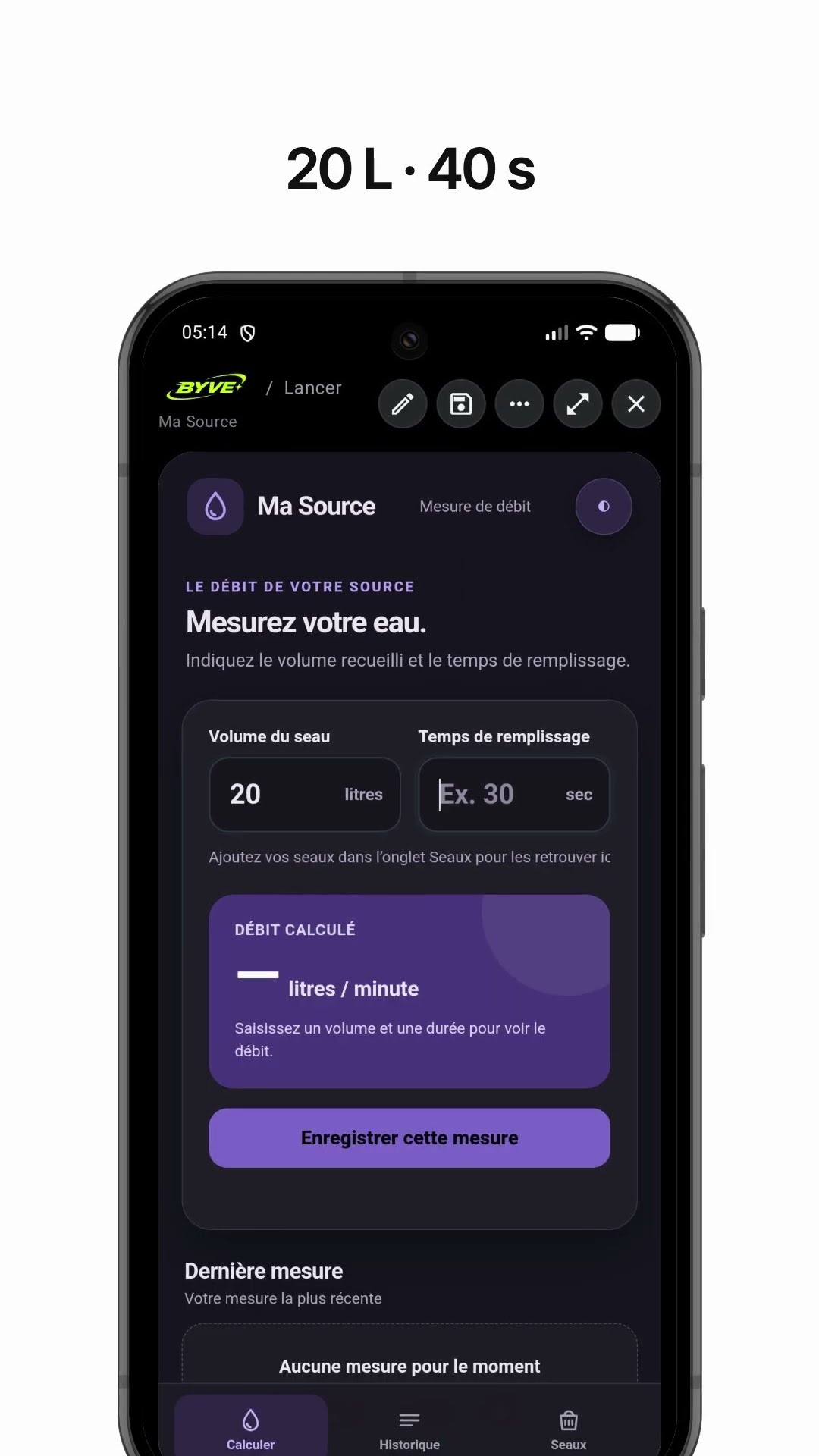
Make a spring water flow rate app with one sentenceGuinea · Calculator

Make a cone tent fabric area calculator appMauritania · Calculator
This example in other languages: 한국어