
First prompt
Fais une app pour savoir si un objet flotte, je mets le poids en grammes et le volume en ml, et elle montre la densite et si il flotteMeaningMake an app to find out if an object floats. I enter the weight in grams and the volume in ml, and it shows the density and whether it floats.
- App name
- Flotte ou Pas (Float or Not)
- Suggested features picked before building
- History, Materials
In the original recording, it took about 1 min 10 sec to build.
The app it made
- With a weight of 300 and a volume of 500, “It floats · 0.6 g/ml” appeared right away.
- Tapping “Save to history” added 1 entry to the history.
Change request
Ajoute une ligne avec le pourcentage qui reste sous la surfaceMeaningAdd a line with the percentage that stays below the surface.
After the change
- In the changed app, a new line appeared under 0.6: “Part below the surface 60%.”
- This calculation was saved too, bringing the history to 2 entries.
In the original recording, the change took about 32 sec.
When reopened
Save, close, and open it again, and the 2 history entries are still there.
Try writing it like this for a similar app
- When I enter an object’s weight and volume, calculate the density and tell me if it floats in water.
- Let me pick seawater or fresh water and show separately whether it floats.
- Save results to the history with the material name.
These are sample prompts, not real cases. What you get depends on what you ask for.
How to make it
- Type the app you want in one sentence in the box on the home screen.
- Answer “Give your app a name.” with the name you want.
- From the features BYVE AI suggests, pick only the ones you want.
- Tap “Build for 1 token” to build the app, then tap “Open app” to use it right away.
- Write what you want to change in the chat, and the same app gets updated. A change also uses 1 token.
Good to know
- Each new app or change uses 1 token. You get 2 tokens when you first install, and you can get up to 3 more every 24 hours by watching ads. There are no in-app purchases.
- The apps you make and what you enter are saved on your phone, and apps you’ve already made open without internet. Features that fetch outside information, like weather and maps, need internet.
- It works on Android 8.0 or later and iOS 17.0 or later, and there’s no sign-up.


Android & iOS · Free · No sign-up
More examples
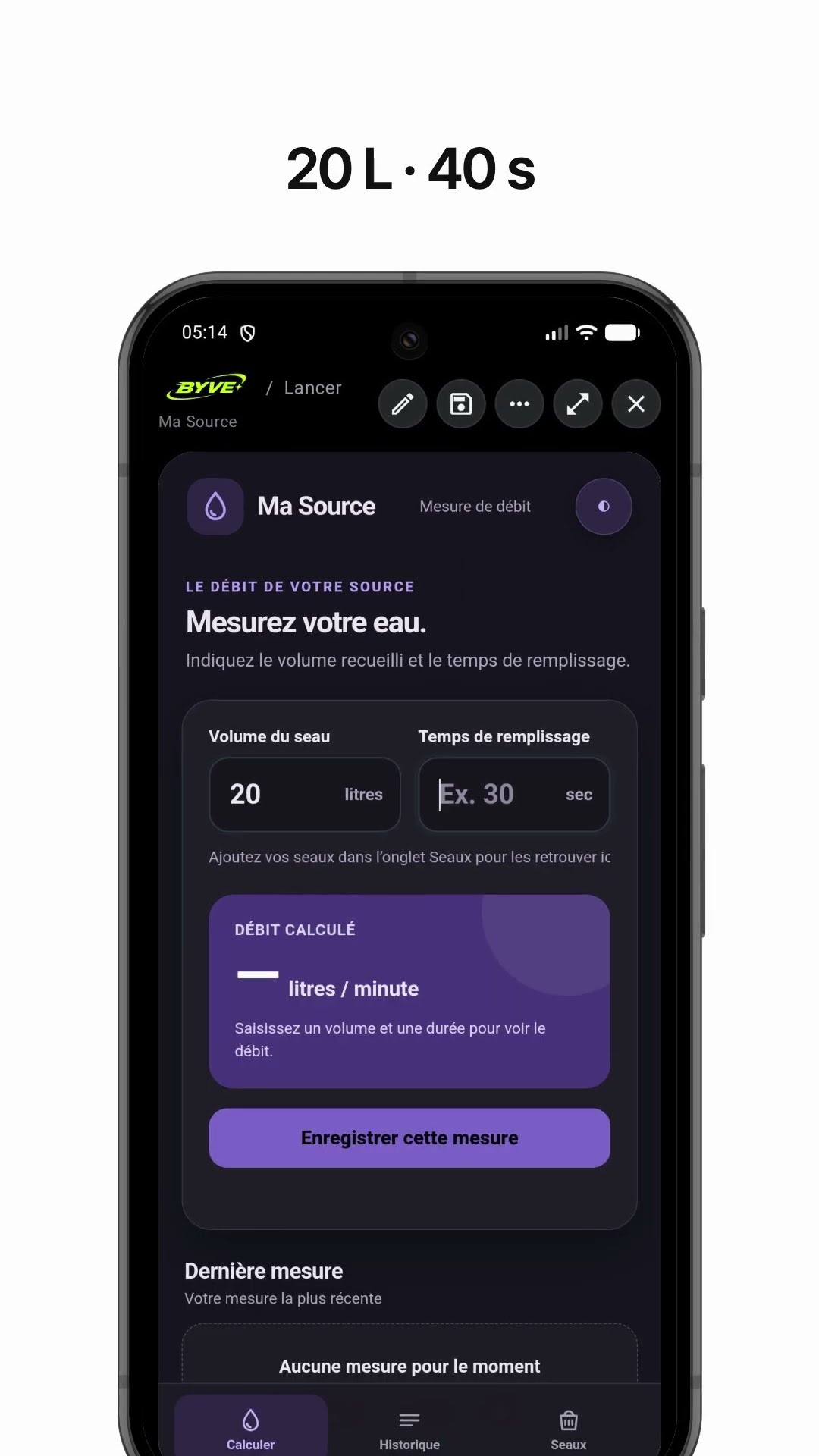
Make a spring water flow rate app with one sentenceGuinea · Calculator

Make a cone tent fabric area calculator appMauritania · Calculator

Make a wall paint calculator app with one sentenceTunisia · Calculator

Make a motorbike taxi fare calculator app with one sentenceUganda · Fare calculator

Make a stair step calculator app with one sentenceZambia · Calculator
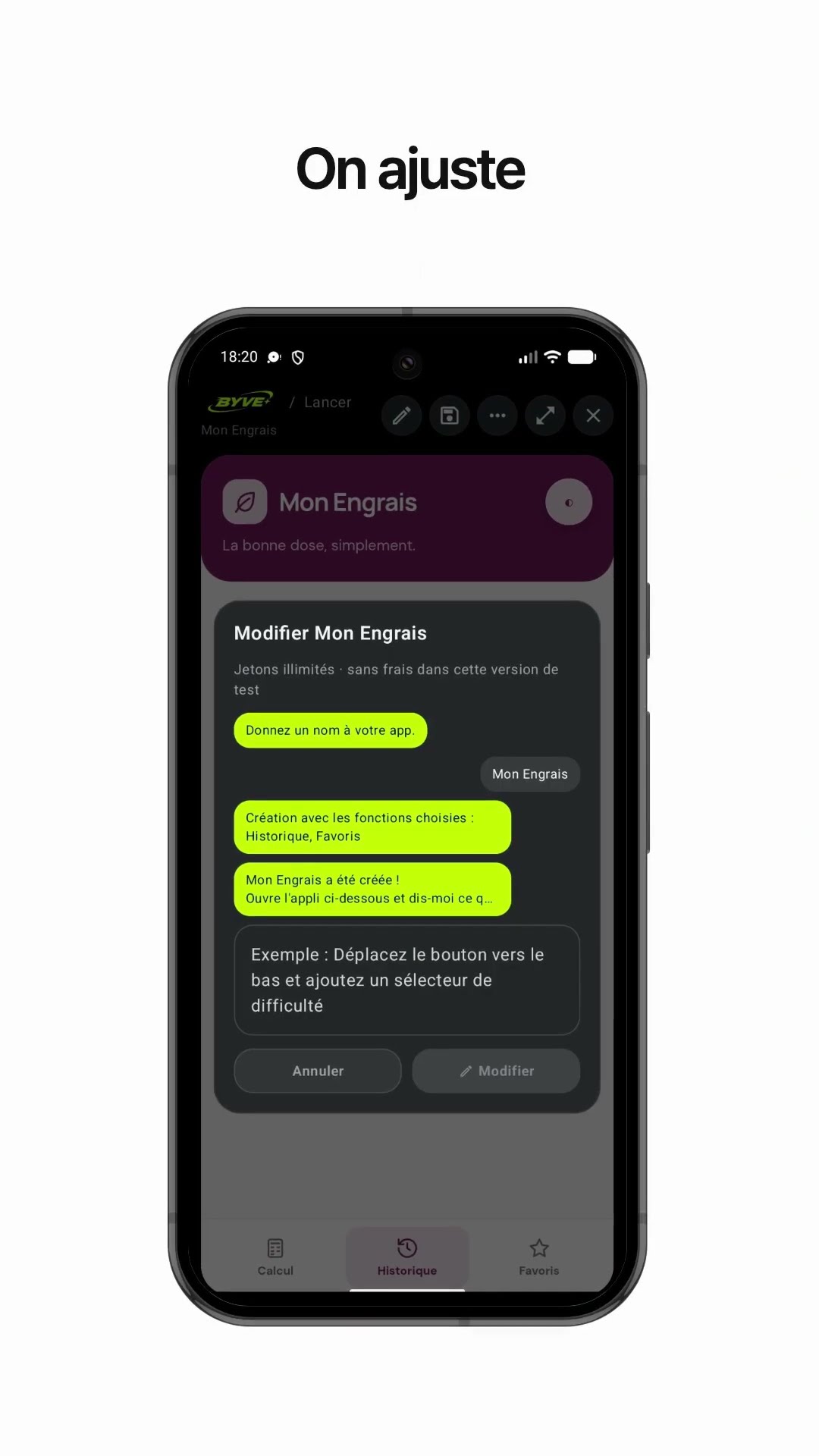
Make a fertilizer calculator app with one sentenceBurkina Faso · Calculator