
First prompt
Maak een app voor houten bakken met veel kanten, ik vul in hoeveel kanten en hoe lang een kant is in cm, en hij laat zien onder welke hoek ik zaagMeaningMake an app for wooden boxes with many sides. I enter how many sides and how long one side is in cm, and it shows what angle to cut at.
- App name
- Zaag Hoek (Saw Angle)
- Suggested features picked before building
- Projects, Manage
In the original recording, it took about 1 min 19 sec to build.
The app it made
- After the sample values 8 and 30 that came with the app were cleared and 6 sides of 40 were entered, it showed “Miter cut: 30° per end · Inside angle 120° · Total perimeter 240 cm” right away.
- In “Save as project,” the name “Plantenbak Kralendijk” was entered and saved, leaving 1 project. The numbers on screen are samples for filming.
Change request
Voeg een regel toe met hoeveel planken van 120 cm ik nodig hebMeaningAdd a line with how many 120 cm boards I need.
After the change
- The changed app opened with the sample values, so 6 and 40 were entered again. Then a “120 cm boards: 2 boards” line appeared.
- A second project, “Tweede bak,” was saved too.
In the original recording, the change took about 43 sec.
When reopened
Save, close, and open it again, and the 2 projects are still there.
Try writing it like this for a similar app
- Make an angle calculator for hexagon planter boxes. When I enter the number of sides, tell me what angle to cut the board ends.
- When I enter the length of one board, also show how many boards to buy.
- Save the boxes I make with names and show them in a list.
These are sample prompts, not real cases. What you get depends on what you ask for.
How to make it
- Type the app you want in one sentence in the box on the home screen.
- Answer “Give your app a name.” with the name you want.
- From the features BYVE AI suggests, pick only the ones you want.
- Tap “Build for 1 token” to build the app, then tap “Open app” to use it right away.
- Write what you want to change in the chat, and the same app gets updated. A change also uses 1 token.
Good to know
- Each new app or change uses 1 token. You get 2 tokens when you first install, and you can get up to 3 more every 24 hours by watching ads. There are no in-app purchases.
- The apps you make and what you enter are saved on your phone, and apps you’ve already made open without internet. Features that fetch outside information, like weather and maps, need internet.
- It works on Android 8.0 or later and iOS 17.0 or later, and there’s no sign-up.


Android & iOS · Free · No sign-up
More examples

Make a bus schedule app that counts down to the next busCosta Rica · Timetable
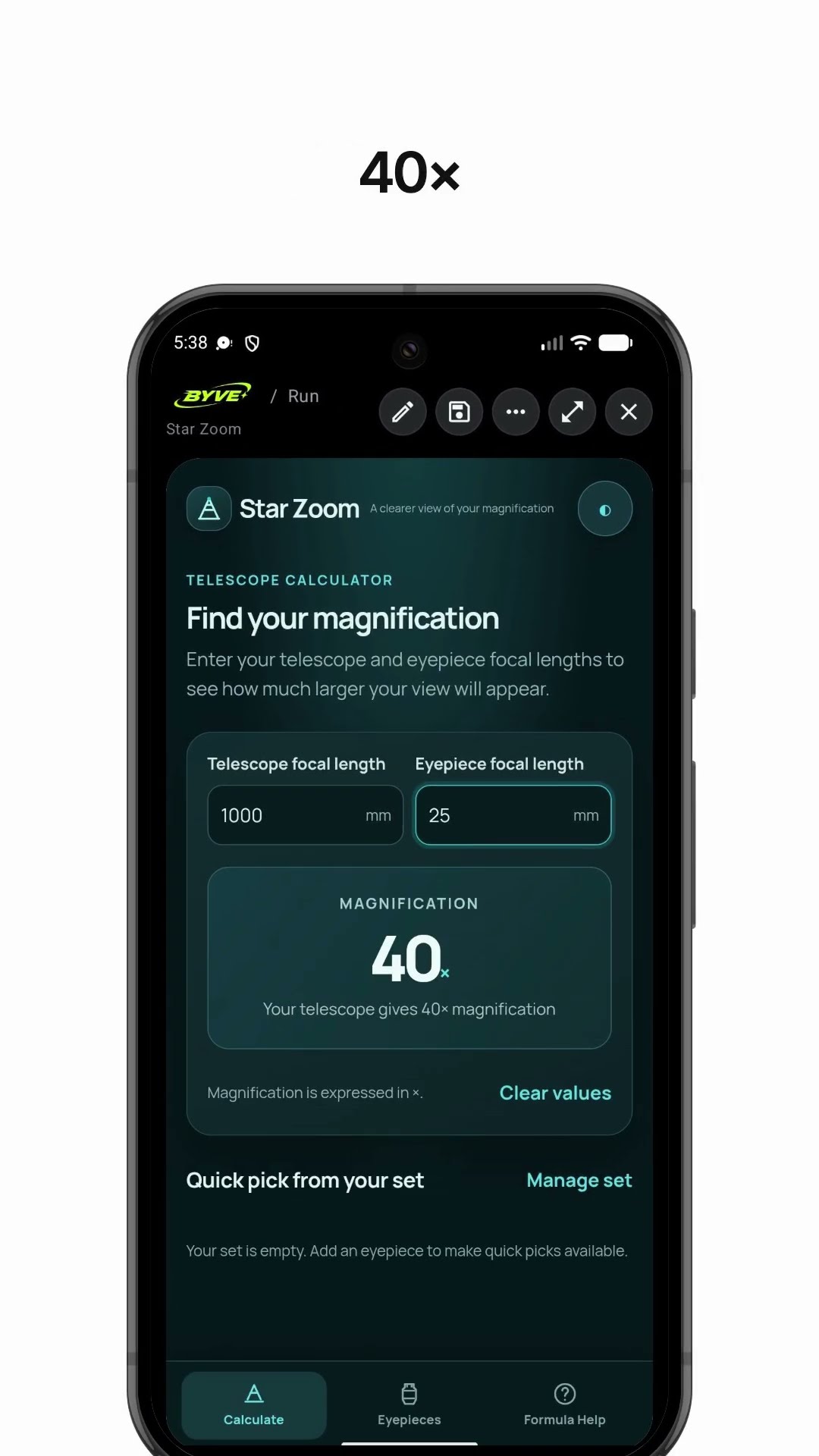
Make a telescope magnification calculator app with one sentenceDominica · Calculator

Make a solar panel calculator app with one sentenceHaiti · Calculator

Make an app that converts millimeters to inch fractionsMontserrat · Unit conversion

Make a discount calculator app with one sentencePanama · Calculator

Make an overtime paycheck calculator app with one sentencePuerto Rico · Calculator
This example in other languages: 한국어Nederlands