
First prompt
做一个菜地应用,输入篱笆长度,算出围成一个长方形最大有多少平方米MeaningMake a vegetable garden app. When I enter the fence length, it works out the most square meters a rectangle can enclose.
- App name
- 我的菜地 (My Vegetable Plot)
- Suggested features picked before building
- Calculation steps, Calculation history
In the original recording, it took about 1 min 31 sec to build.
The app it made
- Entering 20 for the fence and tapping “Calculate largest area” showed “Largest area a rectangle can enclose: 25 square meters · Square, 5 meters per side.”
- Each calculation is saved automatically, so “25 square meters · 20 meters of fence” stayed in the “Calculation history” tab.
Change request
加一行,一边靠墙的话最大有多少平方米MeaningAdd a line: the most square meters if one side is against a wall.
After the change
- Entering 20 again in the changed app added a line to the result box: “If one side is against a wall: 10 meters along the wall, 5 meters deep, largest area 50 square meters.”
When reopened
Save, close, and open it again, and the 2 “25 square meters” records are still in the calculation history.
Try writing it like this for a similar app
- When I enter the fence length, show the area in a table for different lengths and widths.
- When I enter the garden’s length and width and the plant spacing, work out how many seedlings I can plant.
- Keep each result as a record with the date.
These are sample prompts, not real cases. What you get depends on what you ask for.
How to make it
- Type the app you want in one sentence in the box on the home screen.
- Answer “Give your app a name.” with the name you want.
- From the features BYVE AI suggests, pick only the ones you want.
- Tap “Build for 1 token” to build the app, then tap “Open app” to use it right away.
- Write what you want to change in the chat, and the same app gets updated. A change also uses 1 token.
Good to know
- Each new app or change uses 1 token. You get 2 tokens when you first install, and you can get up to 3 more every 24 hours by watching ads. There are no in-app purchases.
- The apps you make and what you enter are saved on your phone, and apps you’ve already made open without internet. Features that fetch outside information, like weather and maps, need internet.
- It works on Android 8.0 or later and iOS 17.0 or later, and there’s no sign-up.


Android & iOS · Free · No sign-up
More examples

Make a soccer points calculator app with one sentenceIraq · Points tally

Make a dollar to riel converter app with one sentenceCambodia · Currency converter
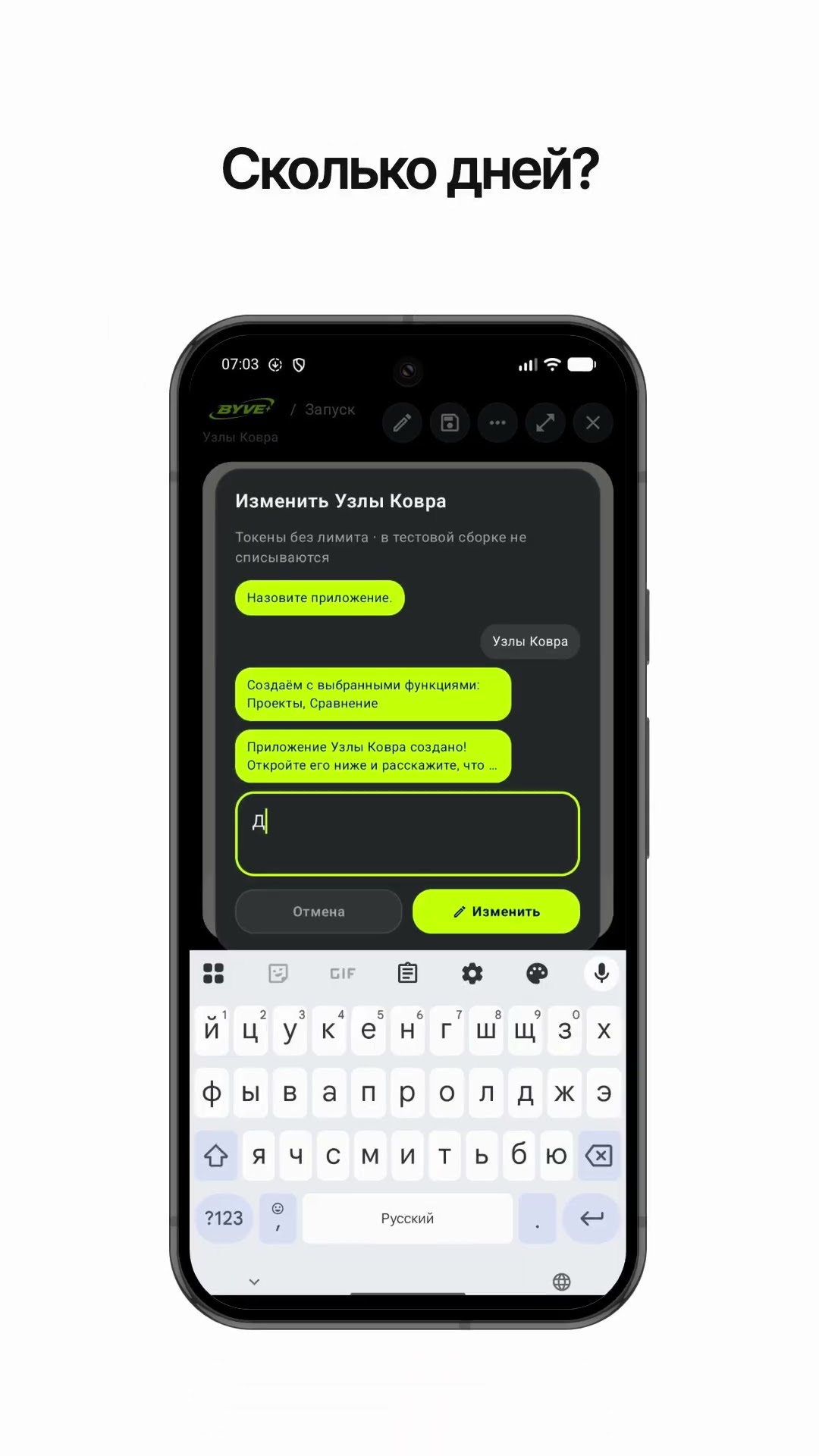
Make a carpet knot count calculator app with one sentenceTurkmenistan · Calculator

Make a gate arch radius calculator app with one sentenceAfghanistan · Calculator

Make a countries and capitals flash card appSri Lanka · Flash cards

Make an app that calculates pure gold from the gold’s weightOman · Calculator