
First prompt
سويلي تطبيق اكتب بيه كم مرة فزنا وكم مرة تعادلنا ويحسب النقاط الفوز بثلاث والتعادل بنقطةMeaningMake me an app where I write how many times we won and how many times we drew, and it works out the points: 3 for a win and 1 for a draw.
- App name
- نقاطنا (Our Points)
- Suggested features picked before building
- Match log, Undo
In the original recording, it took about 1 min 11 sec to build.
The app it made
- The app came with “+Win” and “Draw” buttons instead of number fields, so Win was tapped 7 times and Draw 3 times.
- It showed “Total points 24 · 10 games · Wins 7 · Draws 3,” and 10 entries piled up in the “Match log.”
Change request
ضيفلي كم مباراة باقية وشكد اعلى نقاط نوصلها اذا فزنا بكلهنMeaningAdd how many games are left and the most points we can reach if we win them all.
After the change
- The 24 points stayed the same, and a new “Match plan” card appeared.
- Entering 15 for total games and saving showed “Games left 5 · Highest possible points 39.”
In the original recording, the change took about 53 sec.
When reopened
Save, close, and open it again, and 24 points, 5 games left, and 39 max points are still there.
Try writing it like this for a similar app
- Let me record our team’s results by tapping win, draw, or loss, and show our points.
- When I enter the number of games left, tell me our maximum points if we win them all.
- Let me write the date and the other team for each game and show them in a list.
These are sample prompts, not real cases. What you get depends on what you ask for.
How to make it
- Type the app you want in one sentence in the box on the home screen.
- Answer “Give your app a name.” with the name you want.
- From the features BYVE AI suggests, pick only the ones you want.
- Tap “Build for 1 token” to build the app, then tap “Open app” to use it right away.
- Write what you want to change in the chat, and the same app gets updated. A change also uses 1 token.
Good to know
- Each new app or change uses 1 token. You get 2 tokens when you first install, and you can get up to 3 more every 24 hours by watching ads. There are no in-app purchases.
- The apps you make and what you enter are saved on your phone, and apps you’ve already made open without internet. Features that fetch outside information, like weather and maps, need internet.
- It works on Android 8.0 or later and iOS 17.0 or later, and there’s no sign-up.


Android & iOS · Free · No sign-up
More examples

Make a dollar to riel converter app with one sentenceCambodia · Currency converter
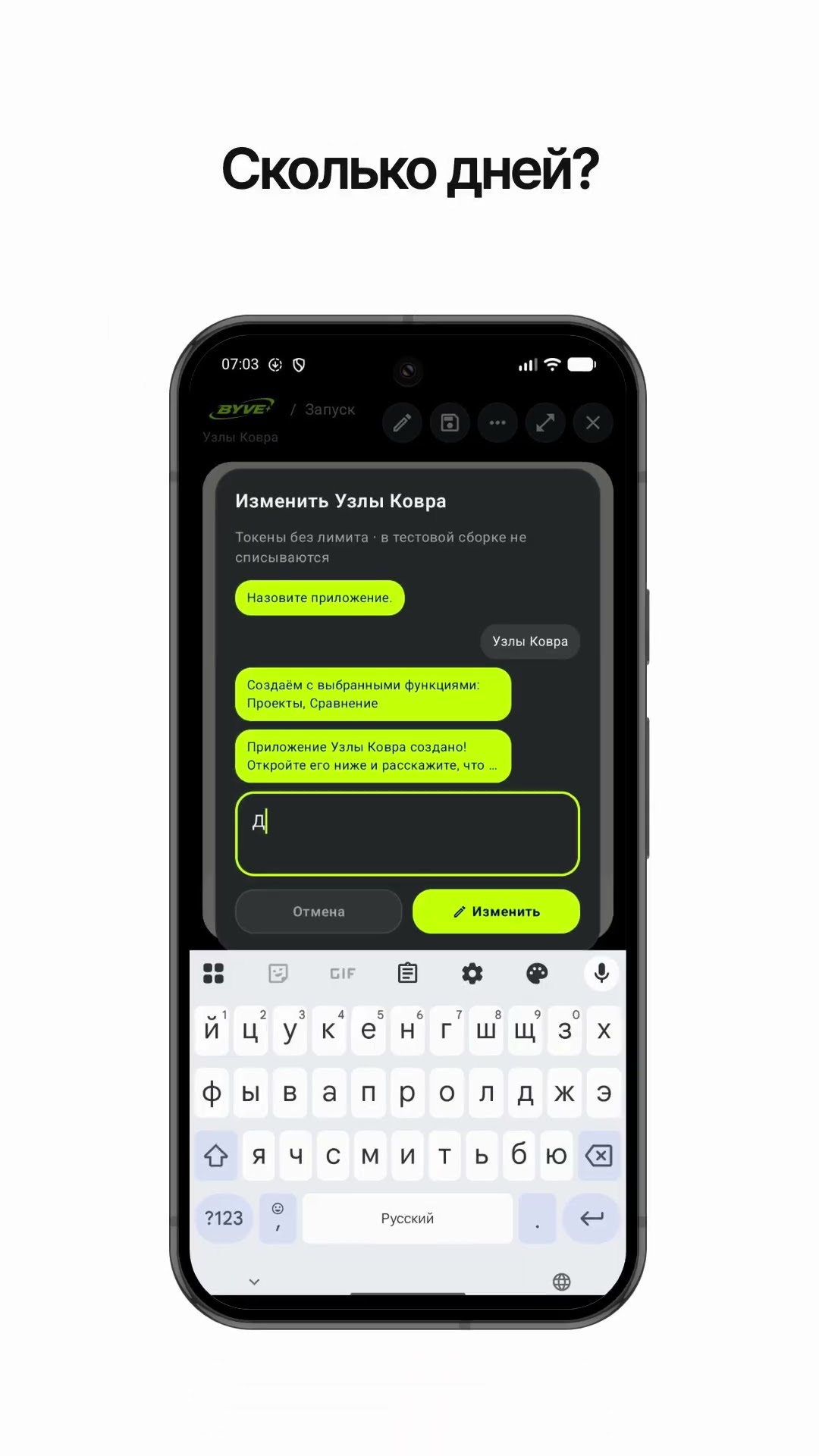
Make a carpet knot count calculator app with one sentenceTurkmenistan · Calculator

Make a gate arch radius calculator app with one sentenceAfghanistan · Calculator

Make a countries and capitals flash card appSri Lanka · Flash cards

Make an app that calculates pure gold from the gold’s weightOman · Calculator

Make a neighborhood walking path finder app with one sentenceSaudi Arabia · Map & timer