
First prompt
用台灣繁體中文做「今晚逛哪攤」夜市 App:收藏想吃的攤位、看順路動線,加入蚵仔煎和甜不辣。MeaningIn Taiwanese Traditional Chinese, make a night market app called “Which Stall Tonight”: save the stalls I want to try, show a route that’s on the way, and add oyster omelet (蚵仔煎) and fried fish cake (甜不辣).
- App name
- 今晚逛哪攤 (Which Stall Tonight)
The app it made
- When the app opened, the “Stall list” already had 蚵仔煎 (oyster omelet) and 甜不辣 (fried fish cake), with “2 saved · You can plan a route for 2 stops.”
- The “Up” and “Down” buttons were used to change the order and move 甜不辣 to number 1. The “Map” below showed where the stalls are.
Change request
請在每個攤位卡片加入「吃過了」勾選框,點一下就能標記已吃,並保留原本的店家清單和順路排序。MeaningAdd an “Ate here” checkbox to each stall card, so one tap marks it as eaten, and keep the original stall list and route order.
After the change
- Each stall card got an “Ate here” checkbox, and the two saved stalls and their order were still there.
- Tapping the checkbox for 甜不辣 showed “Marked 甜不辣 as eaten.” and “2 stalls · 1 eaten,” and an “Eaten” label appeared on the card.
Try writing it like this for a similar app
- Make a night market food list app. Let me save the stalls I want to try and move them up or down to set the order.
- Add an “Ate here” checkbox to each stall.
- Let me write down the dish and price for each stall, and show the total.
These are sample prompts, not real cases. What you get depends on what you ask for.
How to make it
- Type the app you want in one sentence in the box on the home screen.
- Answer “Give your app a name.” with the name you want.
- From the features BYVE AI suggests, pick only the ones you want.
- Tap “Build for 1 token” to build the app, then tap “Open app” to use it right away.
- Write what you want to change in the chat, and the same app gets updated. A change also uses 1 token.
Good to know
- Each new app or change uses 1 token. You get 2 tokens when you first install, and you can get up to 3 more every 24 hours by watching ads. There are no in-app purchases.
- The apps you make and what you enter are saved on your phone, and apps you’ve already made open without internet. Features that fetch outside information, like weather and maps, need internet.
- It works on Android 8.0 or later and iOS 17.0 or later, and there’s no sign-up.


Android & iOS · Free · No sign-up
More examples
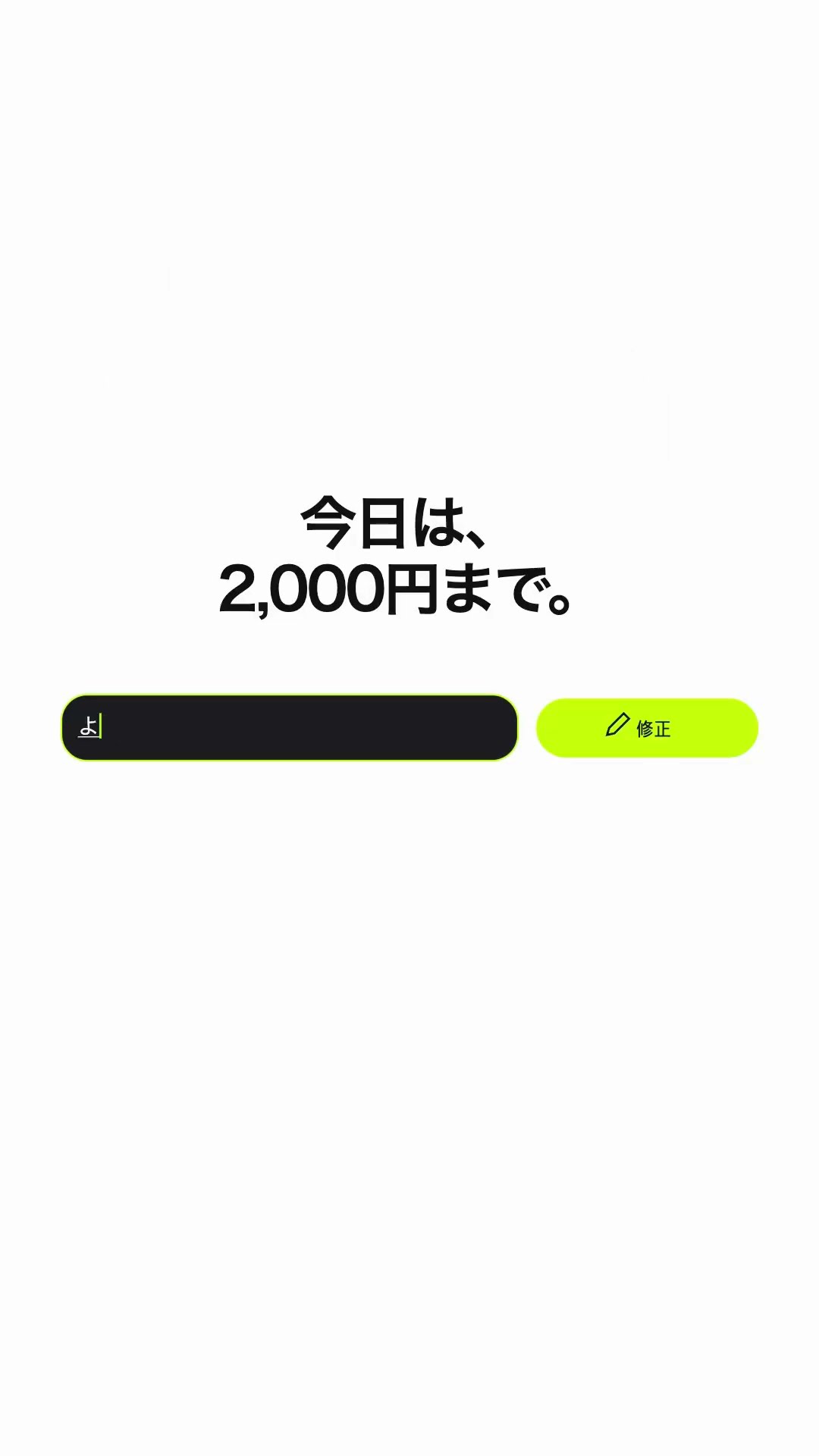
Make a grocery total app with one sentenceJapan · Calculator & budget

Make a perfume oil blend calculator app with one sentenceQatar · Calculator

Make a Fibonacci sequence calculator app with one sentencePalestine · Math calculator

Make a suitcase weight calculator app with one sentenceLebanon · Calculator

Make a Latin to Cyrillic converter app with one sentenceUzbekistan · Text converter

Make a reef fish survey app with one sentenceMaldives · Log & calculator